
The Creative Suite
A focused stack of AI-powered tools for creators, brands, and builders who care about visuals: portrait photography, generative art, dev-friendly graphics utilities, and studio-grade video.
Who this suite is for
If you run a brand, build product landing pages, create social content, or need assets for decks and pitch materials, this suite gives you a clean four-tool stack: InstaGlamor for human-directed AI portraits, Museit.art for intentional generative art, NanoZ.fun for dev + graphics utilities, and VEED for fast, browser-based video editing.
The Creative Suite at a glance

Museit.art
Content CreationFree Trial • ⭐ 4.9
AI art generator to create stunning digital artwork, illustrations, and professional graphics for your projects.

NanoZ.fun
Developer & DataFree Trial • ⭐ 4.9
AI-powered development tools and graphics utilities to accelerate coding workflows and visual design productivity.

VEED
Audio & VideoFree Trial • ⭐ 4.8
Online video editor with AI features to edit, subtitle, and enhance videos without complex software.
When to use which tool
Think of this suite as a creative pipeline: start with professional portraits or product shots, layer in art and graphics, wire it all into your dev workflow, then finish with polished video.
Museit.art — Intentional generative art & illustrations
Best for cover art, hero imagery, conceptual visuals, and illustration-style assets where you want art, not generic stock.
- Generate artwork for landing pages, social campaigns, and decks.
- Explore multiple styles while keeping an intentional, guided creative process.
- Ideal companion to InstaGlamor portraits when you need supporting visuals and scenes.
NanoZ.fun — Dev & graphics utilities for creative builders
Best for developers and technical founders who need small, focused tools for code and graphics workflows.
- Use NanoZ to generate or clean up snippets, process images, and handle quick graphics utilities without heavy software.
- Fits into a maker's toolkit for shipping marketing sites, product UIs, or creative experiments faster.
- Great bridge between your design/asset pipeline and the code that ships it.

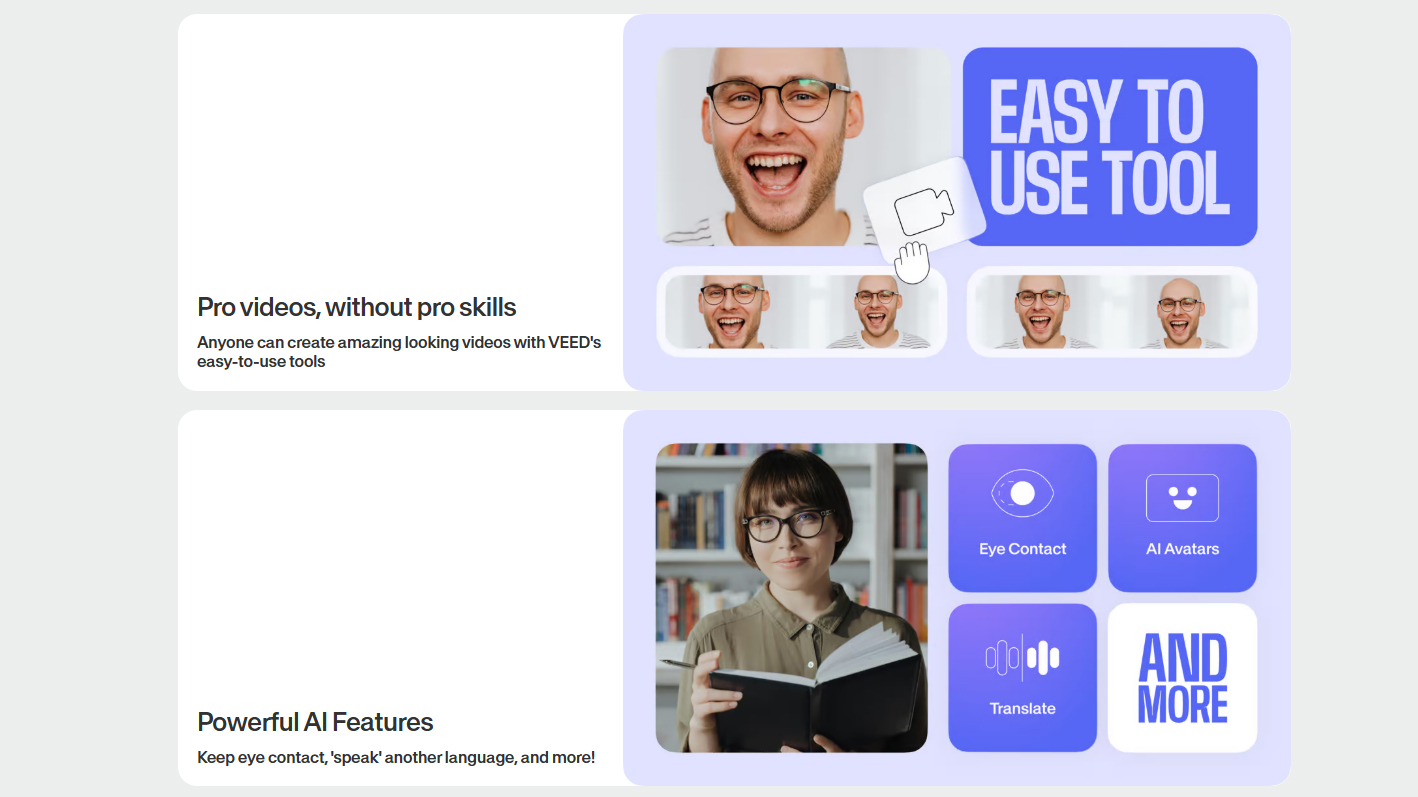
VEED — Browser-based video editing with AI assist
Best for short-form video, social clips, talking-head explainers, and repurposing existing footage into polished assets.
- Add AI subtitles, clean audio, and simple cuts directly in the browser.
- Perfect for turning InstaGlamor portraits and Museit.art visuals into video intros, reels, and promos.
- Ideal for teams that need fast, repeatable video workflows without learning pro editors.
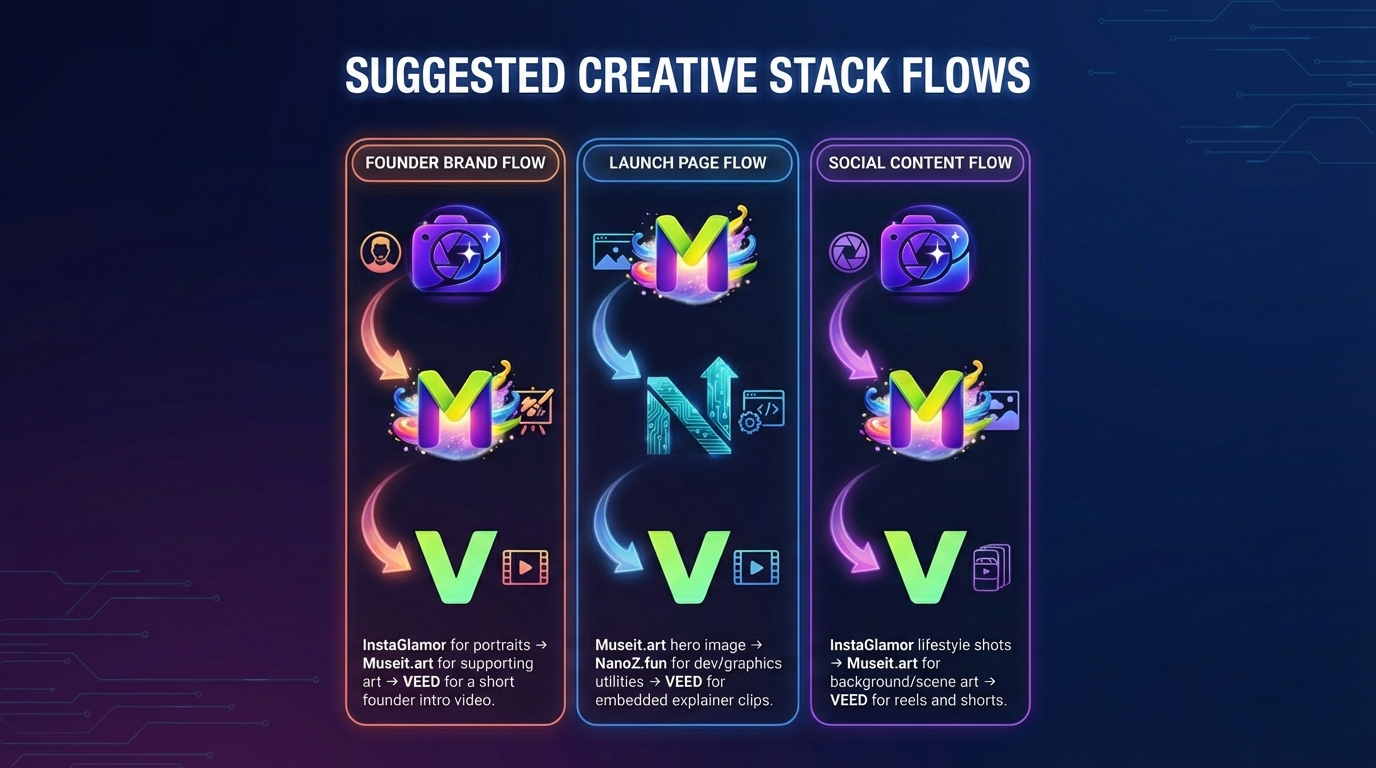
Suggested creative stack flows
- Founder Brand Flow: InstaGlamor for portraits → Museit.art for supporting art → VEED for a short founder intro video.
- Launch Page Flow: Museit.art hero image → NanoZ.fun for dev/graphics utilities → VEED for embedded explainer clips.
- Social Content Flow: InstaGlamor lifestyle shots → Museit.art for background/scene art → VEED for reels and shorts.