
AI Employees Guide
How to Hire AI Employees With Marblism
Marblism is for work that already repeats: inbox, phone, social, SEO posts, leads, a simple site, and contract drafts. Each AI employee owns that job and can work in the apps the job lives in—not only in a chat window.
Plans currently include all seven roles and a monthly hour pool. Skowers may earn a commission if you use our partner link, at no extra cost to you.
What Each Employee Is For
- Eva: inbox and calendar triage, drafts, meeting notes.
- Rachel: phone answering, booking, and call summaries.
- Stan: lead sourcing, enrichment, and outreach follow-up.
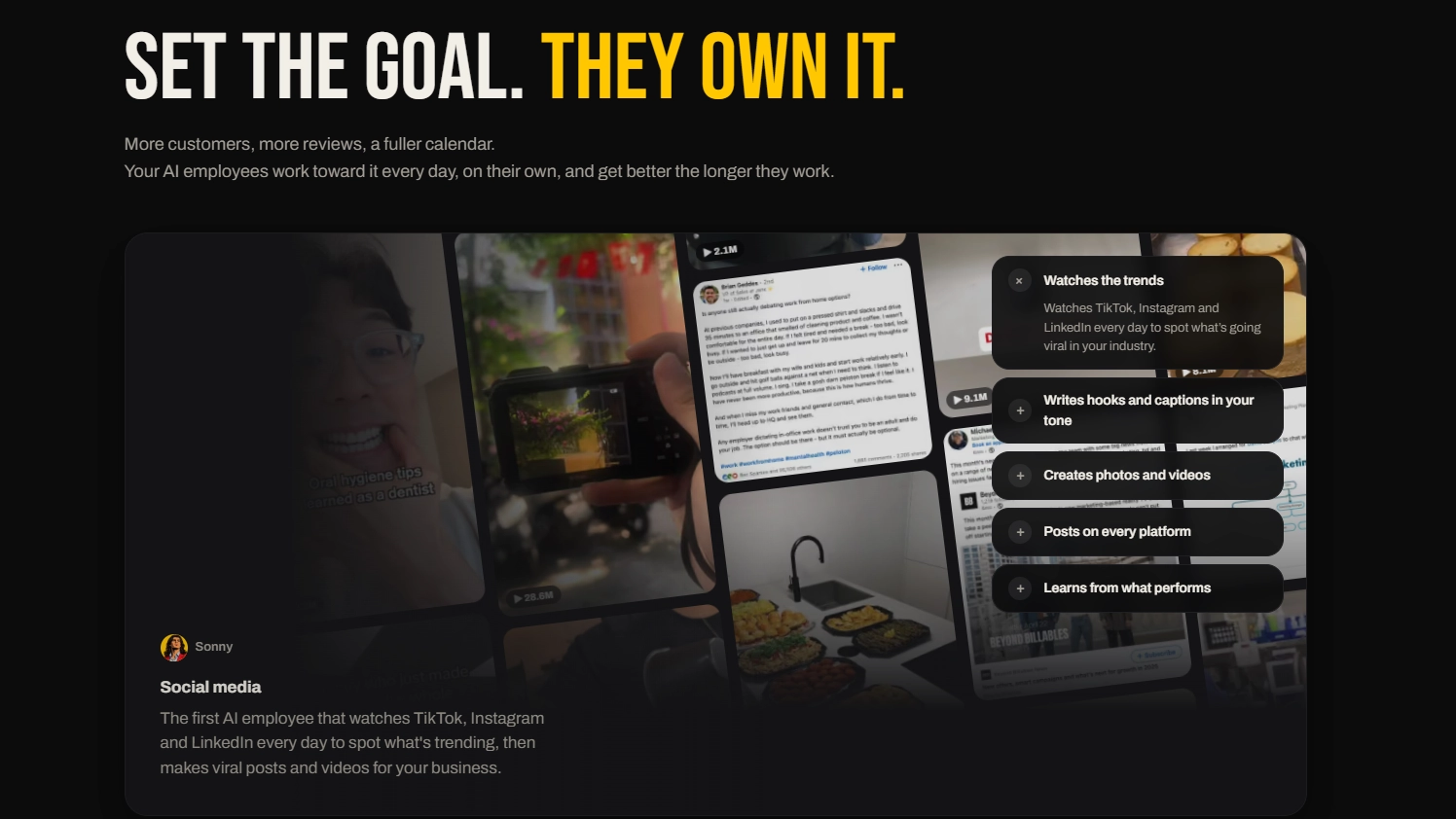
- Sonny: social posts and images across the accounts you connect.
- Penny: SEO articles researched, written, and published to your site.
- Walter: website from a prompt, with hosting on their stack.
- Linda: contract drafts and reviews you still sign yourself.
Week-One Setup
- Open Marblism from the Skowers partner link and create an account.
- Write a one-page brief: who you serve, voice, offers, and what must never send unsupervised.
- Connect only the accounts for the first job (Gmail or social, not every integration).
- Keep approve-before-send on. Spot-check facts, names, and links.
- Note hour use after three days so you know if the base 50-hour pool fits.
A First Job That Pays Off
- Inbox: let Eva draft replies for one label, then you send.
- Social: three posts in your voice for one channel, scheduled after you edit.
- Phone: after-hours booking with a script and a human callback rule.
- Leads: a small ICP list from Stan, verified before any sequence.
What to Leave to a Human
Sending. Drafts are cheap. Live email, DMs, and phone promises are not. Approve until tone and accuracy hold for a full week.
Legal and money. Linda can draft; you (or counsel) still sign. Do not let an agent quote custom pricing or change contracts without a named owner.
Hours. Unused hours do not roll over. If a role is noisy, pause it instead of buying a larger tier to paper over bad prompts.
How to Evaluate the First Week
- Count hours saved versus hours billed on that one job.
- Track edits you still had to make before send or publish.
- Confirm the 7-day refund window if quality is not there.
- Only then add a second employee from the same hour pool.
Marblism FAQ
What is Marblism?
Marblism is a team of AI employees that each own a repeating job: inbox and calendar, phone answering, lead outreach, social posting, SEO articles, website building, and contract drafts. They connect to tools you already use and can start work when something happens there, not only when you prompt them.
How much does Marblism cost?
Public plans currently start at $44 per month, or $24 per month billed yearly, for all seven AI employees and 50 hours of AI work per month. Higher hour tiers exist. Confirm current prices, hours, and the 7-day refund on the official pricing page before you subscribe.
Do unused hours roll over?
Hours typically reset each month on the anniversary of the hours plan and unused hours do not roll over. Chat, configuration, and reviewing work are described as free; completed tasks draw from the hour pool. Check your billing page for the next reset date.
Should I turn on all seven employees at once?
No. Start with one job that already repeats every week, such as inbox triage or social drafts. Review outputs for a few days, then add the next role. Hours are shared across the team, so turning everything on at once burns the pool without a clear quality check.
Can Marblism send emails or post without me?
Some workflows can send, book, or publish after you connect accounts. Keep human approval on until you trust tone, facts, and targeting. Never give an agent unsupervised access to payments, legal commitments, or customer data you would not let a new contractor handle.