
AI Workflow Builder
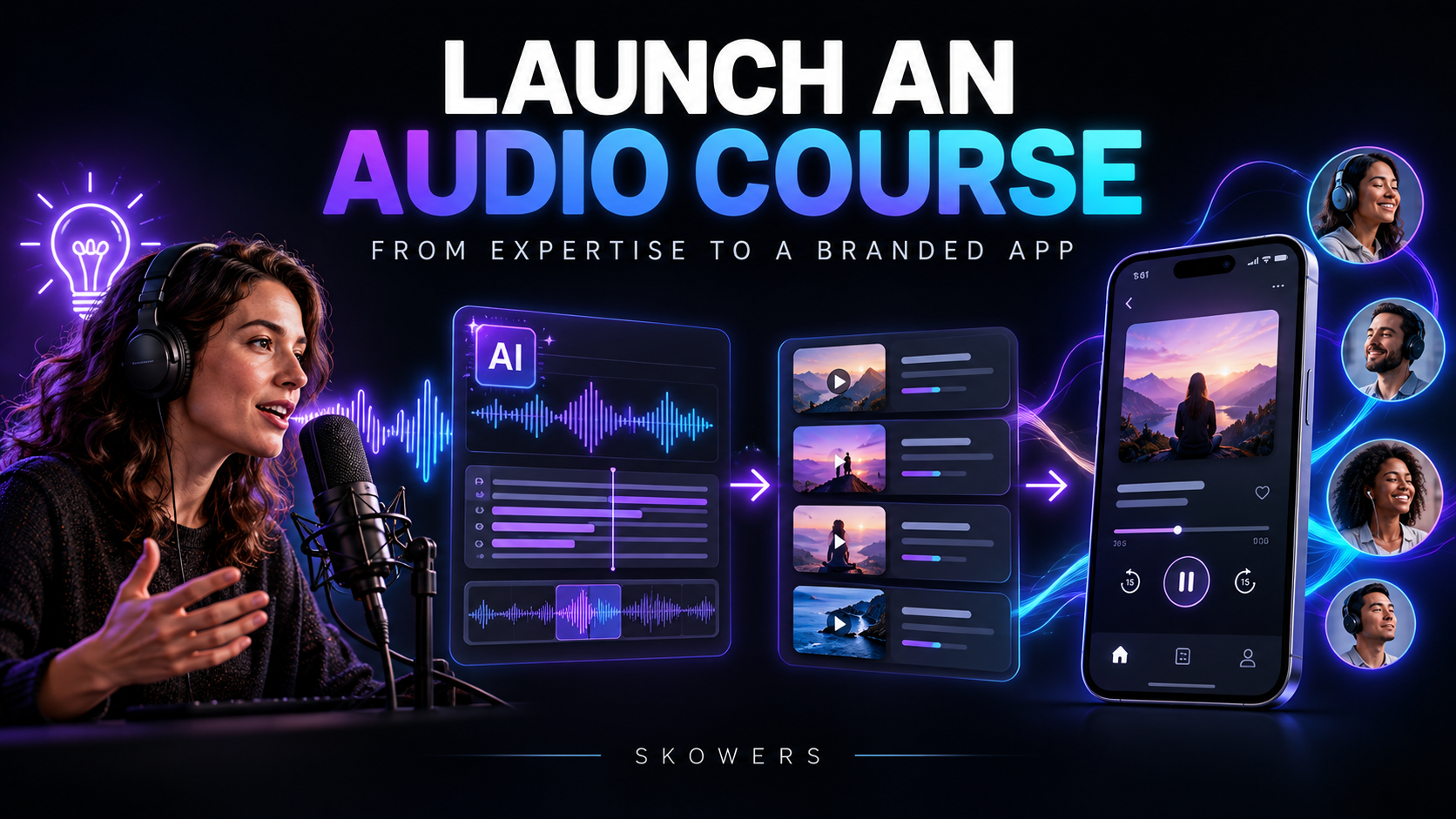
Launch an Audio Course or Membership App
- Gamma
- Descript
- Audiorista
- Vista Social
Beginner: Prototype with free trials before app publication
Pro: Varies by content volume, audience size, and monetization plan
Start with the beginner setup, then upgrade to pro workflows as soon as your first repeatable wins appear.
Step-by-Step Flow
- 1Choose one audience problem and define the practical result the course should deliver.
- 2Use Gamma to organize the promise, modules, lessons, exercises, and learner milestones.
- 3Record a short pilot module, then use Descript to edit the audio through its transcript and remove avoidable friction.
- 4Package the approved lessons, notes, and supporting media into a branded Audiorista app experience.
- 5Invite a small test group, collect completion and clarity feedback, and repair weak lessons before the full launch.
- 6Use Vista Social to schedule educational excerpts that demonstrate value and lead interested people to the product.
Embedded Tools

Gamma
Content Creation
Turn simple text into stunning AI presentations, pitch decks, and websites that win over clients instantly.

Descript
Audio & Video
AI video editor with text-based editing. Edit video by editing text, generate custom video with AI, and create professional content with transcription, voice cloning, and automated design.
Audiorista
Audio & Video
No-code branded app platform for audio, video, and text content with subscriptions, in-app purchases, and creator monetization.

Vista Social
Marketing
Manage all your social media accounts from one dashboard. Schedule posts, engage with followers, and track performance.
Templates & Prompts
Course Outcome Prompt
Design a practical audio course for [audience] who want to achieve [outcome]. Create a clear promise, prerequisite list, module sequence, lesson outcomes, exercises, and one measurable milestone per module. Remove any lesson that does not move the learner toward the final result.
Pilot Review Prompt
Review this lesson transcript for clarity, pacing, unnecessary repetition, unsupported claims, and missing examples. Suggest specific edits, a short exercise, and one comprehension question. Preserve the instructor voice and do not invent expertise or results.
Beginner vs Pro Setup
Beginner
- - One outcome, one pilot module, and a small feedback group.
- - Manual review of every recording and lesson description.
- - Launch only after learners can complete the pilot successfully.
Pro
- - A structured content library with multiple learning paths.
- - Branded app, subscriptions, push notifications, and analytics.
- - A repeatable promotion and content-update calendar.
Need a done-for-you implementation?
Start with this workflow blueprint, then customize each step to your niche and offer strategy.
Explore More Workflows