Productivity Jan 17, 2026 14 min read
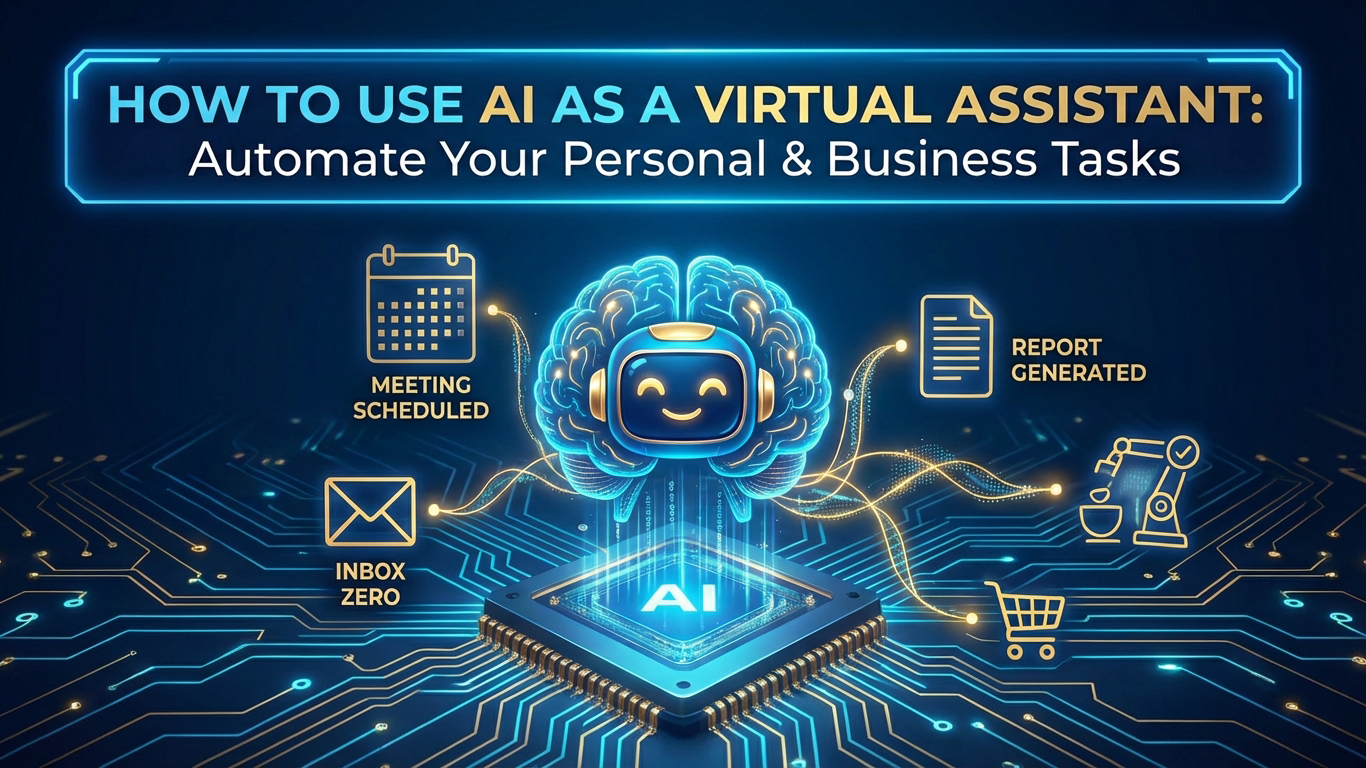
How to Use AI as a Virtual Assistant: Automate Your Personal & Business Tasks
The era of hiring expensive human assistants is over. In 2026, AI virtual assistants have reached a level of sophistication where they can handle complex, multi-step tasks that previously required human intelligence and judgment. The most productive professionals aren't just using AI tools—they're building complete AI assistant ecosystems that work 24/7, never take breaks, and cost a fraction of human help.
The AI Assistant Revolution: Beyond Simple Chatbots
Traditional virtual assistants were limited to basic tasks: scheduling meetings, sending emails, making travel arrangements. Today's AI assistants can analyze your calendar patterns, draft strategic emails, attend meetings on your behalf, extract actionable insights from conversations, and even make decisions based on your preferences and priorities.
The key difference is autonomy. Old assistants needed constant direction. New AI assistants learn your patterns, understand your context, and act proactively. They don't just execute commands—they anticipate needs and solve problems before you even realize they exist.
Building Your AI Assistant Stack: The Foundation
The most successful professionals in 2026 aren't using a single AI assistant. They're building integrated stacks where multiple AI tools work together, each handling specialized tasks while sharing context and data. This creates a compound effect: each tool makes the others more powerful.
1. Calendar & Time Management: Your AI Executive Assistant
Your calendar is the command center of your professional life. An AI assistant that truly understands your schedule can transform how you work.
**Lindy has emerged as the gold standard for AI calendar management. Unlike simple scheduling tools, Lindy doesn't just find open slots—she understands your priorities, energy levels, and work patterns. She can automatically block focus time based on when you're most productive, reschedule meetings when conflicts arise, and even negotiate meeting times with multiple parties across time zones.
The setup: Connect Lindy to your calendar and email. Give her context about your preferences: "I do deep work in the mornings, client calls in the afternoons, and I need at least 2 hours of focus time daily." Lindy learns your patterns and starts managing your schedule proactively. Within a week, she's optimized your calendar in ways you didn't even realize were possible.
The real power emerges when you combine Lindy with Reclaim. While Lindy handles scheduling and communication, Reclaim focuses on time optimization—automatically blocking time for important work, protecting your focus hours, and ensuring you maintain work-life balance. Together, they create a calendar system that works for you, not against you.
2. Meeting Intelligence: Your AI Note-Taker & Analyst
Meetings are where decisions happen, but they're also where information gets lost. Traditional note-taking captures words but misses context, action items, and strategic insights. AI meeting assistants solve this by not just transcribing, but analyzing.
Laxis has become essential for professionals who run lots of meetings. It doesn't just record and transcribe—it extracts key decisions, identifies action items, tracks commitments, and even analyzes sentiment to understand how conversations are going. After a client call, Laxis automatically creates a structured summary, updates your CRM with relevant information, and flags follow-up items that need attention.
The workflow: Before important meetings, Laxis reviews the agenda and prepares context. During the meeting, it captures everything while identifying the most important points. Afterward, it generates a summary, extracts action items, and updates your project management tools. You spend 5 minutes reviewing instead of 30 minutes trying to remember what was discussed.
For teams, this creates a knowledge base that compounds over time. Every meeting becomes searchable, every decision is documented, and every commitment is tracked. When someone asks "What did we decide about X?" the answer is immediately available.
3. Email Management: Your AI Inbox Strategist
Email overload is the productivity killer of the modern professional. An AI assistant that truly understands your email can transform your relationship with your inbox from reactive to strategic.
Lindy excels at email triage. She can read your emails, understand their urgency and importance, draft responses based on your communication style, and even handle routine correspondence autonomously. Instead of spending hours each day in your inbox, you review a curated list of emails that actually need your attention.
The setup: Train Lindy on your email patterns. Show her examples of emails you respond to immediately versus ones you can defer. She learns your priorities and starts filtering automatically. For routine emails—meeting confirmations, status updates, information requests—she drafts responses that you can approve with one click or let her send autonomously.
The breakthrough comes when Lindy starts handling complex email threads. She can track context across multiple messages, understand what information is needed, and draft comprehensive responses that address all points. For professionals who receive 100+ emails daily, this can save 10-15 hours per week.
4. Task & Project Management: Your AI Project Coordinator
Managing tasks and projects requires constant context switching, priority juggling, and deadline tracking. AI assistants can handle the coordination work, leaving you to focus on the actual execution.
While not a single tool, the combination of AI assistants with project management creates powerful workflows. Laxis extracts action items from meetings and automatically creates tasks in your project management system. Lindy can review your task list, understand dependencies, and suggest optimal work sequences based on your calendar and energy levels.
The system: Every meeting ends with Laxis creating tasks. Every email with an action item gets converted to a task. Lindy reviews your task list daily and suggests what to work on based on deadlines, dependencies, and your schedule. You wake up each morning with a prioritized action plan instead of a chaotic to-do list.
5. Research & Information Synthesis: Your AI Research Assistant
Gathering information, synthesizing research, and staying current on industry trends is time-consuming but essential. AI assistants can handle the research work while you focus on analysis and decision-making.
Consensus has become indispensable for professionals who need evidence-based answers. Instead of spending hours reading research papers, you ask a question and Consensus synthesizes findings from peer-reviewed sources, provides citations, and presents the evidence in a digestible format.
For business intelligence, Browse AI can monitor competitors, track industry trends, and alert you to relevant news. Set it to monitor specific websites, track pricing changes, or watch for new product launches. Your AI assistant becomes your intelligence network, keeping you informed without constant manual checking.
6. Communication Automation: Your AI Relationship Manager
Maintaining professional relationships requires consistent communication, but it's easy to let connections fade when you're busy. AI assistants can help maintain relationships by automating thoughtful outreach.
Reply.io isn't just for sales—it's powerful for relationship management. Set up sequences to check in with past clients, congratulate contacts on achievements, or share relevant content. The AI personalizes each message based on your relationship history, ensuring outreach feels genuine rather than automated.
The strategy: Create relationship maintenance sequences for different contact categories—past clients, industry peers, potential collaborators. Reply.io sends personalized messages at optimal intervals, tracks responses, and flags contacts who need personal attention. You maintain a larger network with less effort.
7. Personal Life Management: Your AI Life Coordinator
The most productive professionals understand that work and life are interconnected. An AI assistant that helps manage both creates compound benefits.
Reclaim excels at work-life balance. It automatically blocks time for personal activities, protects your evenings and weekends, and ensures you maintain boundaries. When work demands increase, Reclaim helps you find time for both without sacrificing either.
Lindy can also handle personal tasks—scheduling appointments, making reservations, coordinating family activities. By offloading these tasks to AI, you free mental bandwidth for high-value work.
The Integration Layer: Making Your AI Assistants Work Together
The real power emerges when your AI assistants share context and work together. Here's how to create an integrated system:
Calendar → Meeting Assistant: When Lindy schedules a meeting, Laxis automatically joins and takes notes.
Meeting Notes → Task Management: Laxis extracts action items and creates tasks that Lindy can schedule based on your calendar.
Email → Calendar: Lindy identifies meeting requests in emails and automatically adds them to your calendar, negotiating times if needed.
Research → Communication: Browse AI finds relevant information that Reply.io can share with your network in personalized messages.
The Setup Process: Getting Started in 30 Minutes
Setting up your AI assistant stack doesn't require technical expertise. Here's a quick start guide:
Week 1: Calendar Management
1. Sign up for Lindy and connect your calendar
2. Set your preferences and priorities
3. Let Lindy manage your schedule for a week
4. Review and refine based on results
Week 2: Meeting Intelligence
1. Add Laxis to your meeting workflow
2. Connect it to your CRM or project management tool
3. Use it for all important meetings
4. Review summaries and refine what information you need
Week 3: Email Automation
1. Train Lindy on your email patterns
2. Start with low-risk email automation (meeting confirmations, status updates)
3. Gradually expand to more complex email handling
4. Monitor and adjust based on results
Week 4: Integration & Optimization
1. Connect your AI assistants to share context
2. Set up automated workflows between tools
3. Identify remaining manual tasks that could be automated
4. Continuously refine your system
The ROI: Time, Money, and Mental Clarity
The professionals using AI assistant stacks report dramatic improvements:
- Time Savings: 15-20 hours per week recovered from administrative tasks
- Stress Reduction: Less cognitive load from constant context switching
- Better Decisions: More time for strategic thinking and high-value work
- Cost Efficiency: $200-300/month in tools replaces $50,000+ in assistant salaries
But the biggest benefit is mental clarity. When your AI assistants handle the coordination, scheduling, and routine communication, your brain is free to focus on what actually moves the needle: creative problem-solving, strategic thinking, and relationship-building.
The Future of Work: AI-First Professional**
The professionals who are winning in 2026 aren't just using AI tools—they're thinking AI-first. Before hiring help, they ask: "Can an AI assistant handle this?" Before building a process, they ask: "How can AI automate this?" Before scheduling a meeting, they ask: "Could this be handled asynchronously with AI?"
This mindset shift creates compound advantages. Every task automated frees time for higher-value work. Every process optimized creates capacity for growth. Every relationship maintained by AI creates bandwidth for deeper connections.
The AI assistant revolution isn't coming—it's here. The question isn't whether AI will transform how professionals work. It's whether you'll be part of the transformation or left managing your calendar manually while your competitors scale with AI.
Start with one tool. Master it. Then add the next. Within 90 days, you'll have an AI assistant ecosystem that would have been science fiction just two years ago.
The future of productivity isn't working harder. It's working smarter with AI assistants that never sleep, never forget, and never complain.