
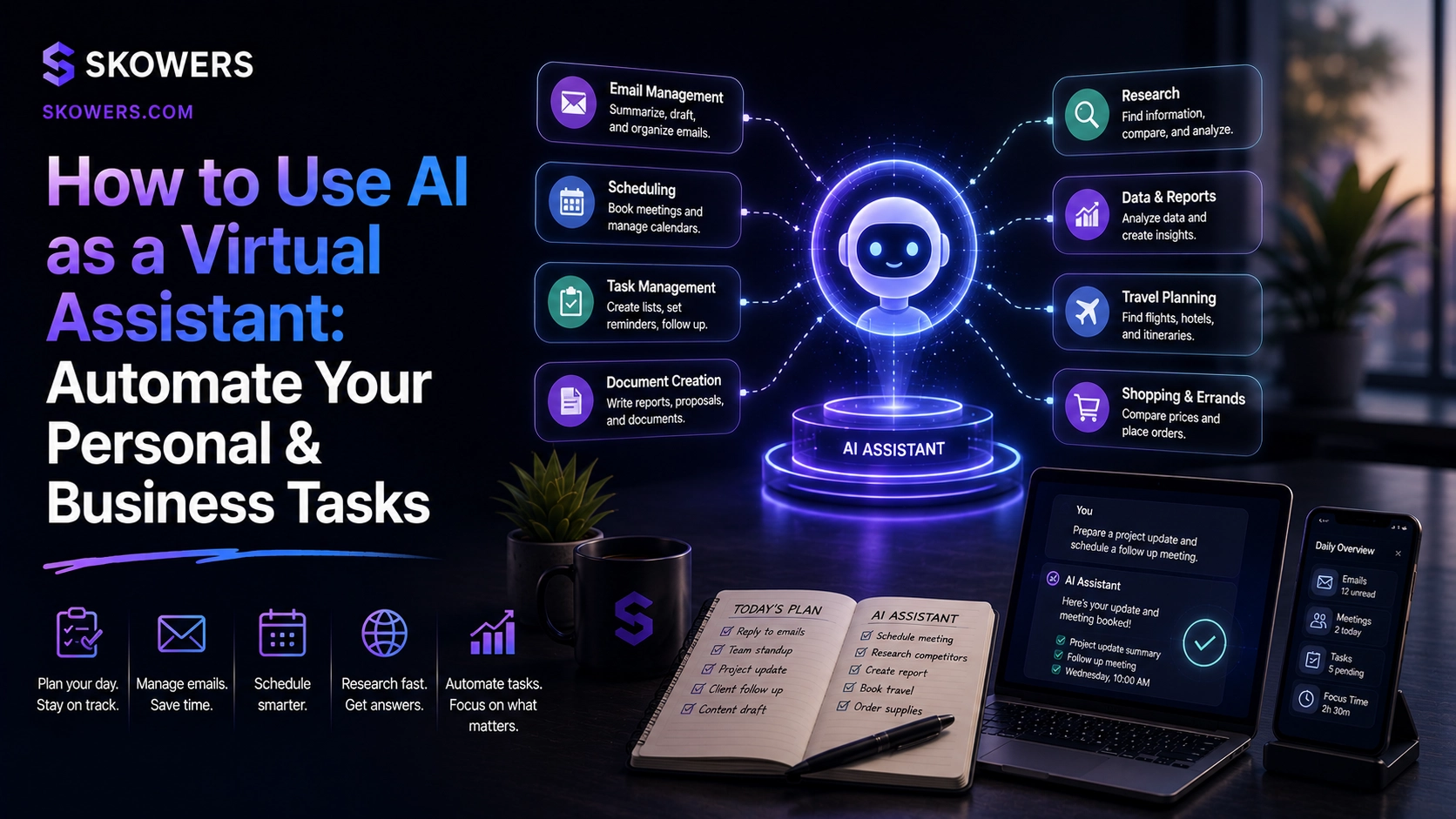
How to Use AI as a Virtual Assistant: Automate Your Personal & Business Tasks
Most people do not need another chatbot tab. They need an AI virtual assistant: a system that protects the calendar, triages email, captures meeting decisions, runs research, keeps relationships warm, and handles personal ops without asking for a full-time salary.
That is why searches for AI virtual assistants, AI executive assistants, AI meeting notes, and AI inbox tools keep rising. The promise sounds like hiring help. The reality is more practical: stack specialized assistants, give them clear rules, and keep humans on judgment and relationships.
This guide is a setup playbook for founders, operators, freelancers, and lean teams. You will build an AI assistant stack for personal and business tasks—calendar, meetings, email, research, outreach, CRM memory, and work-life boundaries—using tools already listed on Skowers.

What an AI Virtual Assistant Actually Is
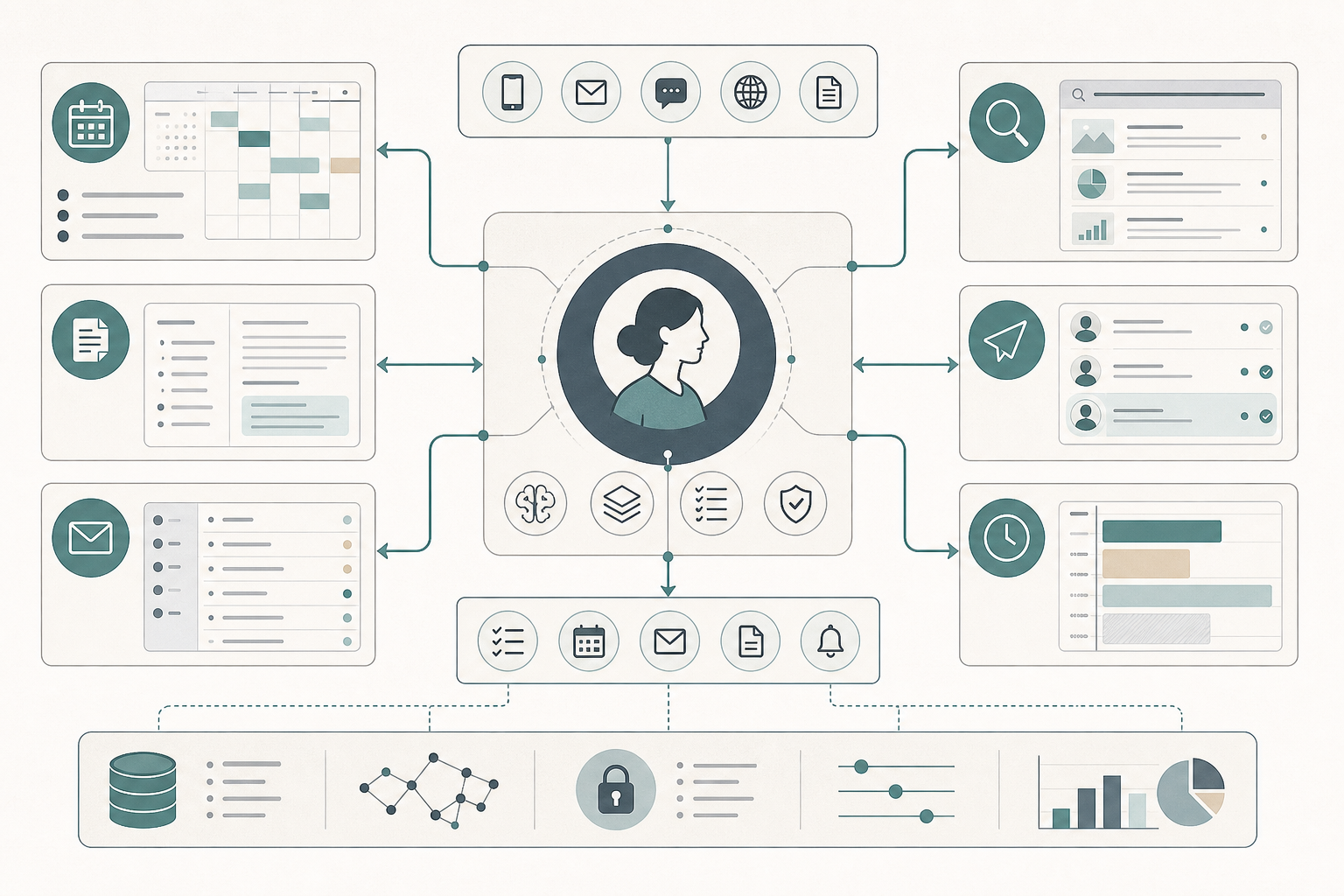
An AI virtual assistant is not one product. It is a role filled by a stack:
- Calendar ownership — scheduling, focus blocks, conflict repair.
- Meeting memory — transcripts, decisions, action items.
- Inbox triage — drafts, routing, routine replies.
- Research support — evidence, competitor watchers, briefings.
- Relationship loops — check-ins and follow-ups that do not die in drafts.
- Personal ops — appointments, buffers, and protected offline time.
- Integration — how pieces hand work to each other without you becoming the glue.
If you only chat with a model and paste answers into Gmail, you have a helper. If the stack acts inside your calendar, inbox, and meeting tools with rules, you have an assistant.
The Autonomy Ladder (Do Not Skip Steps)
Ship autonomy in levels:
- Suggest — AI drafts, you send.
- Assist — AI acts on low-risk tasks with notification.
- Autopilot — AI completes routine work inside clear rails.
Start most people on Suggest for email and money-adjacent asks. Move calendar and meeting notes to Assist quickly. Unlock Autopilot only after a week of clean reviews.
Also track every trial and seat in the Skowers Dashboard. Assistant stacks fail the same way SaaS stacks fail: quiet renewals and unused seats.
1. Calendar & Time: Make the Assistant Own the Schedule
Your calendar is the operating system. If the assistant cannot protect it, everything else is chaos with better branding.
Lindy is the admin-shaped AI assistant for calendar, email, and recurring personal-ops workflows. Connect calendar and inbox, then write preferences in plain language: deep work mornings, client calls afternoons, two hours of focus daily, no meetings before a set time. Lindy is strongest when scheduling and communication need a single assistant brain.
Reclaim is the time-defense layer. It auto-schedules habits, protects focus, and rebalances the calendar when reality shifts. Pair Lindy for negotiation and admin tasks with Reclaim for focus blocks and work-life buffers.
Calendar checklist:
- Write hard constraints before connecting tools.
- Block focus before you open scheduling links.
- Review one week of AI calendar decisions, then tighten rules.
- Never let every tool book meetings without a shared priority order.
2. Meeting Intelligence: Stop Losing Decisions
Meetings create work. Manual notes lose work.
Laxis turns calls into transcripts, summaries, decisions, and action items so your assistant stack keeps memory without you typing. Use it on client, sales, and team meetings where commitments matter.
After long recordings, Castmagic helps extract notes, quotes, and follow-up packages—useful when a podcast, webinar, or founder AMA should become tasks and content, not a forgotten file.
Descript fits when the "meeting" is also content: interview edits, talk-to-camera reviews, or cleaning a recording before your assistant turns it into next steps.
Meeting role checklist:
- Auto-join or upload important calls to Laxis.
- Review action items the same day.
- Push next steps into your task system or CRM.
- Package lasting recordings with Castmagic or Descript when distribution matters.
3. Email: Triage First, Autopilot Second
Email is where AI assistants create the most value—and the most risk.
Lindy is the practical inbox strategist for many professionals: urgency sorting, draft replies in your tone, and routine handling once trust is earned. Train with examples of "reply now," "defer," and "never auto-send."
Rules that keep you safe:
- Auto-send only for low-risk templates (confirmations, scheduling links, FAQ answers).
- Keep VIP threads on Suggest mode.
- Never let the assistant invent prices, legal promises, or refund exceptions.
- Weekly review of AI-sent mail for tone and accuracy.
4. Tasks & Coordination: Turn Notes Into a Real Work Queue
An assistant that leaves action items in chat is still creating homework for you.
Practical loop:
- Laxis extracts commitments from meetings.
- Lindy or your task tool schedules the work against free capacity.
- Reclaim protects the deep-work blocks those tasks need.
For visual planning with teammates, Miro is the whiteboard layer—sprint boards, priority maps, and ops diagrams humans can edit while AI handles capture and scheduling.
Task checklist:
- Every important meeting ends with owned next steps.
- Every recurring admin task has an AI owner or a human owner—not "someone."
- Morning plan comes from calendar + task truth, not vibes.
5. Research & Briefings: Outsource Gathering, Keep Judgment
Assistants should arrive with context, not ask you to "look into it."
Consensus is built for evidence-based questions—synthesizing research findings with citations when you need more than a blog opinion.
Browse AI is the watcher: train no-code robots to monitor competitor pages, pricing tables, directories, or launch posts and alert you when something changes.
Research checklist:
- Separate "facts to gather" from "decisions only I make."
- Save briefings in one place so the next meeting starts warm.
- Do not paste private client data into random research chats.
6. Relationships & Outreach: Keep the Network Warm Without Living in CRM
A virtual assistant should prevent relationship decay.
Reply.io is strong for personalized multi-touch sequences—past clients, partners, and warm leads—not only cold sales. Use it for check-ins, congratulations, and value shares on a cadence you approve.
For relationship state of record, keep a simple CRM such as Capsule CRM so follow-ups and notes do not live only inside an email tool. Meeting notes from Laxis and outreach replies from Reply.io become useful only if CRM memory stays current.
If support conversations are part of your "assistant" workload, Typewise handles omnichannel customer service agents with human control—so customer replies do not become a second unpaid inbox job for you.
7. Personal Ops & Boundaries: Protect the Human
The best AI virtual assistant protects evenings, not only ships calendars.
Reclaim blocks personal habits and buffers before work expands into every white space.
Lindy can handle personal scheduling—appointments, reminders, small logistics—so mental bandwidth stays on high-value work.
Personal ops rule: if a task is recurring and low judgment, the assistant owns it. If it is emotional, legal, or irreversible, you do.
Three Ready Stacks (Pick One First)
Solo founder stack
- Lindy for calendar + inbox.
- Reclaim for focus and personal blocks.
- Laxis for meeting memory.
- Dashboard for trial tracking.
Client-heavy operator stack
- Lindy + Laxis for admin and calls.
- Capsule CRM for relationship truth.
- Reply.io for nurture sequences.
- Browse AI for competitor and market watchers.
Content + meetings stack
- Laxis or Descript for capture/edit.
- Castmagic for packaging notes and posts.
- Reclaim for deep-work publishing blocks.
- Miro for editorial or project planning boards.
30-Day Setup Plan
Week 1 — Calendar Connect Lindy and Reclaim. Write constraints. Review every AI schedule change daily.
Week 2 — Meetings Run Laxis on all high-value meetings. Force action-item review before day end.
Week 3 — Email Train Lindy on triage labels. Autopilot only confirmations and scheduling. Keep VIP mail on approval.
Week 4 — Research & relationships Add Consensus or Browse AI for one recurring briefing. Launch one Reply.io nurture sequence. Confirm CRM notes are updated from meetings.
By day 30 you should feel calendar pressure drop before you feel "AI magic." That is the point.
When You Need an AI Employee, Not Just an Assistant
A virtual assistant stack is for personal ops and coordination. If you need overnight business execution across CRM, support, voice, and SOPs, graduate to a fuller AI employee system—see the Skowers Alpha guide on building an AI employee, and partners like Dry Ground AI when the goal is AI-native company operations instead of personal productivity alone.
Common Mistakes That Kill Assistant ROI
- Buying five assistants before writing one rules doc.
- Autopiloting email on day one.
- Capturing meeting notes with no task owner.
- Letting every tool book calendar independently.
- Ignoring personal boundaries until burnout returns.
- Forgetting Dashboard tracking until renewals surprise you.
How to Measure Whether It Is Working
Track for two weeks:
- Hours in inbox and calendar admin.
- Meetings with documented next steps.
- Focus blocks completed versus stolen.
- Follow-ups that would have been missed.
- Tool cost versus hours returned.
If admin hours do not fall, you collected apps. You did not hire an assistant.
Next Step
Pick the bottleneck that hurts most this week.
If scheduling is chaos, start with Lindy and Reclaim. If meetings lose decisions, start with Laxis. If relationships go cold, start with Reply.io plus Capsule CRM. If research eating mornings is the problem, start with Consensus or Browse AI.
Browse more productivity tools in the Skowers directory, open trials against one named assistant role, and keep only the stack that returns time every week.
Related Articles
Continue Your Research