
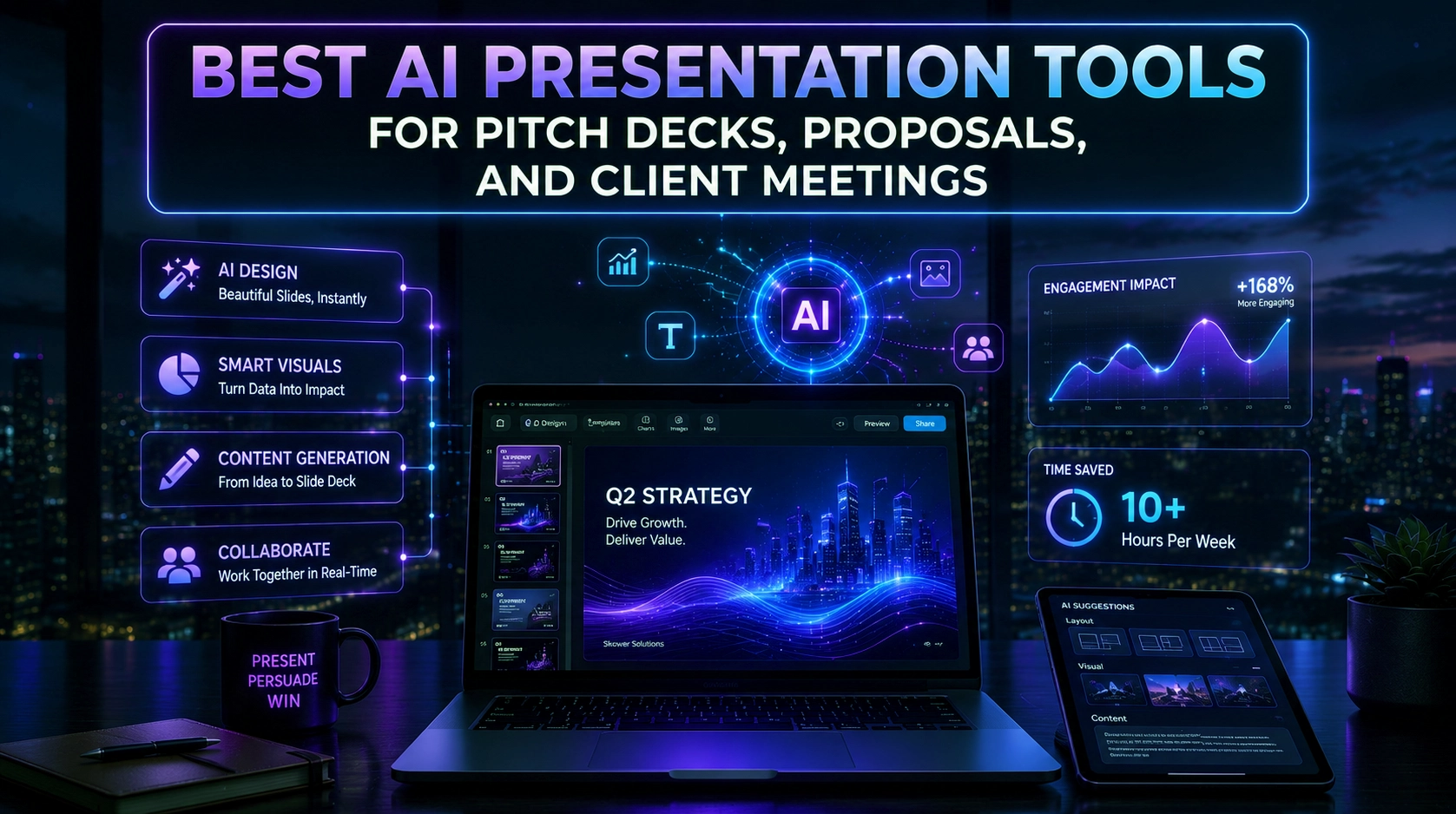
Best AI Presentation Tools for Pitch Decks, Proposals, and Client Meetings

A good presentation helps someone understand a decision. Start with the audience, the claim you need to support, and the next action you want them to take. Then choose a tool that fits how the story will be used.
This guide compares four tools already in the Skowers directory: Beautiful AI for polished slide decks, Prezi for live visual storytelling, Miro for planning together, and Gixo for reviewable client proposals. They serve different stages of the work.
Last reviewed November 1, 2026. Features and pricing can change. Skowers may earn a commission from partner links at no additional cost to you.
Choose by the job
Your job
Turn an approved outline into a consistent deck
A useful starting point
Your job
Explain a connected idea during a live talk
A useful starting point
Your job
Get several people to agree on the story first
A useful starting point
Your job
Turn confirmed client requirements into a proposal
A useful starting point
| Your job | A useful starting point |
|---|---|
| Turn an approved outline into a consistent deck | Beautiful AI |
| Explain a connected idea during a live talk | Prezi |
| Get several people to agree on the story first | Miro |
| Turn confirmed client requirements into a proposal | Gixo |
A proposal is not automatically a slide deck. If a client needs scope, price, timeline, and approval, start with a proposal workflow. If they need to see a concept presented live, make a deck.
Beautiful AI: a deck for an approved story
Beautiful AI helps teams keep slide layout and visual hierarchy consistent while turning a clear outline into a presentation. It is a fit for sales pitches, training, executive updates, and recurring client reports.
Write the story before choosing a template: customer problem, evidence, approach, result, and ask. Add your own screenshots, data, and brand assets. Review every AI-generated sentence and chart label before sharing.
First test: build a six-slide deck from a real brief. Judge whether you can revise it quickly and whether the exported format works for your audience.
Prezi: a live story with spatial structure
Prezi is useful when a speaker needs to move between the big picture and details. Map the path in advance and rehearse it. Too much motion can distract from the decision, so use zoom only when it clarifies the relationship between ideas.
First test: explain one framework in five minutes, then ask a viewer what they remember. If the path is confusing, simplify it.
Miro: agreement before slides
Miro helps a group collect evidence, cluster ideas, and decide what the presentation should say. Put the audience question at the top of the board, collect only relevant proof, and assign one person to turn the approved outline into a deliverable.
First test: run a short workshop with a clear decision deadline. Export the final outline and check whether the team agrees on the ask.
Gixo: a proposal from confirmed details
Gixo can help draft a proposal once the scope, price, timeline, and customer requirements are confirmed. It belongs in a sales workflow where a person reviews commercial commitments before anything is sent.
First test: draft one proposal from approved source material. Mark missing facts, verify every price, and make the next step unmistakable.
A one-hour comparison
Use the same real brief for each relevant tool. Spend ten minutes defining the audience and ask, twenty minutes creating a first version, twenty minutes revising the hardest section, and ten minutes checking the result on a phone or in the format the buyer expects.
Score the work on clarity, accuracy, editability, brand fit, and time to an approved version. Keep the tool that improves the actual handoff. A beautiful deck cannot rescue an unclear offer or unsupported proof.
After the meeting, capture decisions and owners. MeetGeek can help summarize an agreed call, while Capsule CRM can keep follow-up visible. Review the notes before treating them as commitments.
Related Articles

Continue Your Research