
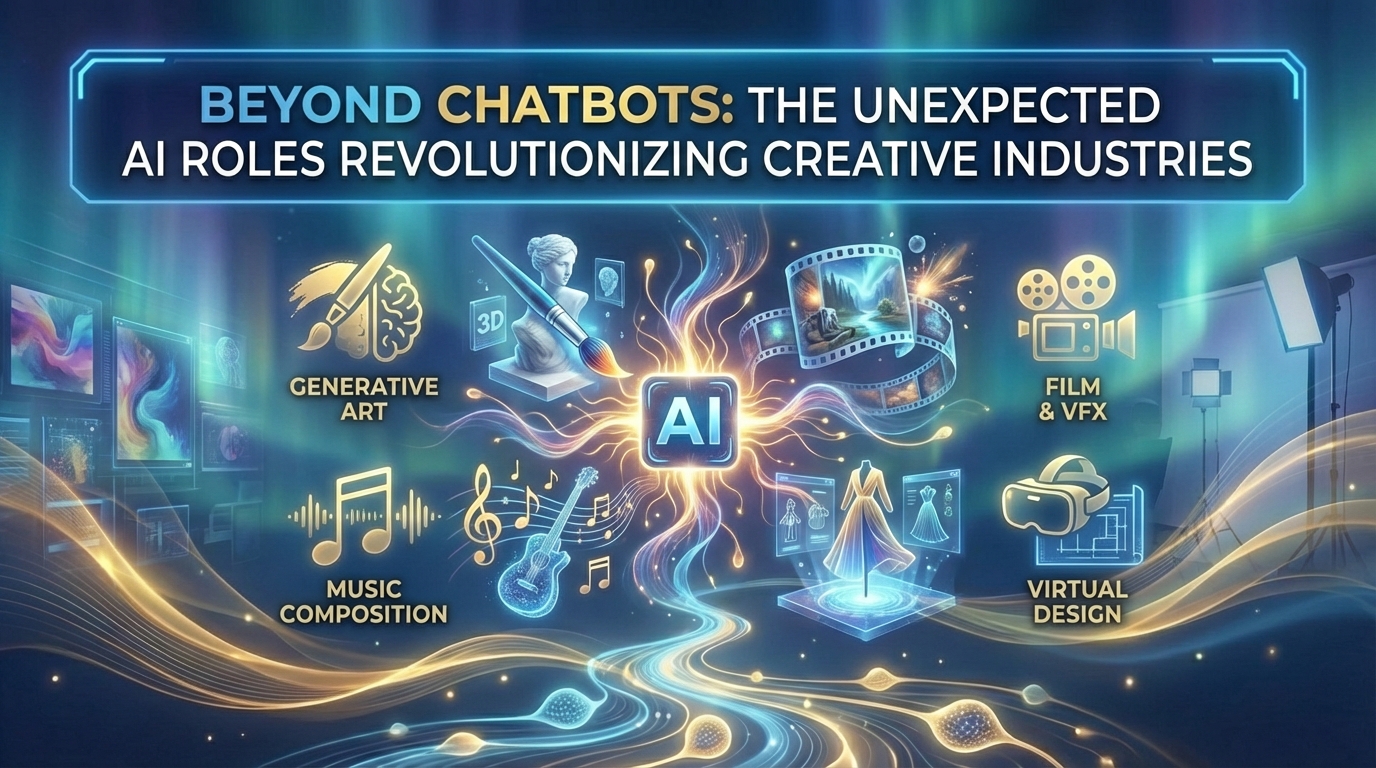
The Unexpected AI Roles Revolutionizing Creative Industries

Creative teams used to treat AI like a parlor trick: ask a chatbot for a caption, generate one weird image, shrug, then go back to the real tools. That era is over.
In 2026, the interesting story is not "AI can make art." The interesting story is how many production roles AI quietly absorbed across the creative lifecycle—research, brief writing, concepting, pre-vis, brand systems, presentation storytelling, voice, editing, packaging, and creative ops. Studios, agencies, indie creators, and in-house brand teams are not replacing taste. They are replacing blank pages, slow iteration, and expensive first drafts.
If you search for creative AI tools, AI in film and VFX, AI music production, or AI for designers, you are usually looking for something practical: which roles AI can own today, where humans must stay in the loop, and which tools actually fit a real pipeline.
This guide maps those unexpected AI roles, then pairs each one with a stack you can trial from Skowers—so creative AI shows up as shipped work, not another novelty experiment.
The Hybrid Rule Creative Teams Are Adopting
The teams winning right now follow one rule:
- Humans own taste, narrative, and final accountability.
- AI owns divergence, first passes, cleanup, and versioning speed.
- The pipeline is designed so AI output is easy to review and hard to ship blindly.
That is why "chatbot only" stacks fail in creative work. A model with no presentation system cannot finish a pitch. A model with no video workflow cannot finish a cut. A model with no brand kit cannot stay consistent across ten assets.
Start by naming the role you need filled—not the brand of the app.
Role 1: Creative Divergence Engine (Concept and Mood Exploration)
The first unexpected role is not "artist." It is divergence at scale.
Before AI, concept exploration was expensive. Mood boards took hours. Style frames came late. Stakeholders argued about vibe with almost no visuals on the table. Now a creative director can explore ten directions in an afternoon, kill nine, and still have time for craft on the winner.
AI is strongest here when humans define constraints: audience, emotional tone, brand non-negotiables, and what "off-brand" looks like. Without those rails, you get pretty junk.
Tools that support concepting and visual systems
Miro is the collaboration layer for creative divergence. Run concept sprints, sticky-note vote sessions, journey maps, and reference boards where humans decide which AI explorations survive. Treat Miro as the room where taste happens before production starts.
Gamma and Beautiful AI turn early concepts into readable direction decks fast—so stakeholders react to structure and tone instead of imagining them. Gamma is especially strong when you need a polished narrative from a rough brief. Beautiful AI helps teams that want clean, consistent slide systems without fighting layout.
Prezi helps when the pitch itself is part of the creative product: zoomable storytelling for reels, launches, agency pitches, and pitch-to-content systems that later become social assets.
Concept role checklist
- Write three hard constraints before generating anything.
- Produce five to ten directions, not one "final."
- Review in Miro with humans.
- Package the chosen direction in Gamma, Beautiful AI, or Prezi before production spend.
Role 2: Brand Identity Accelerator (Logos, Kits, and Visual Consistency)
Another unexpected role: AI as the junior brand designer who produces options fast enough for founders and studios to choose a direction before hiring deep craft.
This does not mean logo roulette replaces identity strategy. It means early brand exploration no longer requires waiting two weeks for a first look.
Logome is built for that acceleration—logo concepts, variations, and brand-kit style assets when a product, campaign sub-brand, or studio imprint needs a coherent face quickly. Pair Logome with a human decision pass: name, positioning, usage rules, and what never gets AI-styled.
Brand role checklist:
- Lock verbal positioning first.
- Generate logo and kit options.
- Pick one system and write usage rules.
- Reuse that system in decks, video openers, and social packaging.
Role 3: Presentation Director (The Pitch Becomes Production)
In creative industries, the pitch is often half the job. AI became an unexpected presentation director: structure the story, design the sequence, and make client reviews less about fonts and more about concept quality.
Gamma is the default when teams need decks, proposals, and web-like documents from outlines. Creative agencies use it for treatment decks, case-study packaging, and kickoff narratives.
Beautiful AI shines when consistency across a recurring pitch system matters—monthly client updates, studio capability decks, and onboarding presentations where every slide should look intentionally designed.
Prezi remains the tool when motion and spatial storytelling are the point: keynotes, interactive walkthroughs, and presentations that later get clipped into marketing video.
If your creative bottleneck is "stakeholders cannot visualize the idea," fix presentation before you buy more generation tools.
Role 4: Music and Sound Co-Producer
AI did not replace composers. It created a co-producer role that lowers the cost of exploration: alternate moods, temp scores, narration drafts, and multilingual voice passes that used to wait on session schedules.
ElevenLabs and Murf cover voice when trailers, explainers, podcasts, and branded content need clean narration without re-recording every draft. Use them for temp-to-final narration in content teams; keep human vocal talent when the voice *is* the brand.
Castmagic sits after recording. Drop in a session, interview, podcast, or long shoot and extract notes, quotes, captions, and packaging—so sound work becomes multi-format creative assets instead of a single file sitting in Drive.
Music/audio role checklist:
- Decide whether AI voice is temp, alternate language, or final.
- Keep a human listen for tone and brand risk.
- Always convert audio sessions into reusable content with Castmagic when distribution matters.
Role 5: Film, Edit, and Post Multiplier
Film and VFX felt the AI role shift earliest and hardest. The unexpected job is not "AI director." It is pipeline multiplier: cleanup, assembly, captions, highlight discovery, product explainers, and interactive packaging that small teams could not staff before.
Descript is the edit-like-a-doc standard for creators, studios, and podcast-to-video teams. Talk-to-camera, interviews, tutorials, and rough assemblies move faster when you cut by deleting words and cleaning audio in the same pass.
ngram is for product and marketing creative teams that need polished, on-brand video from docs, URLs, and recordings. When the "film" is a launch, feature walkthrough, or studio case study, ngram helps you storyboard and finish without a full production crew.
Invideo helps turn scripts into social-ready finished videos for trailers, listicle explainers, and campaign cuts.
VEED is strong for captions, quick cuts, and multi-platform export—the post role that used to burn junior editors for days.
Snowfire takes video beyond passive playback with interactive layers—hotspots, product clicks, forms, and personalized paths. For creative industries selling experiences, courses, or products inside the video, this is a new distribution role as much as a production one.
Film/post stack by job:
- Interview/podcast edit → Descript + Castmagic.
- Product launch film → ngram + Gamma for the treatment deck.
- Social distribution cut → VEED or Invideo.
- Interactive conversion video → Snowfire.
Role 6: Writing Polish and Narrative Continuity
Creative industries still run on language: treatments, scripts, captions, case studies, and grant applications. AI's unexpected role here is continuity editor—not ghostwriter.
QuillBot helps teams paraphrase, tighten, and check writing without flattening a distinctive voice when used as a revision tool. Keep original angle and quotes human. Use AI for clarity passes, alternate lengths, and cleaning dense creative jargon for broader audiences.
Narrative checklist:
- Draft in your voice first.
- Use QuillBot for clarity and variation, not origin stories.
- Keep a style guide of phrases you never automate away.
Role 7: Performance Creative Tester (Ads and Distribution Packaging)
Creative work increasingly ends in paid and organic distribution. AI took an unexpected media role: generating enough variants that teams can learn what packaging works without burning a designer on every A/B test.
Adcreative helps when campaign creative must scale—ad variations, social posts, and tests that connect studio or brand work to acquisition. The role is not "art director replacement." It is throughput for learning loops once the hero creative exists.
Pair Adcreative with the video tools above so winning organic cuts can become paid variants fast.
Role 8: Creative Operations Manager (The Unsexy Advantage)
The most under-discussed AI role in creative industries is ops: versioning, extracts, platform exports, feedback summaries, and asset packaging. Agencies that ignore ops drown in folders. Teams that automate ops create more.
Practical ops pattern:
- Capture source once (shoot, session, deck outline).
- Extract derivatives with Castmagic / VEED / Invideo.
- Package narrative for stakeholders in Gamma or Beautiful AI.
- Track every trial and subscription in the Skowers Dashboard so tool sprawl does not eat margin.
Creative businesses lose money the same way they lose time: by stacking apps with no owner and no kill date.
Four Creative Stacks You Can Run This Month
Studio pitch and treatment stack
- Concepts and votes in Miro.
- Treatment deck in Gamma or Beautiful AI.
- Spatial keynote option in Prezi when the presentation is the experience.
Creator / content studio stack
- Record and edit in Descript.
- Package notes and social in Castmagic.
- Captions and shorts in VEED or Invideo.
- Voice drafts with ElevenLabs or Murf when needed.
Product and brand film stack
- Story and finish with ngram.
- Brand mark/kit exploration with Logome if identity is still soft.
- Interactive demo paths with Snowfire when the video must convert.
Performance creative stack
- Hero creative from your studio pipeline.
- Variants and ad packaging with Adcreative.
- Copy clarity passes with QuillBot.
- Track costs and trials in the Dashboard.
Common Mistakes That Waste Creative AI Budgets
- Generating visuals with no brand constraints, then blaming "AI quality."
- Buying five generators before fixing the review and approval loop.
- Shipping AI voice or AI copy as final with no taste pass.
- Treating decks, edits, and ads as unrelated tools instead of one pipeline.
- Ignoring interactive and distribution formats until after everything is "finished."
- Keeping every free trial forever until creative software becomes a second payroll.
How to Measure Whether AI Roles Are Working
Track outcomes, not novelty:
- Time from brief to first shareable treatment.
- Number of concepts reviewed before production lock.
- Hours cut from edit/post on a typical project.
- Assets produced per shoot or session.
- Stakeholder revision rounds before approval.
- Cost of tools versus hours returned (Dashboard helps here).
If those numbers do not move, you collected apps. You did not change roles.
What "Beyond Chatbots" Really Means for Creative Industries
It means AI shows up as coworkers with narrow jobs: divergence engine, brand accelerator, presentation director, co-producer, post multiplier, continuity editor, performance tester, and ops manager.
The creators and studios that win will not be the ones with the flashiest prompts. They will be the ones who assign those roles cleanly, keep humans on taste and story, and build hybrid pipelines that expand range without diluting voice.
Next Step
Pick one bottleneck this month—pitch speed, identity exploration, edit time, narration, or distribution packaging—and fill that role with one stack first.
If pitches are slow, start with Gamma or Beautiful AI. If editing is the bottleneck, start with Descript. If product film is the bottleneck, start with ngram. If identity is soft, start with Logome. If the video needs to convert in-player, start with Snowfire.
Browse more creative tools in the Skowers directory, open trials only against a named role, and use the Dashboard so every AI seat on the creative team earns its place.

Related Articles
Continue Your Research