
The Best AI Video Generators in 2026: Create Commercials, Reels & YouTube Videos in Minutes
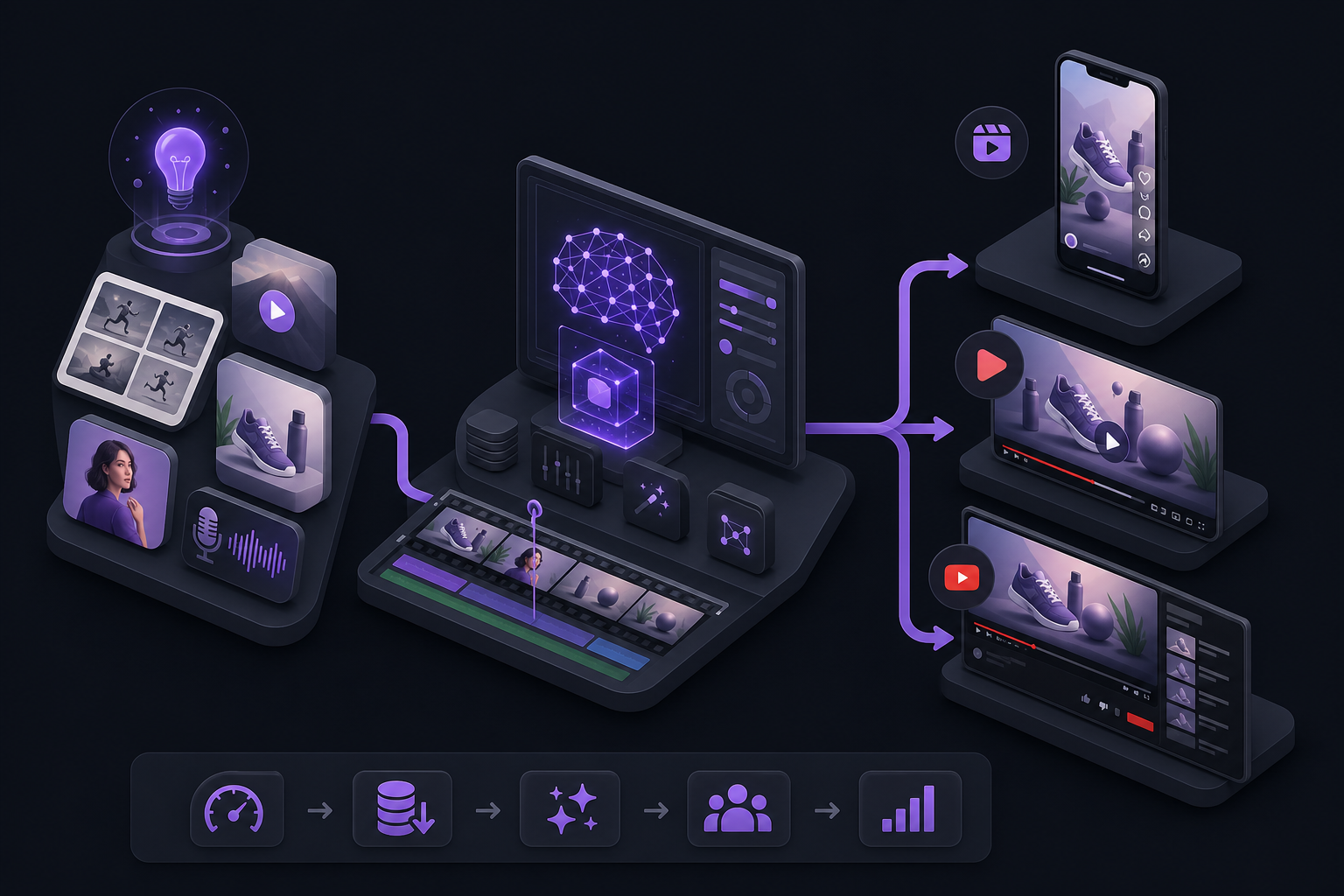
AI video tools finally crossed a usefulness line in 2026. You can draft a commercial, package Reels, and turn a YouTube script into publishable cuts in minutes—not because one magic button replaced filmmaking, but because the right tools remove the slow middle work: scripting help, storyboards, captions, B-roll gaps, voiceovers, and format exports.
The mistake most teams make is searching for one universal "best AI video generator." Commercials, Reels, and YouTube videos have different constraints. A Product Hunt launch video needs brand control. A Reel needs speed and hooks. A YouTube tutorial needs clean speech editing and chaptering.
This comparison focuses on what creators, marketers, and founders actually need: which tools win for which job, how to stack them, and how to test without wasting weeks.
How to Compare AI Video Tools in 2026
Evaluate every tool on seven questions:
- Input quality — Can it start from a URL, doc, script, or screen recording?
- Control — Can you edit storyboard and script before final render?
- Brand fidelity — Logos, colors, fonts, intros/outros.
- Format flexibility — 16:9, 9:16, 1:1 from one project.
- Voice and captions — Natural voiceover plus readable captions.
- Editing style — Timeline vs text-based vs prompt-to-video.
- Speed to published — Minutes to a usable draft, not perfect cinema.
If a tool scores high on demos but fails your brand kit, it will stall adoption.
Best Overall for Product and Marketing Videos: ngram
ngram is built for polished, on-brand video from product docs, URLs, prompts, and recordings. It is especially strong when the output needs to feel intentional: feature announcements, explainers, onboarding videos, demos, and launch creatives.
Why teams pick ngram:
- You define audience, goal, tone, and length.
- You can review storyboard and script before generating.
- Brand kits keep logos and styling consistent.
- Multi-format export covers site, Shorts, and social crops.
Choose ngram when "looks professional and on-brand" matters more than raw meme-speed volume.
Best fit jobs:
- SaaS launch videos
- Product demos from docs or URLs
- Changelog and feature releases
- Sales follow-up walkthroughs
- Landing-page hero videos
Best for Script-to-Social Video: Invideo
Invideo is a strong choice when you need finished social-ready video from a script or brief. It shines for promos, listicle-style explainers, ad-like commercials, and rapid content variants.
Use Invideo when:
- You already know the message.
- You need motion graphics and stock/AI visuals quickly.
- You are publishing many short pieces across platforms.
It is less about deep speech editing and more about turning written ideas into watchable clips fast.
Best for Captions, Quick Cuts, and Multi-Platform Export: VEED
VEED is the pragmatic finisher. If your bottleneck is captions, cleanup, subtitles, and exporting the same clip for Reels, TikTok, and Shorts, VEED usually pays for itself quickly.
Choose VEED when:
- You already shot or generated the base video.
- You need accessible captions.
- You want fast mobile-first packaging without a heavyweight NLE learning curve.
Many high-output teams generate or record elsewhere, then finalize in VEED.
Best for Long-Form YouTube and Podcast-to-Video: Descript
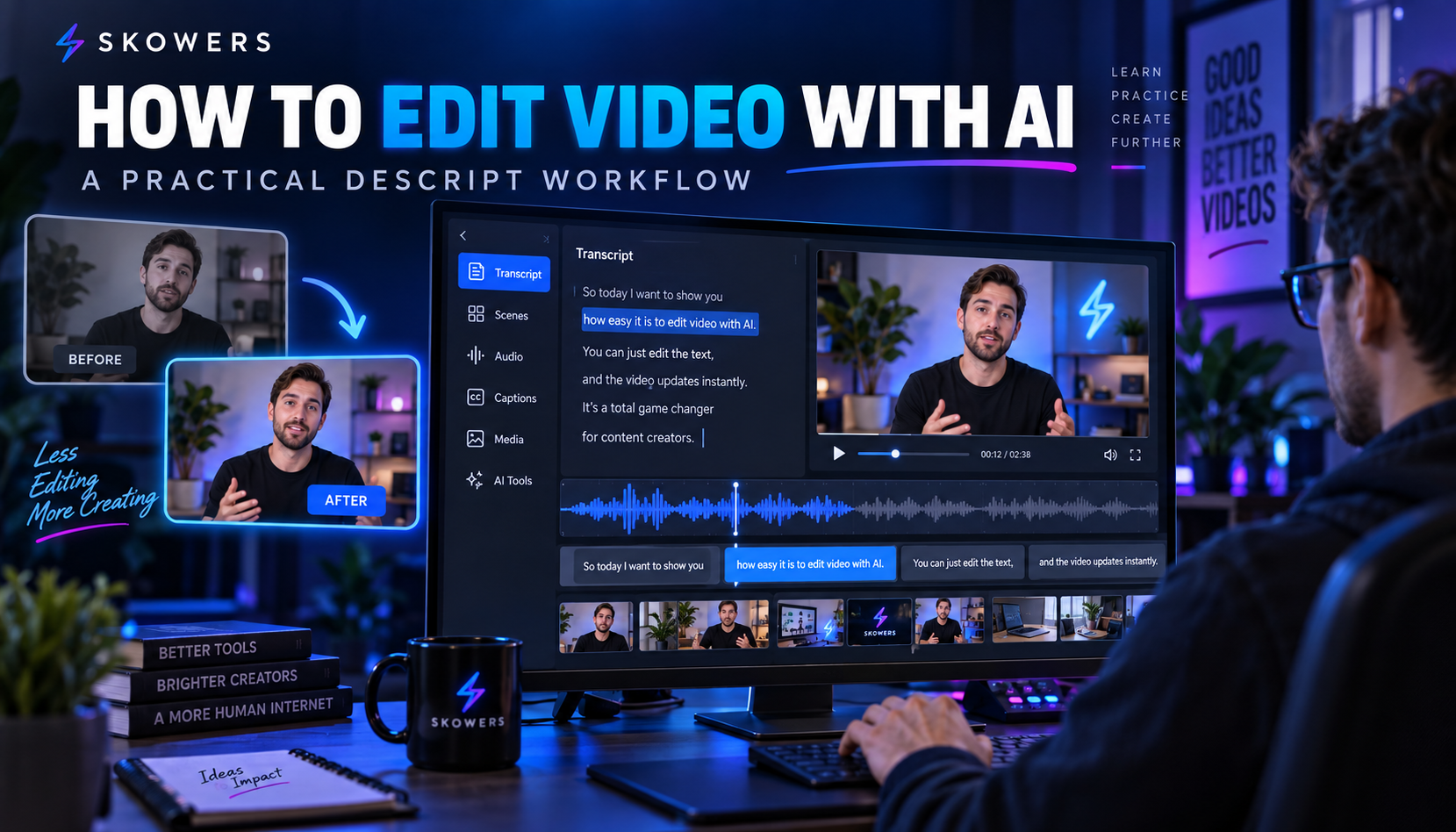
Descript wins when speech is the product. Tutorials, interviews, founder updates, webinars, and podcasts become editable documents. Delete words to cut video. Clean audio. Pull highlights for shorts.
Descript is not always the best "text-to-commercial" engine. It is one of the best systems for turning messy human recordings into usable YouTube assets.
Best Descript workflows:
- Record talk-to-camera.
- Edit by transcript.
- Generate clips from strong moments.
- Publish long-form plus shorts from one master file.
Best for Turning Recordings Into Content Batches: Castmagic
Castmagic sits after recording. Drop in a podcast, webinar, or long video and extract titles, show notes, quotes, social captions, and summaries.
It is not a full video renderer by itself. It is force multiplication for teams that already create long-form audio/video and need packaging at scale.
Pair Castmagic with Descript + VEED for a complete YouTube-to-social system.
Best Voiceovers for AI Video: ElevenLabs and Murf
Video generators often include stock voices. Dedicated voice tools still matter when brand sound quality is part of the product.
ElevenLabs is excellent for natural, expressive narration and multilingual needs.
Murf is strong for studio-style commercial voiceovers and controlled brand narration.
Use dedicated voice tools when:
- The built-in generator voice sounds generic.
- You need consistent brand VO across many videos.
- You localize one script into multiple languages.
Supporting Creative Systems (Not Pure Generators, Still Useful)
Some videos start as decks or visual stories.
Gamma and Beautiful AI help when the commercial narrative begins as a pitch or feature outline. Teams often convert decks into storyboards, screenshots, or motion references before feeding them into ngram or Invideo.
Snowfire can fit creative workflows where visual production and brand content systems need a wider studio-style toolkit—useful context depending on your campaign stack.
Comparison by Use Case
Best for commercials and paid creative 1. ngram for on-brand product stories. 2. Invideo for fast script-to-ad variations. 3. ElevenLabs / Murf for premium voice.
Best for Reels / Shorts / TikTok 1. VEED for captions and format finishing. 2. Invideo for net-new short creatives. 3. ngram when the Reel is a product launch or feature clip that must stay branded. 4. Castmagic for caption/title packs from long videos.
Best for YouTube 1. Descript for speech-heavy masters. 2. ngram for polished explainers and demos. 3. Castmagic for packaging metadata and social spinouts. 4. VEED for Shorts finishing.
Side-by-Side Snapshot
ngram - Strength: brand-safe product/marketing video with control. - Watch-out: overkill if you only need raw meme clips.
Invideo - Strength: fast script-to-finished social/commercial style cuts. - Watch-out: check brand consistency carefully.
VEED - Strength: captions, polish, and multi-platform export. - Watch-out: stronger as a finisher than as your only creative engine.
Descript - Strength: text-based editing for long spoken content. - Watch-out: not the first pick for fully synthetic commercials.
Castmagic - Strength: content batching from recordings. - Watch-out: pair with a renderer/editor for final video frames.
ElevenLabs / Murf - Strength: VO quality and consistency. - Watch-out: still need a video assembly tool.
Recommended Stacks (Instead of One Tool)
Startup launch stack ngram for the core 60-second launch video + VEED for vertical crops/captions + ElevenLabs if VO needs an upgrade.
Creator YouTube stack Descript for masters + Castmagic for packaging + VEED for Shorts.
Always-on social ads stack Invideo for variants + Murf or ElevenLabs for VO tests + VEED for final captions.
Product marketing weekly system Monday: outline. Tuesday: generate draft in ngram or Invideo. Wednesday: human edit for truth and tone. Thursday: crop and caption in VEED. Friday: measure watch-through and iterate hooks.
Quality Control Checklist Before You Publish
- Does the first 3 seconds have a clear hook?
- Are claims accurate and legally safe?
- Is the brand kit applied (colors, logo, fonts)?
- Are captions readable on mobile?
- Is the CTA specific (start trial, book demo, watch full video)?
- Did a human watch the full cut at least once?
AI can create minutes of footage quickly. Trust still comes from human review.
Pricing and Trial Strategy
Most teams should not buy five video tools on day one. Start free trials through Skowers, then keep only the pieces that remove a real bottleneck.
A practical trial plan:
- Test ngram on one real product page or docs URL.
- Test Descript on one recorded talking-head video.
- Test VEED on captions/export for that same asset.
- Add Invideo only if you need high-volume script-to-clip production.
- Track trial dates and costs in the Skowers Dashboard so unused seats do not become silent payroll.
Common Mistakes When Buying AI Video Tools
- Choosing cinema demos over workflow fit.
- Skipping brand kits and shipping generic purple stock vibes.
- Generating 50 videos with no distribution system.
- Using AI VO with no human script editing.
- Expecting one tool to replace strategy, offer clarity, and editing taste.
What "Minutes" Really Means in 2026
Yes, AI can produce a first cut in minutes. The winning teams still spend a little time where it matters:
- Offer positioning
- Hook writing
- Fact checking
- Brand consistency
- CTA testing
That is how commercials, Reels, and YouTube videos become a growth system instead of a novelty folder.
Final Picks
- Best product/marketing generator: ngram
- Best script-to-social volume: Invideo
- Best captions and finishing: VEED
- Best long-form speech editing: Descript
- Best recording-to-content packaging: Castmagic
- Best voice layer: ElevenLabs or Murf
Next Step
Pick one real asset you need this week—a launch video, a Reel series, or a YouTube tutorial—and run it through the matching stack above.
Start with ngram for brand-safe product video. Start with Descript for spoken YouTube. Start with Invideo or VEED for short-form speed.
Browse more audio/video tools in the Skowers directory, open free trials where available, and keep only the ones that earn a weekly slot in your content calendar.
Related Articles
Continue Your Research