
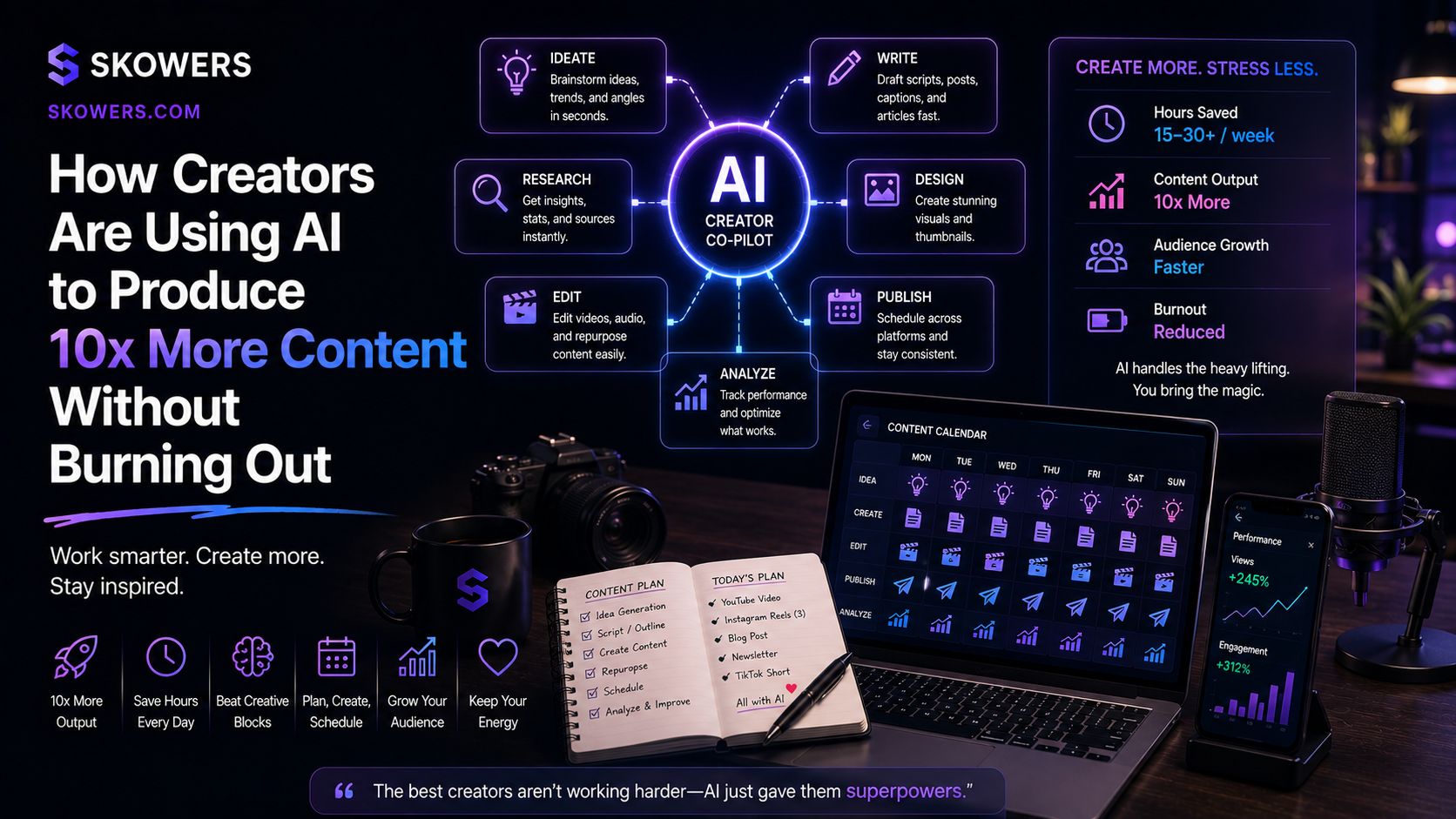
How Creators Are Using AI to Produce 10x More Content Without Burning Out
Listen: How Creators Are Using AI to Produce 10x More Content Without Burning Out
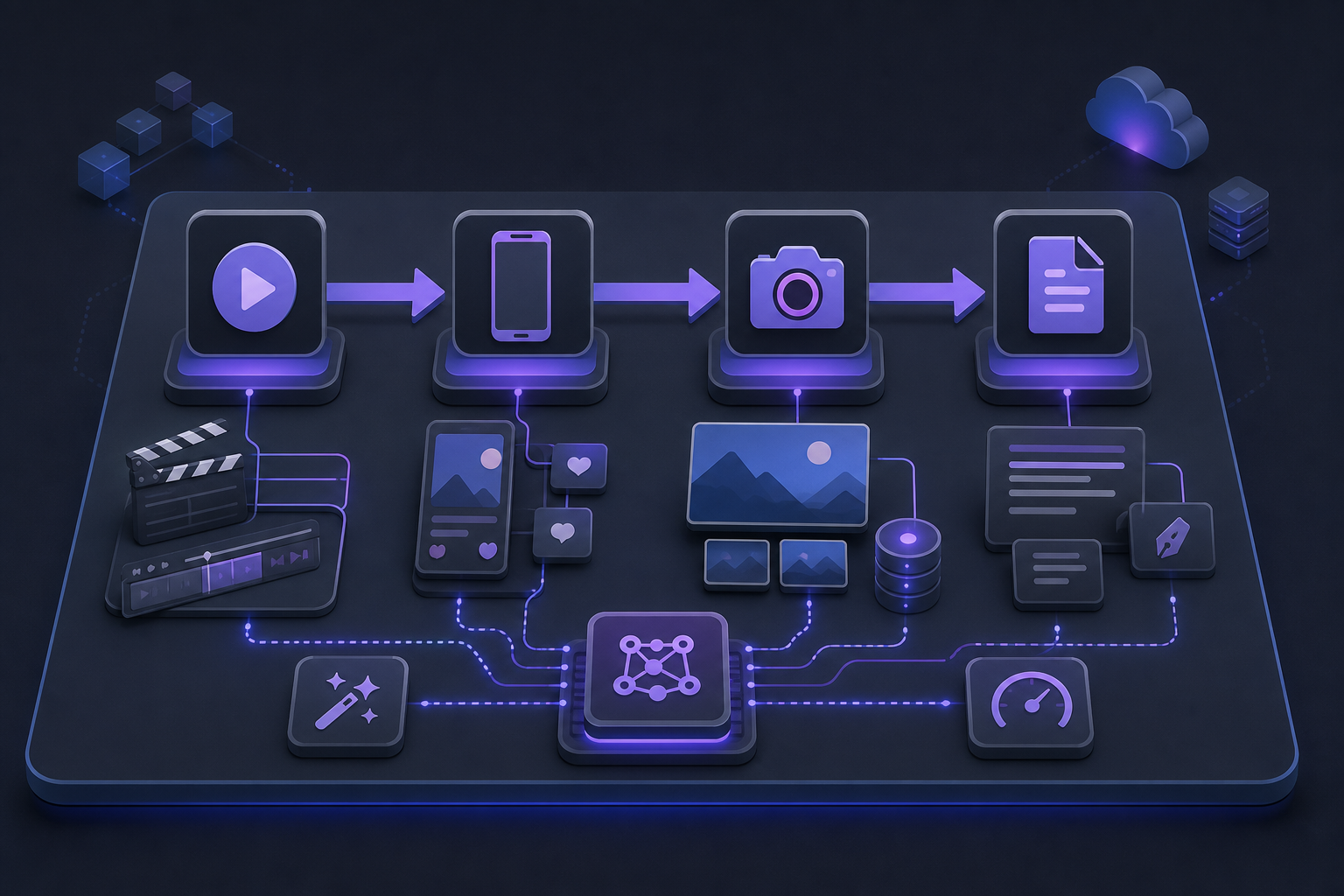
Creators do not burn out because they lack ideas. They burn out because every idea has to become a script, a shoot, a cut, a caption, a thumbnail, a blog post, a series of comments, and a next-week plan—often by the same person.
That is why "AI content creation" became such a big search topic. The winners are not using AI to replace their voice. They are using it to remove the repetitive middle of the work: research, first drafts, editing, repurposing, publishing, and reposting.
If you create for YouTube, TikTok, Instagram, or a blog, the goal is not "10x posts" for vanity metrics. The goal is 10x usable assets from the same creative energy—so one strong idea becomes a long video, shorts, carousels, a newsletter, and SEO content without living inside CapCut at midnight.
This guide breaks down the creator AI stack by channel, then shows a burnout-proof weekly system you can actually run.
The 10x Content Mindset (Not More Hours)
Most creators try to scale output by working longer. High-output creators scale systems.
A simple rule works well:
- Capture once.
- Package many times.
- Automate the boring parts.
- Keep taste and strategy human.
Your personality, angle, and quality bar stay yours. AI handles volume: drafting, clipping, restructuring, captions, SEO expansion, and scheduling.
That is also where a curated directory helps. Instead of testing fifty random apps, start with proven tools already listed on Skowers—especially ones built for video, social packaging, and SEO growth.

YouTube: Turn One Idea Into a Full Content Engine
YouTube still rewards depth. The problem is time. A single polished upload can eat a week if scripting, A-roll, B-roll, editing, voiceover, titles, and chapters all start from zero.
High-leverage YouTube workflows look like this:
- Outline the episode in bullets (your angle and proof).
- Expand to a full script with AI as a co-writer, not a ghostwriter.
- Record naturally.
- Use AI editing to cut silence, find highlights, and create chapters.
- Repurpose the long video into Shorts, titles, descriptions, and community posts.
Best video production tools for YouTube creators
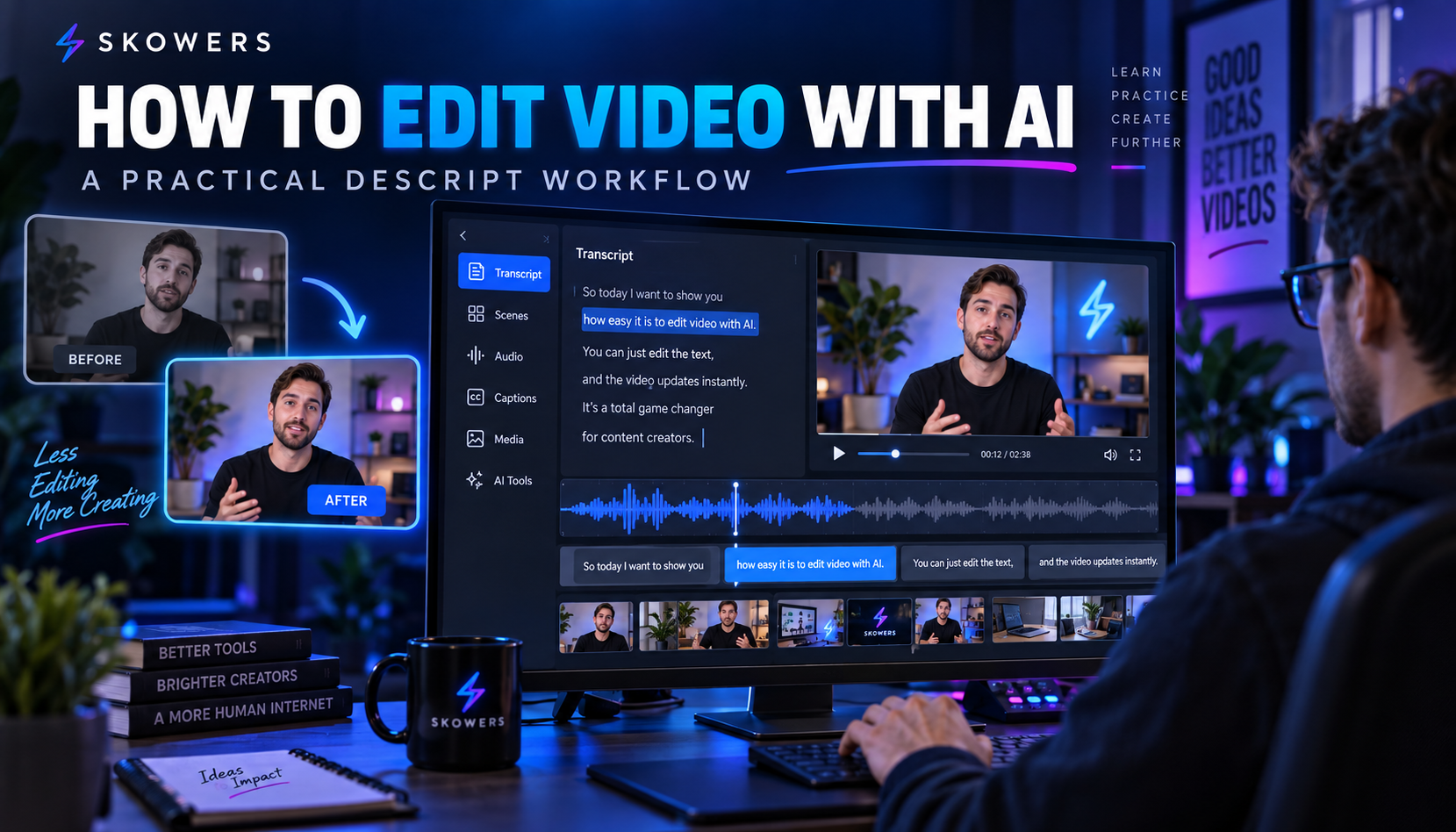
Descript is one of the strongest "edit like a doc" tools for creators. If you think in scripts and spoken ideas, Descript lets you cut by deleting words, clean audio, and turn long recordings into usable cuts faster. It is especially useful for tutorials, interviews, podcasts-to-YouTube, and talk-to-camera channels.
ngram is built for product and marketing teams that need polished, on-brand videos from docs, URLs, and recordings. Creators and founders use it when a launch, feature walkthrough, or explainer needs a professional finish without a production crew. Describe the audience and goal, then iterate the storyboard in plain language before you ship.
Invideo helps when you need finished social-ready video from a script. It is useful for channel trailers, promo cuts, listicle explainers, and ads that support an organic YouTube funnel.
VEED is strong for captions, quick cuts, and multi-platform export. If Shorts and YouTube are connected in your funnel, VEED helps you finish captions and formats without rebuilding every clip from scratch.
ElevenLabs and Murf cover voiceover when you need clean narration without re-recording every draft, or when you repurpose written posts into audio-first versions of a video.
Castmagic is valuable after recording. Drop in a podcast or long video and extract show notes, quotes, social captions, titles, and summaries—so one recording becomes a content batch.
For YouTube thumbnails and channel presentation assets, creators often pair edits with presentation tools like Gamma or Beautiful AI for decks, pitch-style visual systems, and sponsor one-sheets.
YouTube 10x checklist
- Batch film two or three core videos in one session.
- Use Descript or VEED for cleanup and captions.
- Use Castmagic for notes and social packages.
- Cut 3–8 Shorts from each long video.
- Keep one human review pass for accuracy and personality.
TikTok: Speed, Hooks, and Repeatable Formats
TikTok rewards velocity and testing. Burning out usually happens when every post starts as a brand-new shoot.
Sustainable TikTok creators work in formats:
- Hook-led tip clips from long-form content.
- Screen recordings and walkthroughs.
- POV storytelling with simple B-roll.
- Comment-reply content recycled from audience questions.
AI fits best in three places: scripts, packing (captions/hooks), and cloning winning structures without copying someone else's voice.
Tools that fit TikTok workflows
VEED and Invideo help turn raw clips and scripts into short vertical videos with captions and motion.
ngram is useful when TikTok is part of a product launch system—feature announcements, demos, and onboarding videos that need to look consistent across launch day assets.
Adcreative helps creators and brands who mix organic TikTok with paid amplification. When a clip works, you can generate ad creative variations faster instead of redesigning every frame by hand.
Vista Social keeps scheduling and engagement from becoming a second full-time job. Publish and recycle posts across networks from one calendar so TikTok wins can become Reels and Shorts without retyping everything.
A practical cadence for TikTok without burnout:
- One deep idea or shoot day per week.
- Five to twelve short cuts from that idea.
- Hook testing with new first lines, not new full videos.
- Schedule in batches, then spend live time only on replies.
Instagram: Carousels, Reels, and Authority Packaging
Instagram is still one of the best platforms for personal brand and product proof. The content types that scale well with AI are:
- Carousels that teach one idea step by step.
- Reels clipped from long-form.
- Stories that document the process.
- Saved series that support a product, course, or tool stack.
The burnout trap is designing every carousel from blank Canva and writing every caption from scratch.
Better Instagram workflow
- Write the teaching outline once.
- Expand into carousel text and captions with AI.
- Design with templates and repeatable layouts.
- Clip Reels from existing video.
- Schedule and track in one social dashboard.
Vista Social is a strong backbone for multi-account Instagram teams and solo creators managing brand + personal pages.
For visual storytelling and launch decks that later become carousels or Stories, Prezi, Gamma, and Beautiful AI help turn outlines into presentation systems you can screenshot, export, or adapt into static posts.
When Reels need faster finishing, pair Descript for transcription/cleanup with VEED for captions and mobile-first export.
Instagram tip that saves hours
Build three reusable content templates:
- Myth vs truth carousel.
- Step-by-step "how I do X" carousel.
- Before/after proof Reel.
AI fills the variables. You keep the brand structure.
Blogging: SEO Content That Compounds While You Sleep
Short-form wins attention. Blogging and long-form SEO win compounding discovery—especially when AI search and classic Google both cite clear, structured articles.
Creators who treat blogging as an afterthought usually give up. Creators who treat it as a packaging layer win twice: social traffic now, search traffic later.
What a modern creator blog should do
- Expand YouTube scripts into searchable articles.
- Answer comparison and "how to" queries.
- Link to tools, products, and lead magnets.
- Become source material AI systems can cite.
That is where SEO-focused AI systems matter.
BabyLoveGrowth is built for organic growth on autopilot—branded SEO content, publishing support, backlinks, and AI-search visibility tracking. Creators and founders use it when blogging cannot become a second job but they still want domain authority and traffic from Google and ChatGPT-style discovery.
Alli AI helps optimize on-site SEO with AI-driven workflows: identify issues, improve pages, and ship changes without living in spreadsheets. It pairs well when you already publish but underperform in rankings.
For editorial polishing and paraphrase quality control, QuillBot can help refine drafts so AI-assisted posts still sound like a human creator with standards.
A strong blogging cadence for multi-platform creators:
- Take one YouTube script per week.
- Expand it into a 1,500–2,500 word resource post.
- Add tool comparisons and examples readers can try.
- Publish, then cut social posts from the same article.
- Improve older posts monthly with Alli AI style optimization passes.
The Burnout-Proof Weekly System
Here is a realistic week that many creators can sustain:
Monday — Capture - Ideate 3 concepts. - Outline one long-form piece (YouTube or blog). - Record voice notes while walking; let AI turn them into drafts later.
Tuesday — Produce the core asset - Film or write the main piece. - Use Descript or ngram depending on whether you are editing speech-heavy video or polishing product/explainer video.
Wednesday — Package - Cut shorts with VEED or Invideo. - Extract captions, quotes, and titles with Castmagic.
Thursday — Distribute - Schedule TikTok/IG/YouTube community posts with Vista Social. - Publish the blog expansion and optimize with BabyLoveGrowth / Alli AI as needed.
Friday — Measure and protect energy - Review what got saves, watch time, and comments. - Kill underperforming formats. - Block offline time so "content machine" does not become identity burnout.
Building Your Creator Stack on Skowers
You do not need every tool. You need a chain:
- Capture and edit long-form: Descript
- Launch and product videos: ngram
- Short-form packaging: VEED or Invideo
- Recycle transcripts into posts: Castmagic
- Schedule and engage: Vista Social
- Compound with SEO blogging: BabyLoveGrowth and Alli AI
- Present and pitch cleanly: Gamma or Beautiful AI
Most of these offer free trials through Skowers, so you can validate fit on one real workflow before you pay.
Also use the Skowers Dashboard to track trial dates and subscription costs. Creators burn money the same way they burn energy: by stacking apps they forget to cancel.
Common Mistakes That Kill Results
- Letting AI write in a generic voice with no examples from your life.
- Publishing more before improving hooks and packaging.
- Building five Instagram accounts before one reliable pipeline.
- Treating blogging as separate from video instead of an expansion layer.
- Buying ten tools instead of finishing one weekly system.
What "10x Without Burnout" Actually Looks Like
It usually means:
- 1 core video or article per week.
- 8–20 derivative posts.
- Consistent packaging quality.
- Less emergency editing.
- More time for comments, community, and creative rest.
AI is the multiplier. Taste is the moat. Systems are the difference between a temporary content spike and a sustainable creator business.
Next Step
Pick one bottleneck this week—scripting, editing, short-form packing, scheduling, or SEO blogging—and solve it with one tool first.
If editing is the bottleneck, start with Descript. If polished product video is the bottleneck, start with ngram. If distribution is the bottleneck, start with Vista Social. If organic compounding is the bottleneck, start with BabyLoveGrowth.
Browse more creator and media tools in the Skowers directory, then track trials in your Dashboard so every app in the stack earns its place.
Related Articles

Continue Your Research