
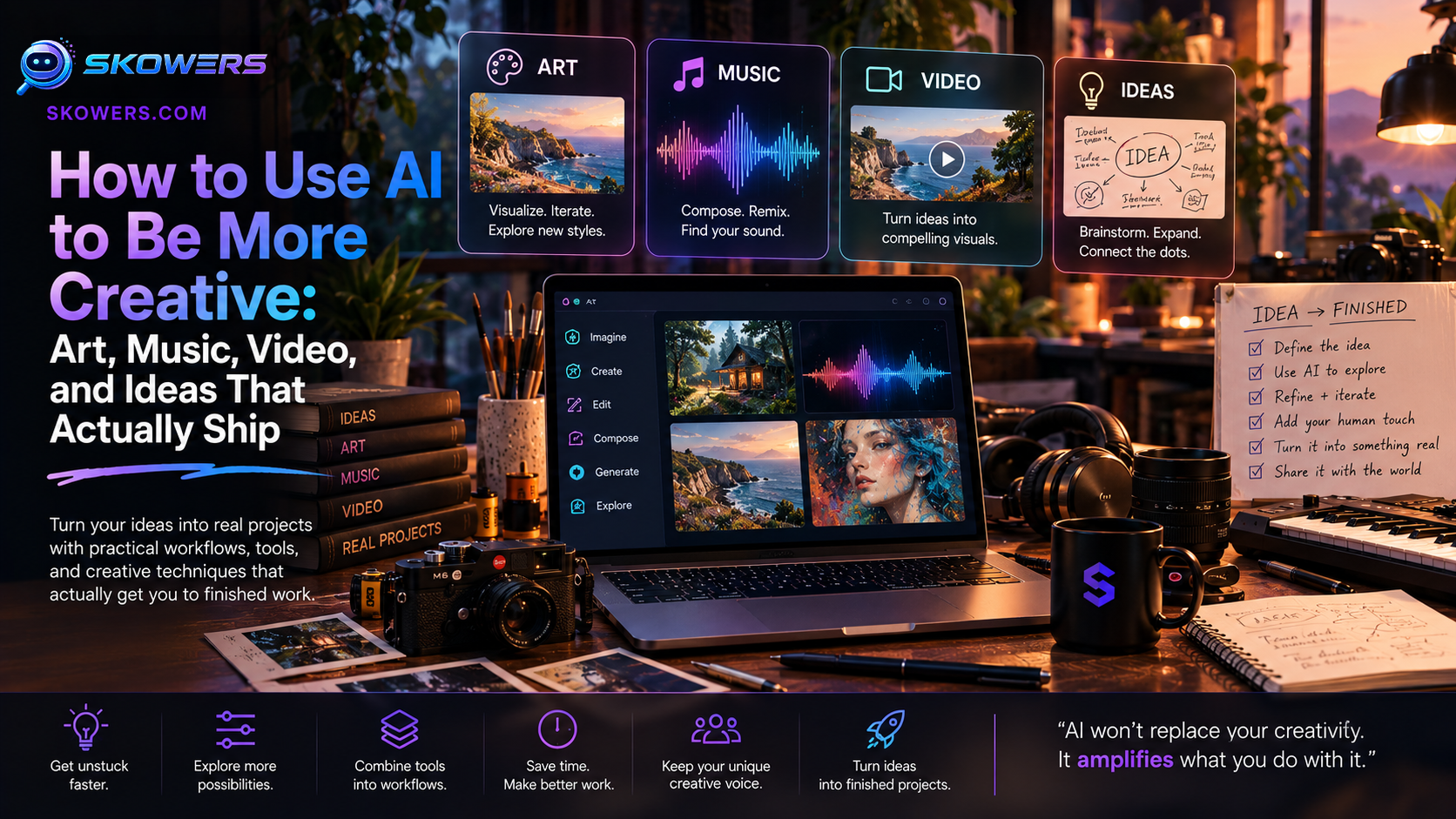
How to Use AI to Be More Creative: Art, Music, Video, and Ideas That Actually Ship
Most people do not have a creativity shortage. They have a finish shortage.
An idea arrives. Then the blank page, the empty canvas, the silent session, or the half-cut video takes over. AI is useful here when it shortens the distance between a rough impulse and a piece you can look at, hear, share, or improve. It is less useful when it becomes a slot machine for random outputs that never get edited.
This guide shows how to use AI as a creative partner, not a replacement for taste. You will get a simple four-step loop, a stack organized by job, and a seven-day practice plan. The priority is tools already reviewed on Skowers, with affiliate links when you want to try them. We also name popular music apps that many creators already use, even when they are not in the directory.
Last reviewed October 1, 2026. Features and pricing change. Confirm current details before choosing a plan.
Skowers may earn a commission from partner links in this article at no additional cost to you. Recommendations are based on the job each tool can perform in the workflow, not on commission alone.
What Using AI for Creativity Actually Means
Using AI to be more creative does not mean asking a generator for “something cool” until you feel inspired. It means giving the model a job with constraints, then keeping the decisions that require judgment.
Those decisions stay human:
- What the piece is for
- What feeling it should create
- What to cut
- What is original enough to publish
- When a draft is done
AI can help with the rest: first sketches, variations, arrangement ideas, voiceovers, captions, brand drafts, and the ugly middle of editing.
If you want a visual starting point, Museit.art is the Skowers-listed art studio to begin with. If you want music, pair a popular generator such as Suno or Udio with finishing tools like ElevenLabs or Descript. If you want video, start with Descript, Invideo, or VEED.
The rest of this guide shows how those tools fit one repeatable process.
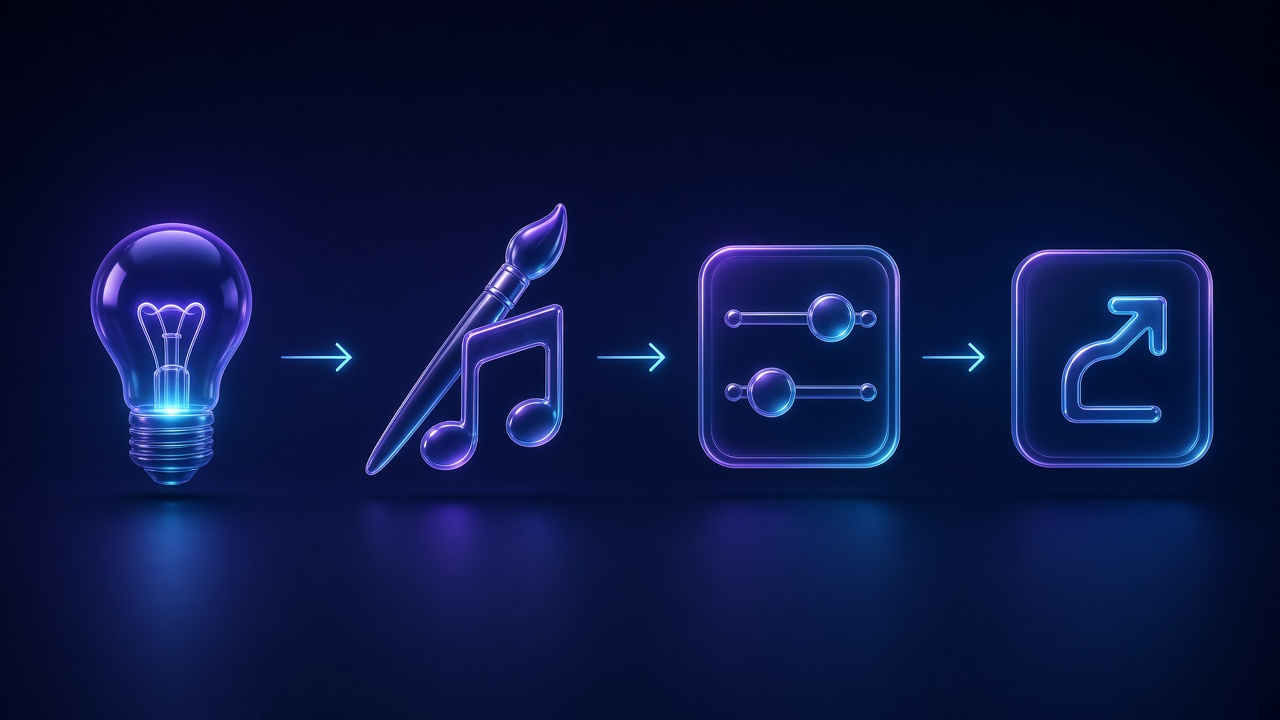
The Four-Step Creative Loop
1. Ideate with a constraint
A blank prompt produces generic work. A constrained prompt produces options you can judge.
Write the job before you open any app:
- Audience
- Feeling or mood
- Format
- Length
- What must stay human
- What “done” looks like
Miro is useful when the idea is still messy and needs a board: mood words, reference images, scene lists, lyric fragments, or shot ideas. Flowith can hold a repeating creative workflow once you know the steps you want to run every week.
I am making [format] for [audience].
Desired feeling: [mood] Must include: [2-4 concrete details] Must avoid: [cliches, off-brand looks, copyrighted characters] Length or size: [constraint] Human work I will keep: [taste, story, performance, final cut] Definition of done: [one sentence]
Give me 8 distinct directions. For each direction, include a title, the core image or hook, and one risk to watch.
2. Draft faster than your inner critic
The first useful output is a draft you can reject. Speed matters because taste only appears when there is something to taste.
- Visual first draft: Museit.art
- Brand mark first draft: Logome
- Spoken or written first draft: QuillBot plus your own notes
- Video first draft: Invideo or ngram
- Voice first draft: ElevenLabs or Murf
Do not polish in this step. Collect three to eight options, then pick one.
3. Refine with a scorecard
AI will keep generating forever. You need a stop rule.
Score the chosen draft from 1 to 5 on:
- Clarity of the idea
- Emotional fit
- Originality versus generic AI look or sound
- Technical quality
- Whether a stranger would understand it in five seconds
Keep anything scoring 4 or 5. Rewrite or regenerate only the weak parts. This is where QuillBot helps language, VEED helps picture and captions, and CreativeScore helps if the piece is an ad rather than personal art.
4. Finish and put it in front of someone
Creativity compounds when work leaves the private folder. Export, title, and share with one real person or one public post. Then write one sentence about what you would change next time.
That sentence becomes tomorrow’s constraint.
Art and Visual Ideas: Start With Museit.art
Museit.art is the Skowers art generator to use when you want guided image-making rather than a random wallpaper machine. It is a strong fit for concept art, illustrations, social visuals, album or podcast covers, mood boards, and personal art practice.
Use it well:
- Write the scene, not a style dump. “A quiet kitchen at 6 a.m., steam on a window, one empty chair, warm tungsten light” beats “cinematic ultra-detailed masterpiece.”
- Generate a small batch. Three to six images is enough to see the idea.
- Pick one and iterate on composition, color, and the one object that must be right.
- Export a high-resolution version only after the concept is working.
Create a still image for [use case].
Subject: [who or what is in frame] Place and time: [setting] Light: [source, color, softness] Emotion: [one word] Composition: [close, wide, overhead, centered, off-center] Color limit: [2-3 colors] Do not include: [text, logos, celebrity likenesses, copyrighted characters] Make it feel handmade and specific, not like a generic stock illustration.
When to add other visual tools
- Logome when the job is a logo, brand kit, or consistent mark across a project.
- Adcreative when the art has to sell: ads, social posts, and variations for a campaign.
- CreativeScore when you need a second opinion on whether an ad is likely to perform before you spend media budget.
- Gamma or Beautiful AI when the visual idea has to become a deck, lookbook, or client presentation.
- Prezi when the story needs motion and a live room, not a static slide pile.
Art practice that actually improves skill: recreate one real still life or photo reference in Museit.art, then draw or photograph your own version of the same composition. The AI draft trains your eye. The remake trains your hand.
Music and Sound: Popular Apps Plus a Finish Stack
The most common music apps right now sit in two groups.
Idea and song generators people already use
- Suno for full-song drafts from a prompt or lyrics
- Udio for another popular text-to-music path and variation workflow
- BandLab for browser-based recording, beats, and collaboration
- Soundraw or similar stem-style tools when you need background music you can edit
- Moises or similar stem splitters when you want to practice, remix, or isolate parts
- Phone voice memos for melody fragments before any generator gets involved
Those apps are useful for sketches. They are not automatically a release. Read each product’s license, training, and commercial-use terms before you publish, monetize, or register a track. Do not upload vocals, beats, or songs you do not have the right to use.
Skowers tools that make music work usable
- ElevenLabs for narration, character voices, trailers, and multilingual voiceovers that sit on top of a track
- Murf for studio-style voiceovers when you need control over pacing and emphasis
- Descript for editing spoken sessions, podcasts, and music-plus-talk videos by editing text
- CastMagic for turning a session, interview, or process video into notes, quotes, and posts
- Audiorista when the creative work is becoming a catalog: episodes, member audio, or a branded listening app instead of another rented feed
- Hume if the project depends on emotional tone in voice, not only clean pronunciation
A practical music session:
- Hum or type the hook first. Keep your lyric or motif.
- Generate two or three beds in Suno, Udio, BandLab, or Soundraw.
- Pick one bed. Cut it. Do not keep all eight choruses.
- Record your own vocal, instrument, or spoken story if the piece is yours.
- Use ElevenLabs or Murf only when a narrator is the point, not when you are hiding that you did not perform.
- Finish titles, show notes, and clips in Descript and CastMagic.
Write a music brief for a [length] [genre] piece.
Purpose: [film cue, podcast intro, personal song, study loop] Tempo and energy: [slow/medium/fast] Instruments that must appear: [list] Instruments to avoid: [list] Lyric theme if any: [one sentence] Reference feeling, not a copyrighted song title: [three adjectives] Structure: intro, two sections, ending Leave space for a human vocal or voiceover.
Video: Edit Like a Writer, Then Package the Clips
Video is where creativity dies in timelines. Treat speech as text and pictures as evidence.
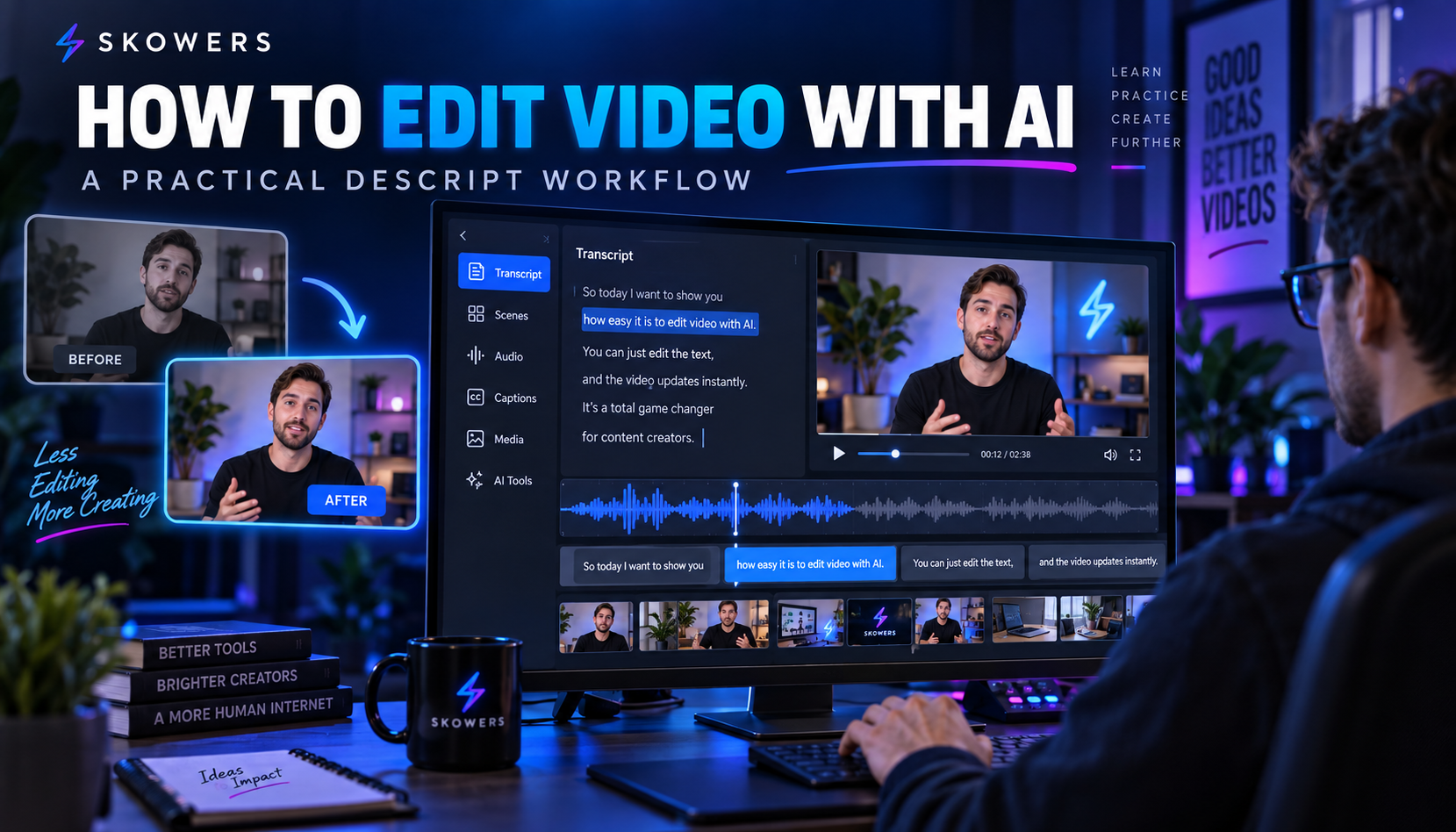
Descript is the beginner-friendly editor when the video is mostly talking: tutorials, process films, studio vlogs, interviews, and “how I made this” breakdowns. Edit the transcript, clean filler, add captions, then export.
VEED is the fast browser finish for subtitles, short cuts, and multi-platform export.
Invideo is useful when you have a script and need a complete video from templates, stock, and AI assembly.
ngram is the better path when the video has to explain a product, feature, or offer and stay on brand.
A creative video that teaches your process is often more valuable than a perfect generated clip. Record 12 minutes of making something in Museit.art or finishing a song. Cut it in Descript. Pull three shorts in VEED. That one afternoon is a week of proof that you actually make things.
For a longer Descript walkthrough, use How to Edit Videos With AI Using Descript.
Writing, Decks, and the Idea Layer
A lot of “I am not creative” is “I cannot get the first paragraph or first slide to exist.”
- QuillBot for paraphrasing a stiff draft, tightening grammar, and comparing versions without losing your meaning
- Miro for messy thinking: story maps, lyric boards, shot lists, exhibition plans
- Gamma when the idea needs to be shown to a client, teacher, or collaborator today
- Beautiful AI when you will make the same kind of polished deck every month
- Prezi when a live story has to move
- CastMagic when the best writing is already in a recording and just needs to be extracted
Keep your own sentence in the piece. If every paragraph could have been written by anyone, the AI did the easy part and you skipped the part that makes it yours.
Here is my draft: [paste]
Keep my voice. Do not make it sound like a press release.
- Circle the one sentence that is actually mine
- Cut 30 percent
- Replace vague adjectives with concrete details
- List three cliches to delete
- Give me a stronger opening and a cleaner last line
A Seven-Day Plan That Builds Skill, Not a Folder of Demos
Do one finished piece a day. Twenty to forty minutes is enough.
Day 1 — Still image. One constrained scene in Museit.art. Export the best frame.
Day 2 — Brand mark. Make a simple mark or wordmark in Logome for a fake or real project. Use it on yesterday’s image.
Day 3 — Music sketch. Generate or record a 30–60 second piece in Suno, Udio, or BandLab. Write two sentences about what you would change.
Day 4 — Voice. Add a 20-second narration with ElevenLabs or Murf. Or record your own voice in Descript.
Day 5 — Short video. Turn days 1–4 into a 45-second process clip in Descript or VEED.
Day 6 — Written companion. A 300-word note or caption set with QuillBot as editor, not author. Extract extras with CastMagic if you recorded.
Day 7 — Show the work. A six-slide story in Gamma or a board in Miro. Share it with one person.
If the week produced seven finished objects, the system works. If it produced 80 generations and nothing exported, tighten the constraints and cut the tool count.
Who Should Use Which Starting Tool
- Visual artists and illustrators: Museit.art, then Logome if a mark is part of the project
- Musicians and audio-first creators: Suno, Udio, or BandLab for sketches; ElevenLabs, Descript, and Audiorista for voice, editing, and publishing
- Video-first creators: Descript, VEED, Invideo
- Founders making creative assets for a business: Adcreative, Gamma, ngram, CreativeScore
- Students and hobbyists: one art tool, one music sketch app, one editor. Start with Museit.art and Descript
Browse more options in the Skowers tools directory.
Common Mistakes
- Prompting without a finished-piece definition.
- Collecting 40 images or songs and publishing none.
- Using celebrity likenesses, living-artist style clones, or copyrighted characters.
- Publishing generated music without reading the license.
- Letting voice AI replace a performance you could have given.
- Buying five subscriptions before finishing one project.
- Asking AI to invent your taste instead of showing it references and constraints.
How to Know It Is Working
Track one month:
- Finished pieces per week, not generations
- Time from idea to export
- How often you reuse a piece across image, audio, and video
- Whether a person other than you can describe the idea after five seconds
- Tool cost versus hours of stalling you removed
If output looks more polished but you still cannot finish, the problem is the loop, not the model.
FAQ
Can AI make me more creative if I am not an artist?
Yes, if you use it to practice decisions. Generate options, choose, edit, and finish. That is the skill. The app is only the studio.
Is Museit.art better than a generic image generator?
Museit.art is the Skowers-listed art workspace for guided, intentional image-making. Generic generators can still be useful for raw variation. Start with Museit when you want a creative session, not a pile of disconnected pictures. See the Museit.art tool page.
What is the best AI music app?
There is no single best app. Suno and Udio are among the most common song generators. BandLab is a common all-in-one studio. For narration, finishing, and publishing, ElevenLabs, Descript, and Audiorista cover jobs those generators do not.
Will AI-generated art or music get me in legal trouble?
It can, depending on prompts, source uploads, output similarity, and how you use the file. Do not imitate a living artist’s name as a style shortcut. Do not upload audio you do not own. Check commercial terms before ads, client work, or distribution.
Should I tell people I used AI?
If the piece is public, educational, or commercial, say what was generated and what you made. Honesty protects trust. It also keeps you honest about where your skill actually is.
The Bottom Line
AI makes you more creative when it increases finished work and sharper taste. It makes you less creative when it replaces the moment you would have chosen, cut, or performed.
Start with one lane. Use Museit.art for images, a popular music app plus ElevenLabs or Descript for sound, and VEED or Invideo when the piece needs to move. Keep Miro and QuillBot for the thinking and the sentences that have to sound like you.
Then run the loop: constrain, draft, score, finish. The tool list is optional. The finished piece is not.
When you are ready to try the art lane, open Museit.art through Skowers. For the rest of the stack, start from the Skowers directory.
Related Articles

Continue Your Research