
What Marblism Is and How to Use AI Employees to Get Time Back
Most people do not need another chatbot. They need help with work that already repeats: unread mail, missed calls, a quiet social account, a website they never finish, leads that go cold, and documents that sit unsigned.
Marblism is built for that kind of work. It is a team of AI employees. Each one owns a job instead of answering one prompt. They connect to the tools that job already lives in—inbox, calendar, phone, social, site, leads—and they can start when something happens there, not only when you remember to ask.
This guide explains what Marblism is, where it can add value in a real week, and how to use it without handing over your reputation. The useful test is simple: after two weeks, did one repeating job get lighter, clearer, and still under your control?
Last reviewed November 5, 2026. Roles, hours, pricing, and integrations can change. Confirm current details on Marblism before you subscribe.
Skowers may earn a commission from the Marblism partner links in this article at no additional cost to you. The recommendations below are about workflow fit: start with one job, review before send, and measure hours saved against hours billed.
What Marblism Actually Is
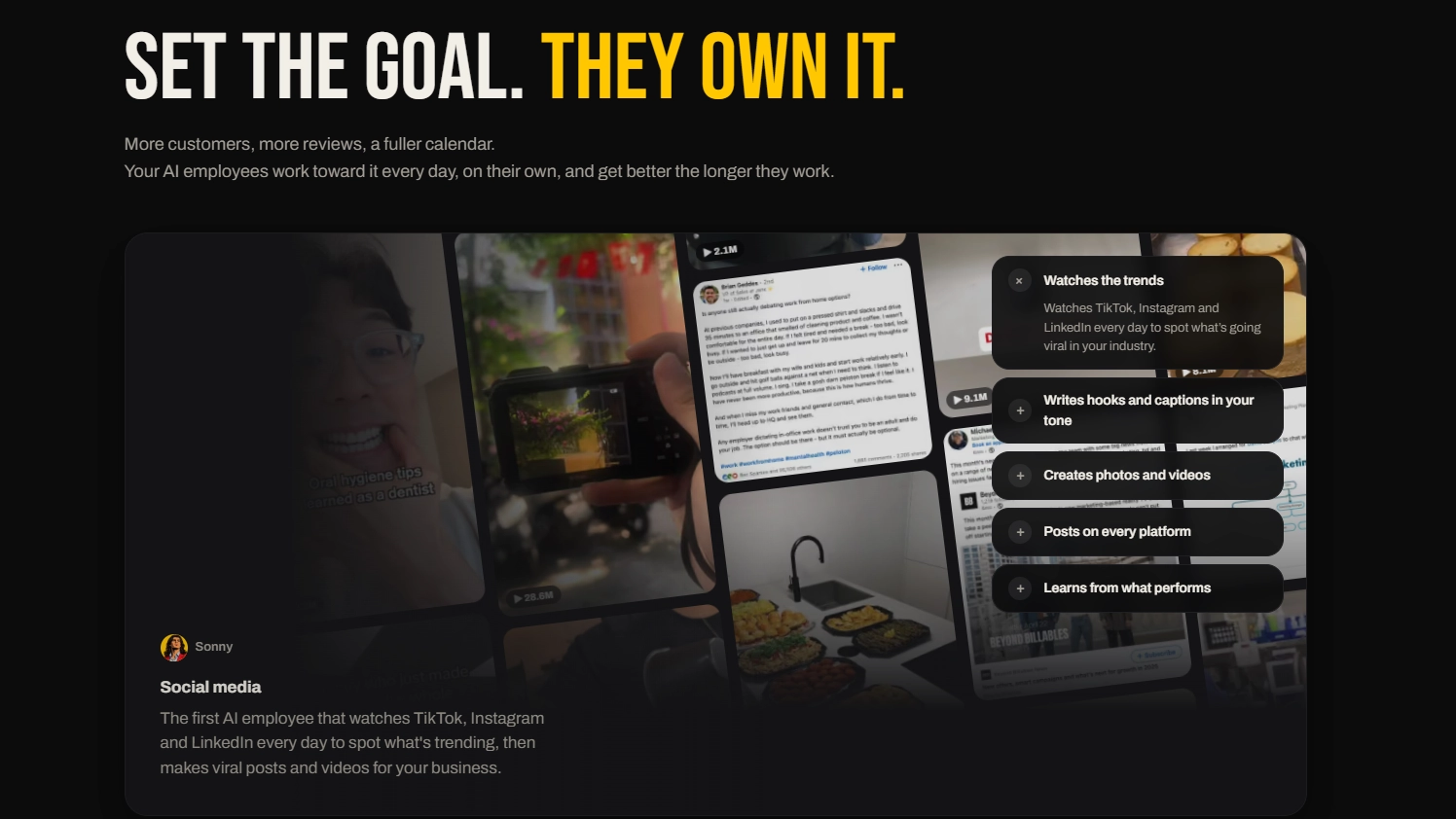
Marblism is not a general assistant you chat with all day. Chat is available, but the product is a set of named employees that own standing work:
- Eva runs inbox and calendar: triage, drafts, meeting notes.
- Rachel answers the phone, books, and sends call summaries.
- Stan finds leads, enriches them, and follows up.
- Sonny creates and schedules social posts across connected accounts.
- Penny researches, writes, and can publish SEO articles to your site.
- Walter builds and hosts a website from a prompt.
- Linda drafts and reviews contracts you still sign yourself.
Every current plan includes all seven. You still should not turn all seven on in week one. Hours are a shared monthly pool. The base plan is publicly listed around 50 hours of AI work per month, at about $44 monthly or $24 per month billed yearly. Unused hours typically do not roll over. Chat, setup, and reviewing work are described as free; completed tasks draw from the pool.
That design is the whole point. You are buying coverage for jobs that repeat, not a pile of one-off generations.
Where It Adds Value in Real Life
Value is not “AI did something.” Value is a quieter Tuesday.
If your inbox owns your mornings. Eva can sort, draft, and surface what actually needs you. You still send. The win is arriving at 9 a.m. with a short list instead of 80 unsorted threads.
If you miss calls after hours. Rachel can answer, book, and summarize so a plumber, coach, clinic, or consultant does not lose the person who called at 7:40 p.m. You keep a callback rule for anything unusual.
If you disappear on social because posting feels like a second job. Sonny can draft a week of posts in your voice. You edit three, kill the rest, and schedule the ones that are true.
If you have no simple public page. Walter can get a first site live so people can find what you do. You still write the offer, prices you will honor, and contact path.
If follow-up dies in a spreadsheet. Stan can build a small, verified list for one customer type. You check names before any sequence.
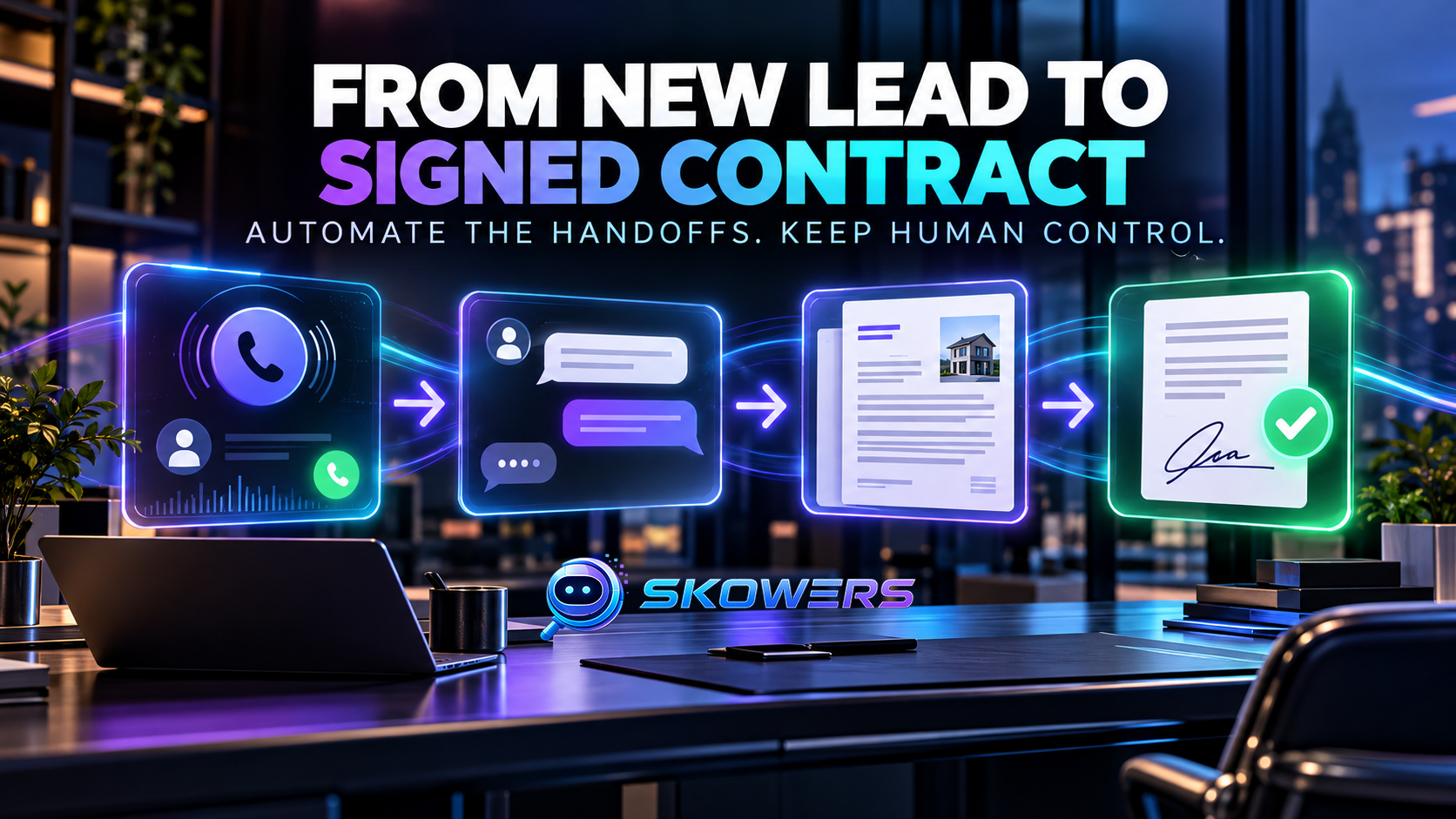
If contracts stall. Linda can draft from an approved template. You or counsel still sign.
If you write for search. Penny can produce a first article from a brief you wrote. You fact-check, add a story only you have, then publish.
None of this replaces judgment. It replaces the empty time between knowing what to do and doing it.
The Rule That Makes It Work: One Job First
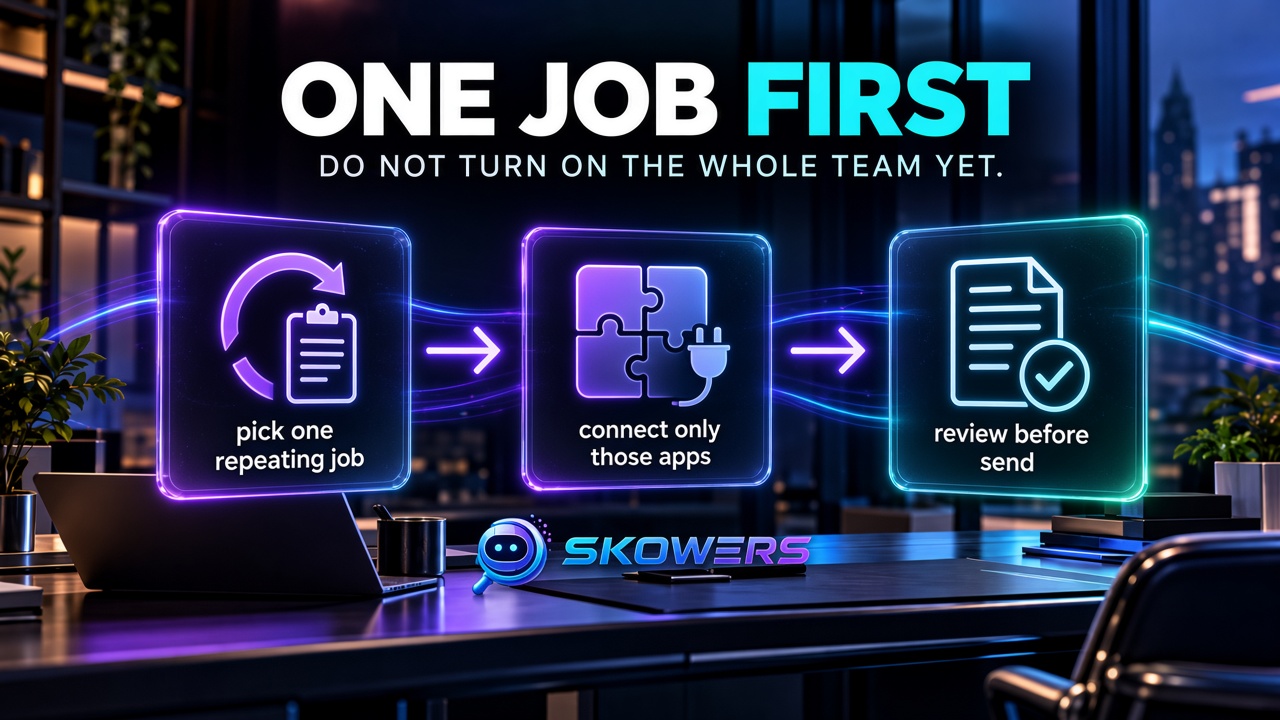
The fastest way to waste a month of hours is to connect every app and let every employee run.
Pick the job that already happens every week and that a stranger could describe in one sentence.
Good first jobs:
- Draft replies for one inbox label (clients, not your whole life).
- After-hours booking with a script and a human backup.
- Three social posts per week on one channel.
- One landing page for one offer.
- Ten verified leads in one city or niche.
Bad first jobs:
- “Run my whole business.”
- Unsupervised outreach to a huge list.
- Publishing articles you have not read.
- Letting the phone agent invent prices.
A Practical Setup You Can Finish in an Afternoon
1. Write a one-page brief before you connect anything
Business or personal context: [who you serve in one sentence] Voice: [plain, warm, direct—add two example sentences you actually sent] Offer: [what you sell or help with] Never do without me: [prices, legal promises, medical or financial advice, refunds, anything involving money movement] Hours I am covering: [e.g. evenings and weekends] Definition of done for week one: [e.g. 15 reviewed inbox drafts, or 3 scheduled posts]
Paste that brief into the employee you hired. Vague briefs produce generic mail.
2. Open Marblism from the partner link and create the account
Use the Marblism listing or the setup guide if you want the short version. Sign up through the Skowers partner link so the relationship is attributed correctly.
3. Connect only the accounts that job needs
If the job is inbox, connect that inbox. Do not connect every social network “for later.” Extra integrations create extra ways to post something you did not mean.
4. Keep approve-before-send on
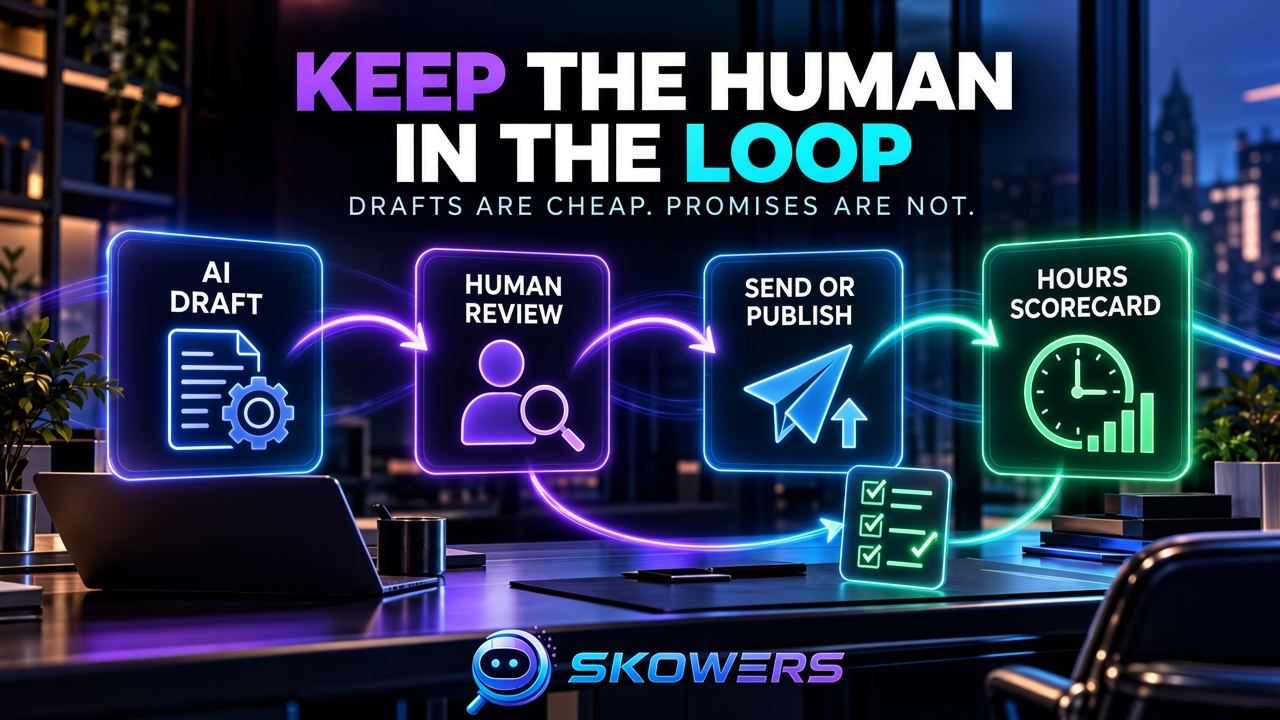
Drafts are cheap. Live promises are not. Leave human approval on until a full week of output would not embarrass you if a customer forwarded it.
5. Log hours on day three
If the first job already burns half the monthly pool, you either picked too wide a job or the employee is doing busywork. Narrow the scope before you buy a larger hour tier.
How to Use Each Employee Without Losing the Plot
Eva, for a calmer inbox
Create a label or folder for work that is allowed to be drafted. Ask Eva to draft, not send. Once a day, spend 20 minutes sending, deleting, or rewriting. Track: time to inbox zero on that label, and how many drafts you rewrote.
Rachel, for calls you used to miss
Write a 10-line script: greeting, what you do, what you can book, what you never promise, when a human will call back. Test with a friend after hours. Listen to two recordings before you leave it live.
Sonny, for social that actually ships
Give three real posts you liked, three you would never publish, and this week’s facts (offer, date, photo you own). Generate ten. Keep three. Schedule those. Do not auto-post a week of unverified claims.
Penny, for writing that still sounds like you
Give a keyword, audience, and the one story only you can tell. Require a fact list. Read the draft against your site and your real results. Add the story. Then publish.
Walter, for a page that can exist this week
Describe one offer, one audience, one call to action, and what must not be invented (prices, testimonials, licenses). Launch a draft URL. Click every button on your phone. Fix contact and the promise before you share it.
Stan, for follow-up that is still polite
Define one ideal customer in a sentence. Ask for 20 records. Open ten yourself. If titles, companies, or emails look wrong, stop. Outreach quality beats list size.
Linda, for paperwork that moves
Feed an approved template and the commercial terms a human already accepted. Flag anything new. Do not let an agent “be helpful” by adding warranties.
A Seven-Day Plan That Adds Value You Can Feel
Day 1. Write the brief. Choose one job. Note how long that job took you last week.
Day 2. Open Marblism, connect only those apps, paste the brief.
Day 3. Collect drafts. Send or publish nothing yet. Rewrite the brief where the voice is wrong.
Day 4. Approve a small real batch: ten emails, three posts, or five call summaries.
Day 5. Measure: time saved, edits required, hours used.
Day 6. Tighten permissions. Remove any integration you did not use.
Day 7. Decide: keep this one job, pause, or use the refund window if quality is not there. Only then consider a second employee from the same hour pool.
What You Should Not Automate
Keep a person in the loop for:
- Prices, discounts, and availability you have not confirmed
- Medical, legal, or financial advice
- Complaints, refunds, and anything angry
- Contracts, NDAs, and payment terms
- Outreach to people who did not ask to hear from you at volume
- Photos, testimonials, or results you cannot prove
- Kids’ school mail, health records, or other sensitive personal data you would not give a new contractor
Marblism can draft. You still own the relationship.
How to Know It Is Working
Track two weeks, not two hours:
- Hours you used to spend on that job versus hours billed
- Number of drafts you still had to rewrite
- Missed-call bookings that turned into real conversations
- Posts actually published versus generated
- Complaints or wrong facts that went out
- Whether Tuesday morning felt lighter
If output is polished but you still do the same work, the employee is a toy. If the job moved and you still recognized your voice, it is earning its place.
Use Marblism With a Tight Human Loop



Lindy and Fireflies can sit beside Marblism when the job is calendar coordination or meeting notes. Do not stack three assistants on the same inbox in week one.
Frequently Asked Questions
Is Marblism a chatbot?
No. You can chat with the team, but the product is standing AI employees that work in inbox, phone, social, content, leads, website, and contracts.
Does Marblism have a free plan?
Public pricing is paid, with a commonly advertised 7-day refund. Confirm current terms at signup. Treat the first week as a supervised pilot, not a full automation rollout.
How do hours work?
Completed tasks draw from a monthly hour pool shared across employees. Chat and configuration are described as free. Unused hours typically reset. Check your billing page for the reset date.
Can it send email or post without me?
It can, once accounts are connected and you allow it. Keep approval on until a week of work would be safe to show a customer.
Is this only for companies?
The same jobs show up in a solo practice, a side project, or a household that runs like a small shop: mail, calls, a public page, and follow-up. The brief still has to be specific.
How is this different from ChatGPT?
A chat window waits for you. An employee with standing access can work when mail arrives or the phone rings. That is more useful and more dangerous. Permissions and review matter more.
The Bottom Line
Marblism adds value when it covers a job you already repeat and you keep the right to send. It wastes money when you hire the whole team on day one and hope personality appears.
Write a brief. Pick one job. Open Marblism. Review every external action for a week. Keep it only if the days got quieter and the words still sound like you.
For the short setup version, use the Marblism setup guide. For the directory listing, see Marblism on Skowers.
Related Articles


Continue Your Research