
How to Use Runable to Build, Test, and Launch Real Work
You have an idea for a site, app, presentation, or report. The hard part is rarely getting a first draft. It is defining the job clearly, checking whether the result works, and knowing when it is ready to share.
Runable is an AI agent that can turn a plain-language request into several kinds of finished work, including websites and apps, slides, reports, images, video, and spreadsheets. For websites, its official documentation describes a live preview, deployment, database, file storage, payments, analytics, and code export. Those capabilities can shorten the path to a first version. They do not replace a careful brief or a real test.
This guide shows how to choose the right first project, write a prompt Runable can act on, review what it builds, and publish without handing customers an unfinished experience. The example is a simple appointment booking site for a local service business; the same method works for other small projects.
Last reviewed November 17, 2026. Features, credits, and plan access can change. Confirm the current options in Runable before starting a paid project.
Skowers may earn a commission through partner links in this article at no additional cost to you. The checks and prompt below are useful even if you use a different builder.
What Runable is useful for
Runable is broad, so pick an output that solves one real problem. Its product documentation lists websites, slides, reports, images, video, audio, and spreadsheets. You can also use its agent to revise the result instead of treating the first output as final.
Your job
Explain a new offer
A sensible first Runable project
A one-page site with a contact or booking action
What to check before sharing
Can a visitor understand the offer and complete the action on a phone?
Your job
Show an idea to a client
A sensible first Runable project
A short presentation from an approved outline
What to check before sharing
Are the claims, images, and figures accurate and editable?
Your job
Organize research
A sensible first Runable project
A brief with sources and open questions
What to check before sharing
Can you open each source and trace every important claim?
Your job
Test a small product
A sensible first Runable project
A web app with one core workflow
What to check before sharing
Do accounts, saved data, permissions, and error states actually work?
| Your job | A sensible first Runable project | What to check before sharing |
|---|---|---|
| Explain a new offer | A one-page site with a contact or booking action | Can a visitor understand the offer and complete the action on a phone? |
| Show an idea to a client | A short presentation from an approved outline | Are the claims, images, and figures accurate and editable? |
| Organize research | A brief with sources and open questions | Can you open each source and trace every important claim? |
| Test a small product | A web app with one core workflow | Do accounts, saved data, permissions, and error states actually work? |
The best first project is the one you can evaluate in an afternoon. A founder might need a clear landing page before a full customer portal. A consultant might need a five-slide proposal before a custom app.
Step 1: Write the brief before you prompt
Runable can ask clarifying questions and show a plan before building, as described in its getting-started documentation. You will still get a stronger result if you arrive with the essential decisions made.
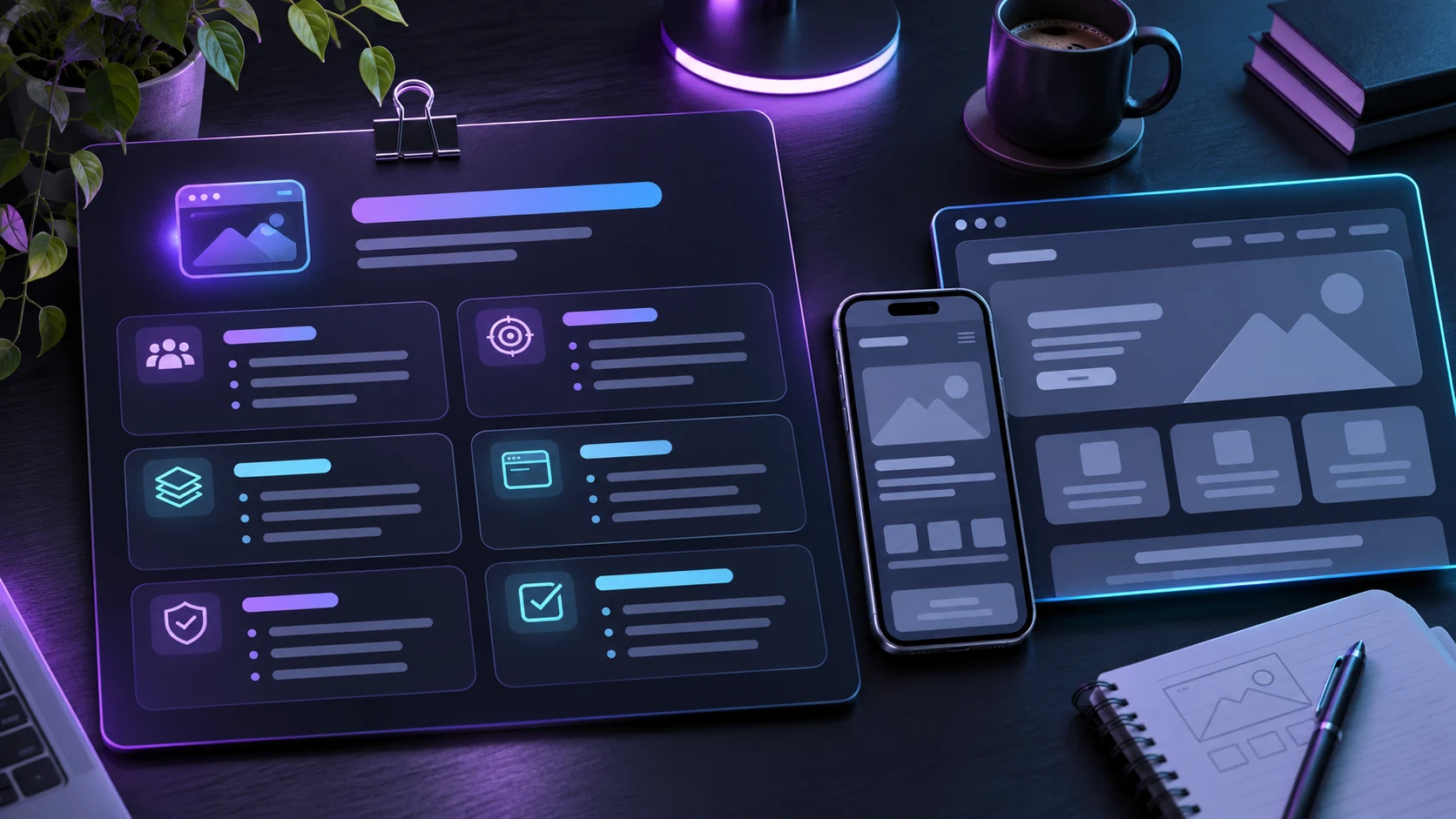
Write seven lines:
- Audience: Who will use the result?
- Job: What must that person be able to do?
- Inputs: What information will they provide?
- Output: What should happen after they act?
- Boundaries: What should the first version leave out?
- Content: Which facts, copy, images, and policies are approved?
- Acceptance test: What exact action proves the project works?
For a booking site, the first version might show three services, available times, a booking form, and a confirmation. It might deliberately leave out accounts, subscriptions, and automated reminders. That narrower scope is easier to test and less likely to hide a broken main action behind polished pages.
Step 2: Give Runable a testable request
Open Runable through the Skowers partner link. Choose the output type that matches the job, or describe the result and let the agent propose a plan. Review the plan before it generates. If it adds features you did not ask for, remove them now.
Here is a starter brief you can adapt. Replace the brackets with real information and remove any feature you cannot verify or support:
Build a responsive booking website for [business name], a [type of business] serving [location]. The intended visitor is [customer type]. They need to compare [three approved services], choose an available appointment, enter their contact details, and receive a clear confirmation. Use only the service descriptions and policies I provide below. Do not invent prices, testimonials, availability, guarantees, or legal terms. Keep the first version to a home page, service details, booking flow, confirmation state, and contact information. Show a short plan before building. After building, tell me how the booking data is stored, how notifications work, which settings I must configure, and how to test a booking end to end. Approved content: [paste content]. Definition of done: [one complete test booking appears in the intended destination and the visitor sees the correct confirmation].
This prompt asks for a working result and an explanation of what still needs configuration. It also tells the agent what it must not invent. The definition of done is more useful than a vague request to make the site “professional.”
Step 3: Review the first build in small passes
When Runable produces a preview, resist the urge to ask for a full redesign at once. Make one pass for each kind of problem:
- Content: Check names, prices, service terms, hours, contact details, and every claim.
- Main action: Complete a test booking or form submission yourself. Check where the data went.
- Mobile: Use a narrow screen. Can you read the offer, use controls, and reach the confirmation?
- Errors: Submit an empty form, invalid email, and unavailable time. Look for clear recovery messages.
- Trust: Check privacy wording, permission boundaries, and what a visitor is asked to share.
Ask for specific edits: “The booking button is hidden below the fold on a small phone. Move it below the service summary and keep the service details visible.” This is easier to verify than “make it better.” Runable says you can refine a project through conversation; keep each change small enough to test afterward.
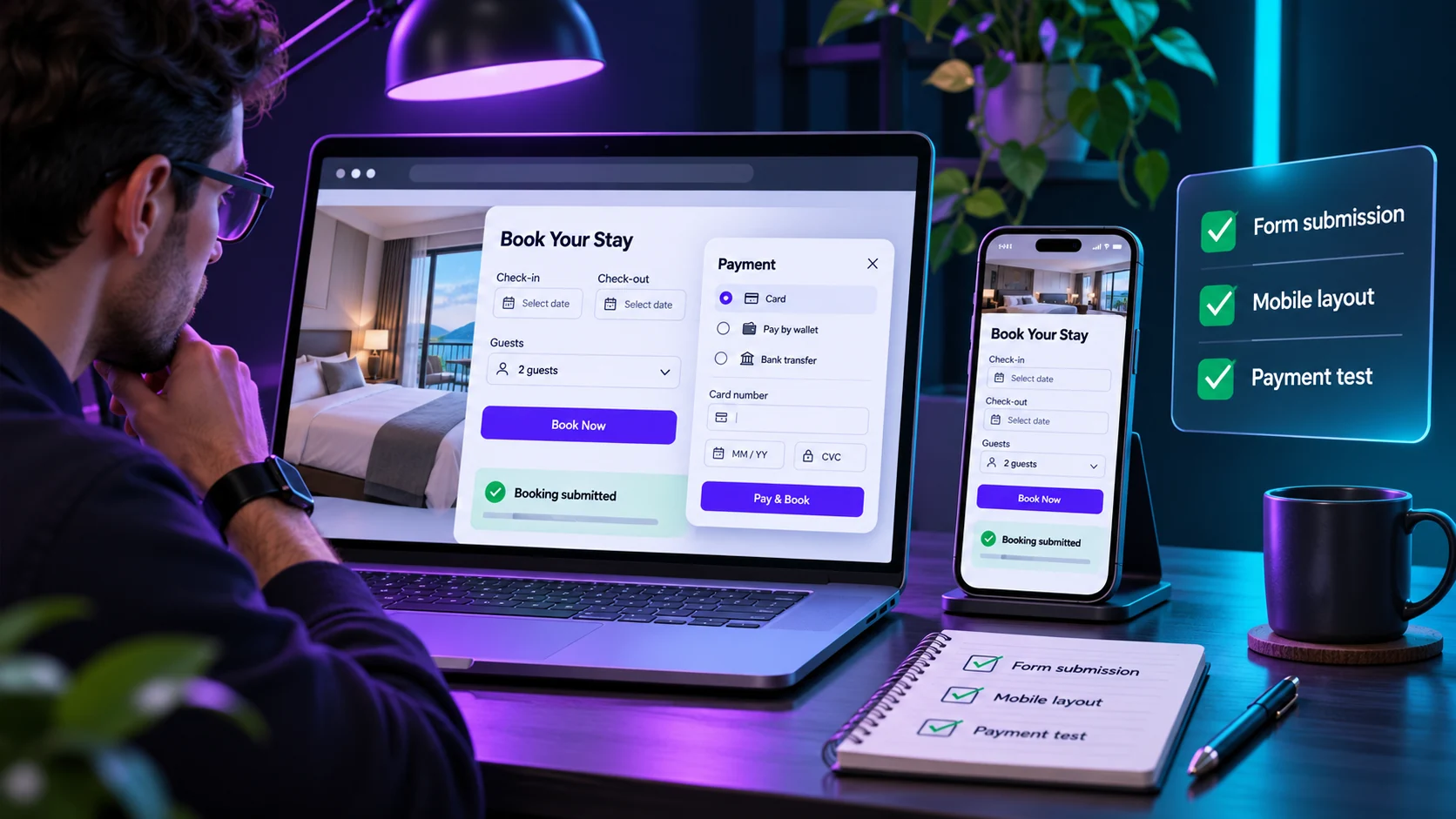
A payment screen is not proof that payments work. If you enable payments, use the provider's test environment, confirm the account and webhook setup, then verify a complete test transaction and failure path. Keep API keys in the project's secrets or environment settings, not in visible page code. Runable's website docs describe a dashboard for payments, secrets, domains, SEO, and analytics; check the controls in the version you are using.
Step 4: Decide whether to deploy or export
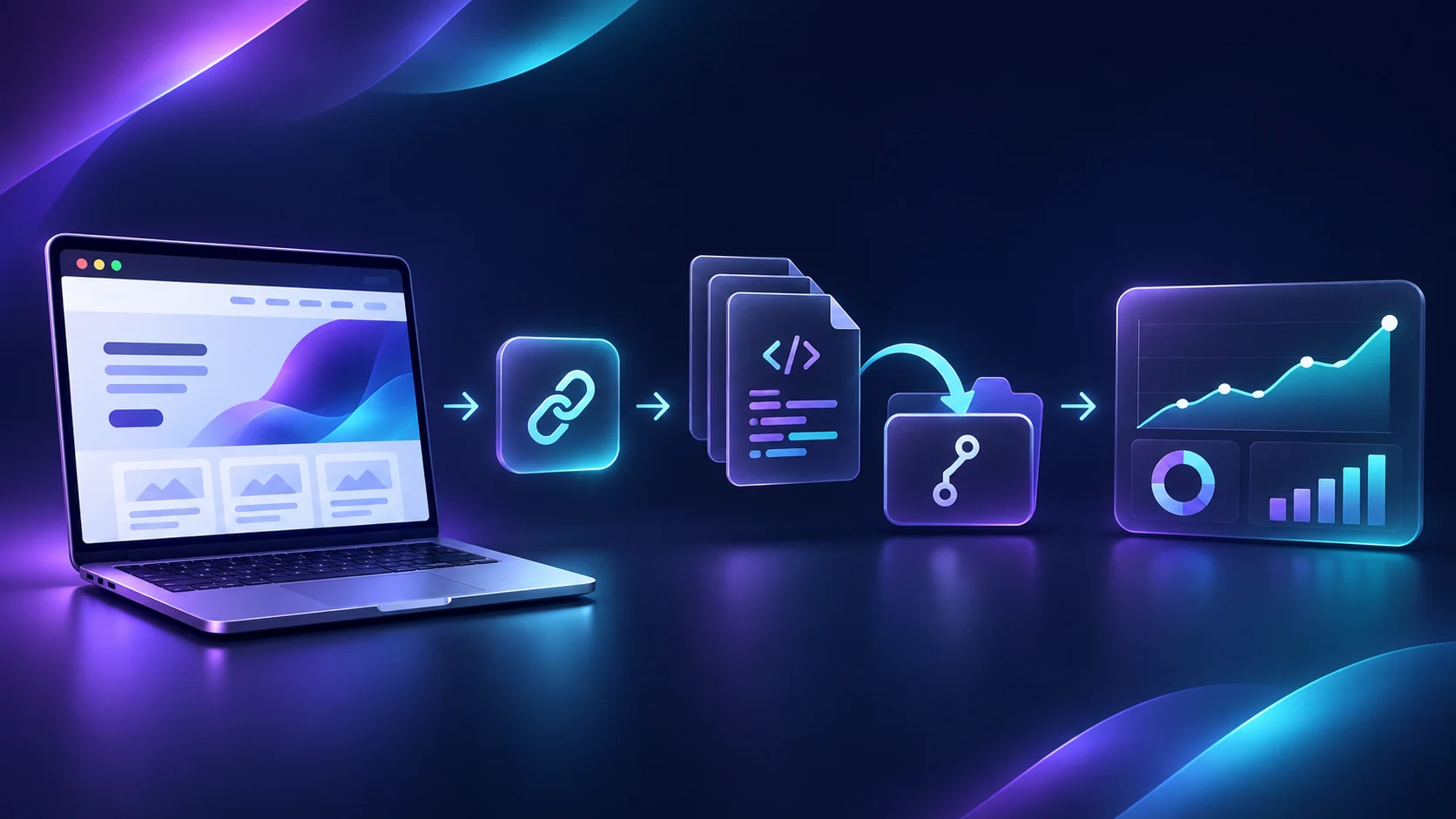
For a site built inside Runable, its hosted deployment can provide a public URL. Before publishing, set a clear page title and description, add an appropriate share image, test the domain and HTTPS, and repeat the core workflow on the public URL. A preview that works inside the editor can still fail after launch because of permissions, secrets, or a missing connection.
If you need the project in your own code workflow, check Runable's export options for that project. Its website documentation describes exporting code to GitHub. Inspect the exported repository, setup instructions, dependencies, and environment variables before moving it to another host. The Netlify deployment guide is useful if you later deploy an exported frontend there; a frontend host does not automatically replace a database or backend service.
What else can you make with it?
The website example is only one lane. Use the same brief-and-review pattern for other outputs:
- A client deck: Provide an approved outline, audience, and slide count. Check every claim and export a file you can edit before presenting.
- A research report: State the question, date range, and required sources. Open the cited pages and label any inference before using the report to make a decision.
- A spreadsheet: Provide sample inputs and expected calculations. Test formulas with cases where you already know the answer.
- A short product video: Provide owned footage or licensed assets, an exact message, and the intended format. Review captions, rights, and any claims before publishing.
Use the format that fits the task. A deck is a better first test when you need stakeholder approval. A site is better when strangers need to take an action. A report is useful when the question depends on source material rather than visual polish.
How to avoid wasting credits and time
Runable's pricing page lists a free option and paid plans with different allowances, but the cost of a project depends on the tools and mode used. Check the current allowance before generating long videos or rebuilding a large site repeatedly.
Start with one small project and keep a record of the brief, the revisions requested, credits used, and time spent checking it. If each change forces a large rebuild or the output requires more cleanup than doing the job another way, tighten the brief or choose a narrower format. Decide whether to continue based on a usable result, not the number of artifacts generated.
Frequently asked questions
Do I need to know how to code to use Runable?
Its website builder is designed for plain-language requests. You still need to describe the workflow and test it. Code knowledge helps when you export a project, connect services, or troubleshoot a complex app.
Can Runable publish a website?
Yes. Its website documentation describes live deployment and a public URL, with domain, SEO, analytics, payments, and secrets settings. Check which features are available on your current plan and test the public version.
Does it build more than websites?
Yes. Runable lists slides, reports, images, video, audio, and spreadsheets among its output types. Choose one output for your first test so you can judge quality and cost clearly.
Can I export what I build?
Runable documents code export to GitHub for websites and export formats for other artifacts. Confirm the available export for your particular project and plan before depending on it as your long-term workflow.
What should I build first?
Pick a real task with a short acceptance test: a working inquiry form, a five-slide proposal, or a report whose claims can be checked against supplied sources. Finish and review that project before adding another.
Explore the Build and Launch Options



Related Articles
Continue Your Research