

Tidio
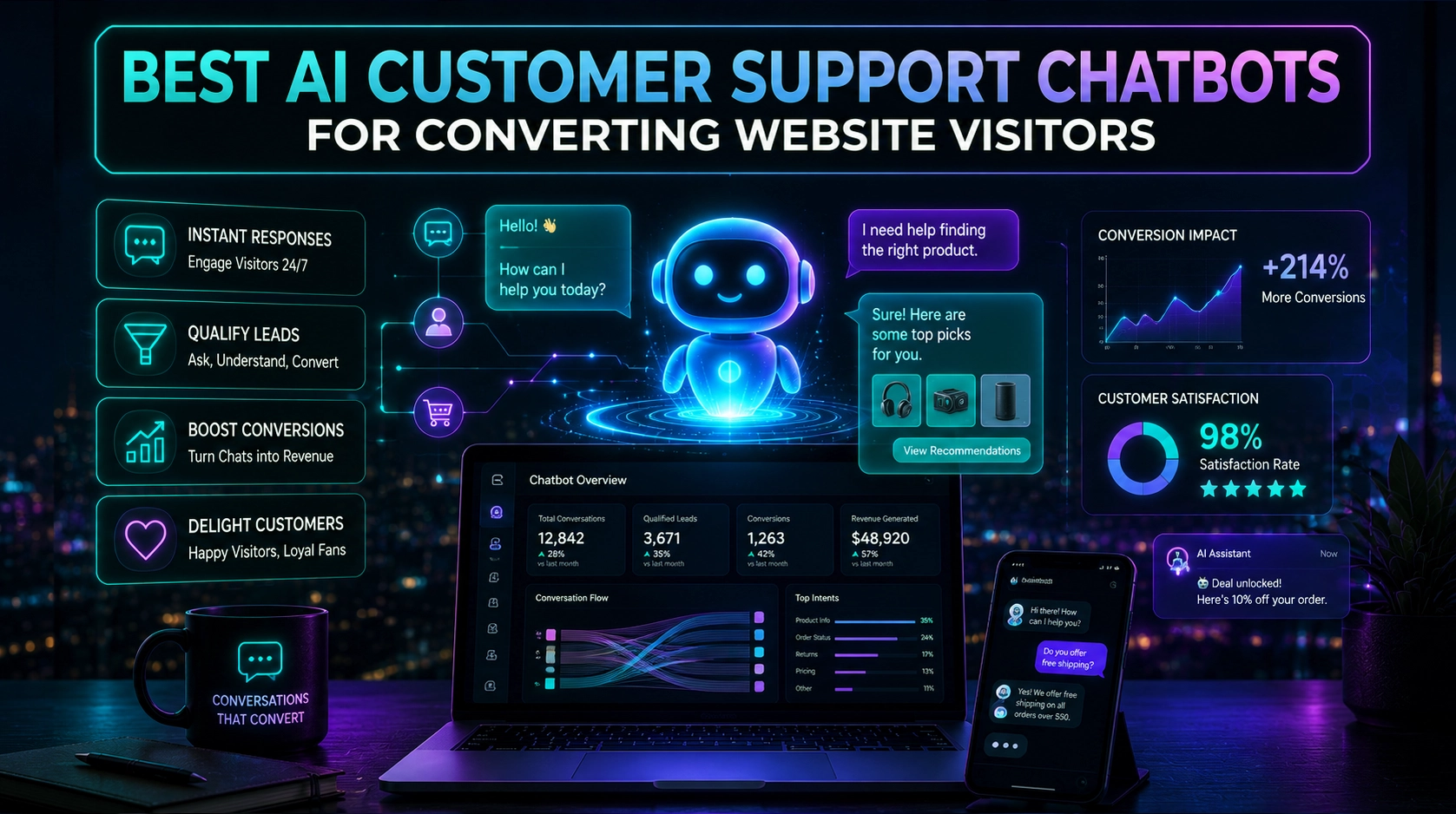
Live chat and chatbot platform to engage with website visitors, answer questions, and convert leads 24/7.
Use the Skowers link to open Tidio's trial page and test the workflow before committing.
Free Trial Available
Best next step: open the trial page, test one real workflow, and decide if it belongs in your stack.
About Tidio
Tidio is an all-in-one customer communication platform that combines live chat, AI chatbots, and multichannel messaging to help you support and convert visitors 24/7. Its Lyro AI assistant can automatically handle common questions, qualify leads, and route conversations to human agents when needed. Tidio works across your website, email, and social channels, giving you a unified inbox for customer communication. With playbooks, automation, and analytics, it is ideal for e-commerce brands and SaaS companies that want to reduce support workload while increasing sales and customer satisfaction.
Discover more collaboration & communication tools and business software on Skowers, the hyper-curated directory for business growth so you can find what is the best AI right now. Find vetted tools with exclusive free trials and business software to scale your operations.
Tidio editorial rating
Reviewed by Skowers Editorial Team · Updated July 13, 2026
4.7/5
Skowers rates Tidio 4.7 out of 5 for teams evaluating collaboration & communication software. This editorial review focuses on practical business fit, setup clarity, core strengths like Live Chat, AI Chatbots, Multi-channel, and whether the tool is worth testing for Chat, Customer Support, AI. Tidio is strongest as a shortlist candidate when you can test it against one real workflow, compare the time saved or revenue impact, and confirm the integrations match your current stack.
Review focus
Collaboration & Communication fit, setup path, and realistic business use.
Best signals
Live Chat, AI Chatbots, Multi-channel
Test before keeping
Use the free trial on one real workflow before committing.
Product video
Watch Tidio: overview video
See how Tidio works in this product overview, then open the free trial and test a real workflow.
Tidio AI Product Video
YouTubeKey Features
Tags
Who should try Tidio?
Tidio is worth evaluating if you need a collaboration & communication tool with a practical path to testing value quickly. It is especially relevant for teams comparing options around Chat, Customer Support, AI.
Where Tidio can help
Keep teams, customers, and conversations organized across channels.
Reduce missed follow-ups and improve response speed.
Create a clearer record of decisions, support requests, and next steps.
How to judge if Tidio is a good fit
- Confirm the main workflow matches your collaboration & communication goal.
- Check whether setup can be completed without slowing down the team.
- Review integrations with your current software stack.
- Compare the time saved or revenue impact against the ongoing cost.
- Look for documentation, support, and export options before relying on it.
A practical way to test Tidio
- 1Pick one collaboration & communication workflow you already need to improve.
- 2Use Tidio's Live Chat on a real task, not a demo scenario.
- 3Check setup time, integrations, team handoff, and whether the output is better than your current process.
- 4Decide before the trial ends whether the result is worth keeping in your stack.
Common questions about Tidio
What is Tidio best for?
Tidio is best for teams evaluating collaboration & communication software. Its main strengths on Skowers are Live Chat, AI Chatbots, Multi-channel.
Does Tidio offer a free trial or free plan?
Tidio is listed on Skowers as a free-trial tool, so the best next step is to open the trial page and test it on one real workflow before committing.
How should I test Tidio before signing up?
Start with one real use case, confirm the setup time, test the most important features, and compare the result against your current workflow before expanding usage.
What should I compare Tidio against?
Related tools to compare include Typewise, Unbounce, Landbot.
Keep Learning
Guides for this workflow

Related Tools
View All
Typewise
AI agent platform for customer service—launch omnichannel agents in minutes with humans in control as you scale.

Unbounce
Build, test, and optimize high-converting landing pages with AI-powered traffic optimization, A/B testing, and smart copywriting tools.

Landbot
Build AI-powered chatbots and conversational experiences for lead generation, customer support, and sales automation. Deploy on web, WhatsApp, or integrate via API.

CreativeScore
AI-powered creative testing platform to optimize ad performance and maximize ROI across all marketing channels.

RankPrompt
AI-powered SEO content optimization tool to create search-engine-friendly content that ranks higher in Google.

Adwisely
AI-powered Google Ads and Meta Ads management platform that helps merchants run high-performing campaigns with expert support.