
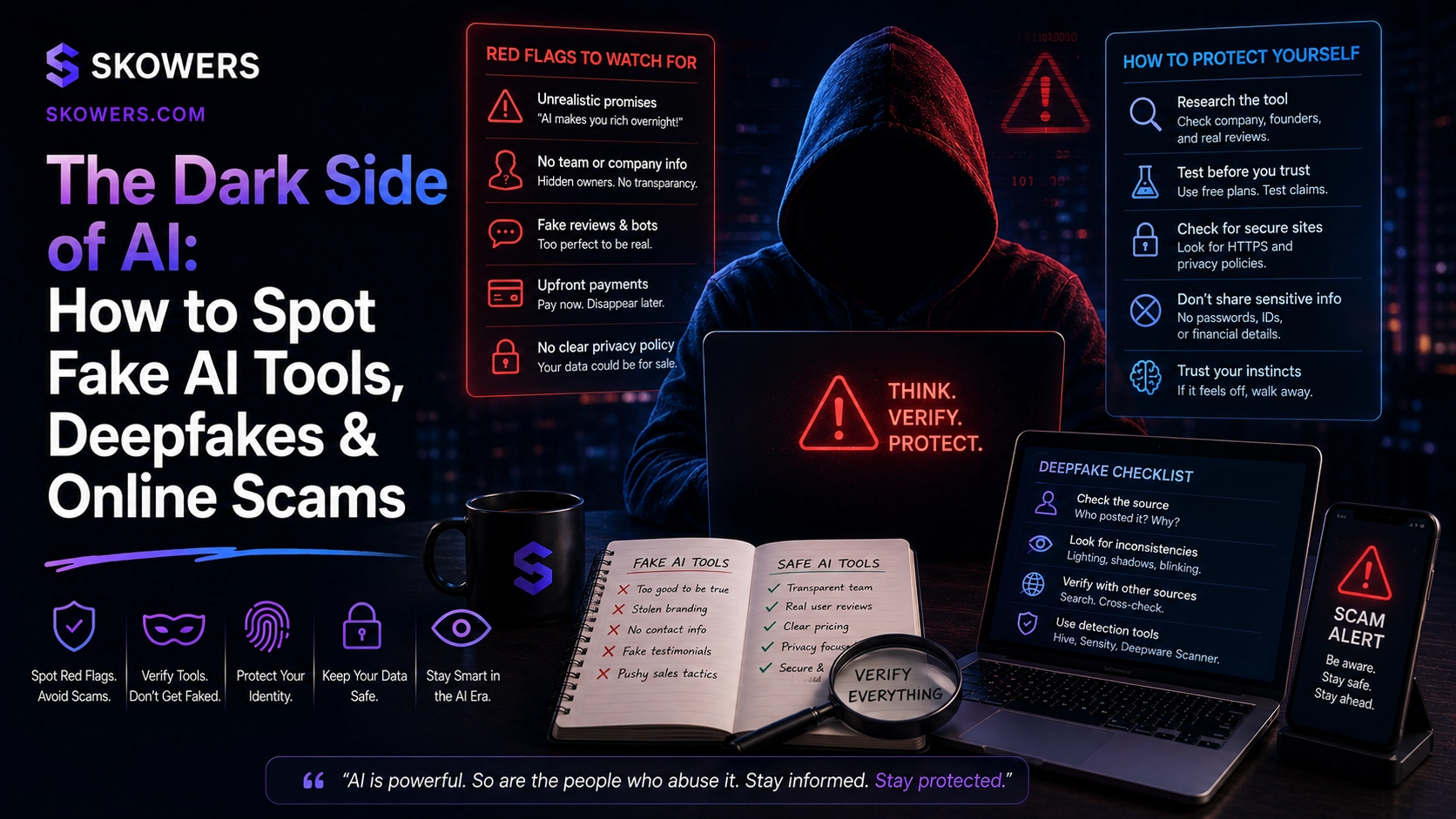
The Dark Side of AI: How to Spot Fake AI Tools, Deepfakes & Online Scams
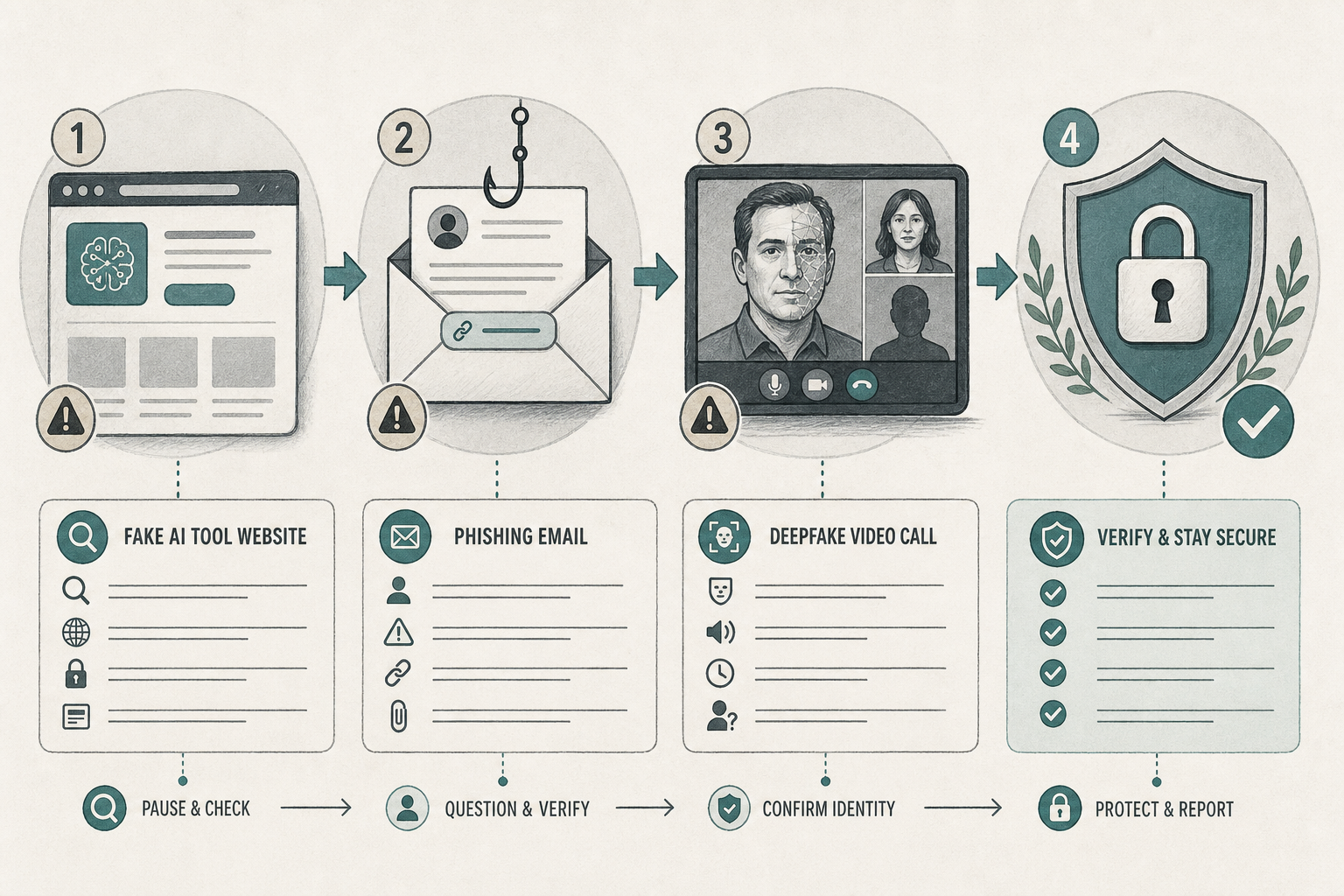
AI made creative work and automation faster. It also made scams cheaper, more convincing, and easier to scale.
That is why searches for AI scams, fake AI tools, deepfake fraud, and AI phishing keep rising. Fraudsters do not need perfect technology. They need one rushed moment: a fake "ChatGPT billing" email, a cloned SaaS login, a CEO voice on a WhatsApp call, or a "lifetime AI suite" that installs malware.
This guide is a defense playbook for founders, creators, agencies, and teams buying AI tools in 2026. You will learn the scam patterns, the red flags, and a verification stack you can actually run—without becoming paranoid or refusing every useful AI product.
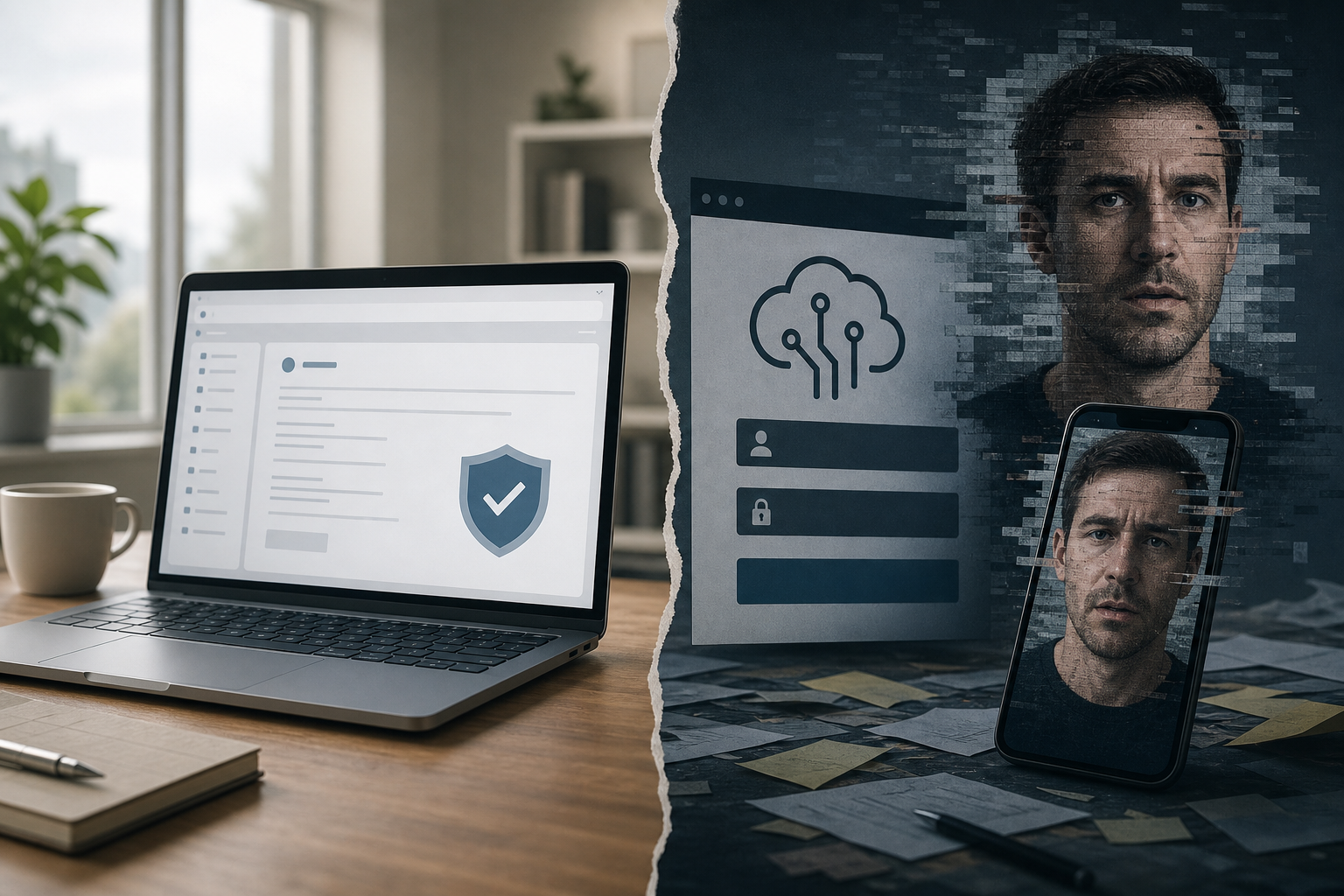
Why AI Scams Work So Well Right Now
Scammers exploit three facts:
- People want AI leverage and fear missing out.
- Fake sites and voices can look "good enough" under time pressure.
- Tool sprawl makes teams click unfamiliar login pages every week.
Legitimate AI tools still matter. The goal is not to abandon AI. The goal is to buy and use AI the way serious operators already buy software: through known sources, checked domains, and controlled endpoints.
A curated directory like Skowers helps because the starting point is a known tool page and go-link—not a cold Instagram ad that leaps into a cloned checkout.
Scam Type 1: Fake AI Tools and Clone Landing Pages
The classic setup: an ad or search result for a "must-have" AI writer, image model, or agent platform. The page looks polished. The pricing looks too good. The login asks for Google/Microsoft credentials or a credit card immediately.
Red flags:
- Brand name is one letter off a known tool, or a mash-up of two famous models.
- Domain is new, misspelled, or uses a weird TLD ("-ai-tools.shop", "get-chatgpt-pro.live").
- No company address, no real support email, no privacy policy that matches the brand.
- Only crypto, gift cards, or wire-transfer payment for a "SaaS" product.
- Reviews are all five stars from accounts created the same week.
- You cannot find the company on LinkedIn, Crunchbase, or reputable press—only sponsored posts.
Safe habit:
- Search the exact product name + "official site" and compare domains carefully.
- Prefer known affiliate/go links from trusted directories when you already planned to try that tool.
- Never enter your main password or SSO on a page you reached from a random ad.
- If the offer feels urgent ("pricing ends in 11 minutes"), slow down on purpose.
Scam Type 2: Phishing Logins Posing as ChatGPT, Midjourney, or "AI Billing"
Phishing adapted instantly to AI brands. You get an email: "Your AI workspace will be deleted," "Confirm payment for Pro," or "Unusual login—verify now." The link opens a near-perfect login clone.
Red flags:
- Email sender domain is close but wrong.
- The link goes to a non-official host even if the logo looks right.
- Urgency + threat language ("account locked in 2 hours").
- Asks for seed phrases, recovery codes, or full card details on first click.
- Page URL shows unexpected subdomains stacked in front of a real-looking brand name.
Protect the channel:
- Bookmark the official login once and only use the bookmark.
- Enable MFA on every AI account that stores brand assets or customer data.
- Treat password managers as a second verifier: if the password manager does not autofill, the domain is probably wrong.
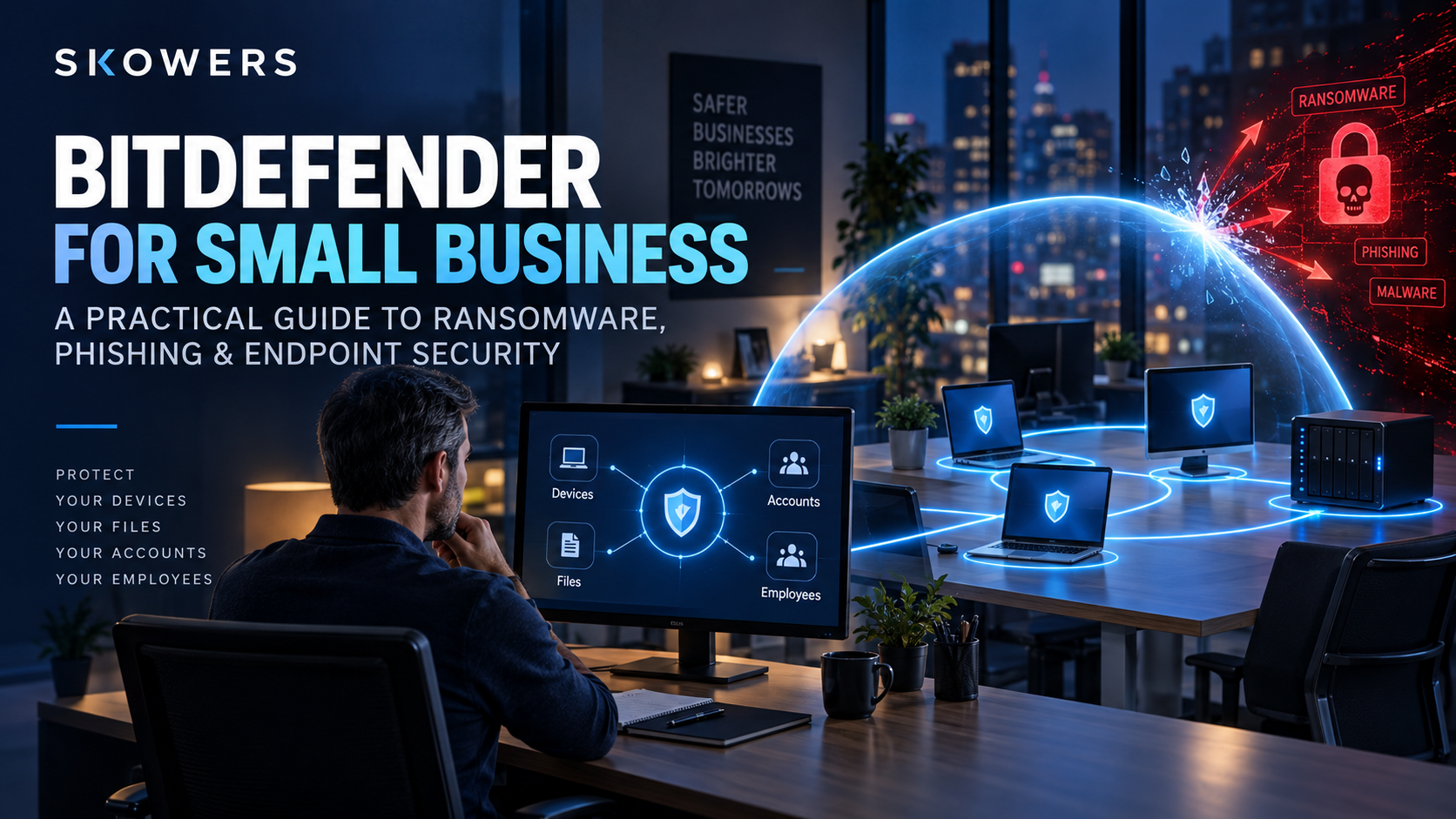
- Harden endpoints where phishing lands. Growing teams use Bitdefender GravityZone-style protection for phishing site blocking, ransomware mitigation, and rolled-back file damage when someone clicks the wrong thing under deadline pressure.
Scam Type 3: Deepfake Calls, Voice Clones, and Synthetic Video
Deepfakes stopped being a movie plot. The practical attacks look like:
- "CEO" voice notes asking finance to move money.
- Fake video interviews for remote job offers that steal ID documents.
- Romance or investor WhatsApp voices that never take a verifiable live call.
- Synthetic customer-support "agents" that request passwords.
Red flags:
- Money movement, gift cards, or crypto under time pressure.
- Refusal to switch to a known company channel or known phone number.
- Odd breathing, pacing, or delayed answers that never match the real person's habits.
- Requests for identity scans "for onboarding" before any legitimate contract exists.
- The story keeps changing when you ask for a second verification path.
Verification protocol for money or access requests:
- Hang up or stop the chat.
- Contact the person on a known channel from your directory—not a number from the message.
- Use a shared code word for executives if your team moves funds.
- Never send ID, payroll docs, or wire confirmations from an inbound deepfake thread.
Voice and video tools in the legitimate market (narration, dubbing, creative production) are not the problem. Blind trust is. If your team publishes voice content with tools such as ElevenLabs or edits spoken video in Descript, keep a public note of your official channels so customers know which accounts are real.
Scam Type 4: Malware Disguised as "Free AI Installers"
"Download our desktop AI agent," "local LLM pack," or "cracked GPT" installers are a favorite malware vector. The pitch is free. The payload is credential stealers, ransomware, or crypto miners.
Red flags:
- Desktop installer required for a product that should be browser SaaS.
- Disable antivirus instructions in the README.
- Unsigned executable from an unknown publisher.
- Discord-only distribution with no company site history.
- Requests admin rights for "model optimization."
Defense:
- Prefer browser-based or vendor-signed apps from known publishers.
- Keep endpoint protection on every machine that handles email and banking—again, Bitdefender is a practical small-business layer for phishing, ransomware behavior, and rollback when an executable misbehaves.
- Separate a sandboxed machine or profile for risky experiments; never test unknown installers on the laptop with your password manager and bank sessions.
Scam Type 5: Fake Lifetime Deals, Fake Affiliate Coupons, and "AI Credits" Markets
AI FOMO created a second marketplace of fake deals: $29 lifetime GPT wrappers, "unlimited Midjourney seats," and grey-market API keys. Some are stolen accounts. Some are payment fraud. Some disappear after the card is charged.
Red flags:
- Lifetime access to a product that the real vendor only sells as subscription.
- Keys sold in Telegram or unofficial coupon groups.
- Seller cannot prove partnership with the real company.
- Checkout that is only an invoice form with no receipt/brand match.
- Price is wildly below public pricing with no documented partner program.
Better buying path:
- Start from the tool page on Skowers (or the vendor's official site).
- Use the official go/affiliate link when you intentionally want that trial.
- Track trials and renewals in the Skowers Dashboard so surprise charges and fake renewal emails are easier to spot.
- Cancel tools you do not use before scammers impersonate their billing team.
Scam Type 6: Fake "AI Support" Inside Real Conversations
Support social engineering now sounds technical: "Reset your vector database," "rotate your API key here," "install our remote agent to fix hallucinations." Attackers pose as support for tools you already use.
Red flags:
- Support reaches out first with urgency.
- They ask you to paste API keys into a new site.
- They want remote desktop control immediately.
- Ticket language mixes brand names incorrectly.
- Pressure to pay a "restore fee" outside the normal billing portal.
Agencies and operators that consolidate delivery in governed stacks (for example security-conscious agency OS options like AISQ with built-in WordPress security tooling in the suite) still need process hygiene: only accept support inside the product, never via a cold DM with a "fix link."
If customer conversations are AI-assisted, prefer platforms with human control and audit trails such as Typewise so your real support posture is clearly different from scammer bots that demand secrets.
The 60-Second Fake Tool Checklist
Before you sign up or pay:
- Domain matches the brand you researched—character by character.
- Pricing matches public market reality.
- Real team and support paths exist.
- Payment is normal card/invoice through a recognizable processor.
- No demand to disable security software.
- No seed phrase / recovery key requests.
- You found the tool through a trusted route (official site, known partner, or Skowers listing)—not only one viral ad.
- You can explain what data the tool will touch and where it stores it.
If any item fails, walk away. There are always other AI tools.
Deepfake Media Spotting Cheat Sheet
Not every weird video is a scam, but money-moving media deserves scrutiny:
- Ears, teeth, hairlines, and eye blinks go wrong before the whole face does.
- Audio sync slips on consonants.
- Background noise does not match the claimed room.
- The speaker refuses a live challenge question only the real person would know.
- Metadata and original posting account history do not exist.
When something looks questionable in writing, revision tools with AI-detection options such as QuillBot can be a secondary check for synthetic text—not courtroom proof, but useful for "does this outreach look machine-scraped?" before you engage.
A Practical Anti-Scam Stack for Small Teams
You do not need a Fortune 500 security program. You need layers:
- Buying layer — only trial tools from trusted discovery paths; Skowers directory + official sites.
- Endpoint layer — Bitdefender for phishing/ransomware defense on work devices.
- Account layer — MFA, password manager, bookmark logins, least-privilege API keys.
- Money layer — dual control for wires; call-back on known numbers; code words for executives.
- Ops layer — Dashboard tracking of real subscriptions so fake renewal emails have nothing to latch onto.
- Agency/site layer — harden client sites and security routines if you run WordPress or retainer delivery (AISQ's security components help agencies that need this in one operating system).
For teams building AI processes instead of random chrome extensions, vendor diligence also matters: prefer partners that document sovereignty, access control, and management—such as intentional AI operations work with Dry Ground AI—over mystery "agents" sold only through anonymous landing pages.
Common Mistakes That Get Smart People Scammed
- Clicking billing links from email instead of opening the app from a bookmark.
- Reusing one password across every new AI trial.
- Paying for "lifetime" access to a brand that does not sell lifetimes.
- Installing unsigned "local AI" packs on the same machine as banking.
- Trusting a voice because it "sounds like" a boss.
- Sending IDs to a recruiter who never meets you on a verifiable channel.
- Ignoring endpoint security because "we are just a small team."
What Good Looks Like After You Adopt AI
Healthy AI adoption looks boring:
- Tools come from known vendors.
- Trials are tracked and cancelled on purpose.
- Security software stays on.
- Money moves only through verified channels.
- Support happens inside products, not panic DMs.
That boring process is how you keep the upside of AI without funding the dark side.
Next Step
Pick one vulnerability this week and close it.
If phishing and ransomware risk is high, start with Bitdefender on work endpoints. If tool discovery is chaotic, start every trial from Skowers listings and track costs in the Dashboard. If support or agency delivery is messy, tighten governance with Typewise or AISQ instead of random unverified add-ons.
AI scams scale with AI hype. Your verification habits should scale faster.
Related Articles

Continue Your Research