

RunPod
Cloud GPU platform for AI and machine learning workloads with affordable pricing and easy deployment.
Open RunPod's official site and check current plans, demos, and onboarding options.
About RunPod
RunPod.io is a cloud GPU platform designed for AI and machine learning workloads, offering on-demand access to powerful GPUs without the complexity and cost of traditional cloud providers. The platform provides serverless AI workloads, instant scaling, and global deployment options, making it easy to train models, run inference, or deploy AI applications. With affordable pricing compared to AWS or Google Cloud, RunPod.io is popular with AI researchers, ML engineers, and startups building AI products. The platform supports popular ML frameworks, pre-configured environments, and pay-as-you-go pricing that helps teams experiment and scale without upfront commitments. Whether you are fine-tuning language models, running computer vision workloads, or deploying AI applications, RunPod.io provides the infrastructure without the infrastructure management overhead.
Discover more developer & data tools and business software on Skowers, the hyper-curated directory for business growth so you can find what is the best AI right now. Find vetted tools with exclusive free trials and business software to scale your operations.
RunPod editorial rating
Reviewed by Skowers Editorial Team · Updated July 13, 2026
4.8/5
Skowers rates RunPod 4.8 out of 5 for teams evaluating developer & data software. This editorial review focuses on practical business fit, setup clarity, core strengths like GPU Instances, ML Deployment, Cost-effective, and whether the tool is worth testing for GPU, Cloud, AI. RunPod is strongest as a shortlist candidate when you can test it against one real workflow, compare the time saved or revenue impact, and confirm the integrations match your current stack.
Review focus
Developer & Data fit, setup path, and realistic business use.
Best signals
GPU Instances, ML Deployment, Cost-effective
Test before keeping
Compare pricing, onboarding, and switching costs first.
Key Features
Tags
Who should try RunPod?
RunPod is worth evaluating if you need a developer & data tool with a practical path to testing value quickly. It is especially relevant for teams comparing options around GPU, Cloud, AI.
Where RunPod can help
Build, search, automate, or analyze technical workflows with less infrastructure overhead.
Help technical teams prototype and ship AI-enabled products faster.
Support data-heavy use cases where speed, reliability, and integrations matter.
How to judge if RunPod is a good fit
- Confirm the main workflow matches your developer & data goal.
- Check whether setup can be completed without slowing down the team.
- Review integrations with your current software stack.
- Compare the time saved or revenue impact against the ongoing cost.
- Look for documentation, support, and export options before relying on it.
A practical way to test RunPod
- 1Pick one developer & data workflow you already need to improve.
- 2Use RunPod's GPU Instances on a real task, not a demo scenario.
- 3Check setup time, integrations, team handoff, and whether the output is better than your current process.
- 4Review pricing, onboarding, and switching costs before choosing a paid plan.
Common questions about RunPod
What is RunPod best for?
RunPod is best for teams evaluating developer & data software. Its main strengths on Skowers are GPU Instances, ML Deployment, Cost-effective.
Does RunPod offer a free trial or free plan?
RunPod is listed on Skowers as a paid tool. Review its current pricing and onboarding options on the official site before choosing a plan.
How should I test RunPod before signing up?
Start with one real use case, confirm the setup time, test the most important features, and compare the result against your current workflow before expanding usage.
What should I compare RunPod against?
Related tools to compare include Netlify, Cursor, Unbounce.
Keep Learning
Guides for this workflow

Related Tools
View All
Netlify
Ship websites and web apps from git to global CDN—deploy previews, serverless functions, and production hosting without ops overhead.

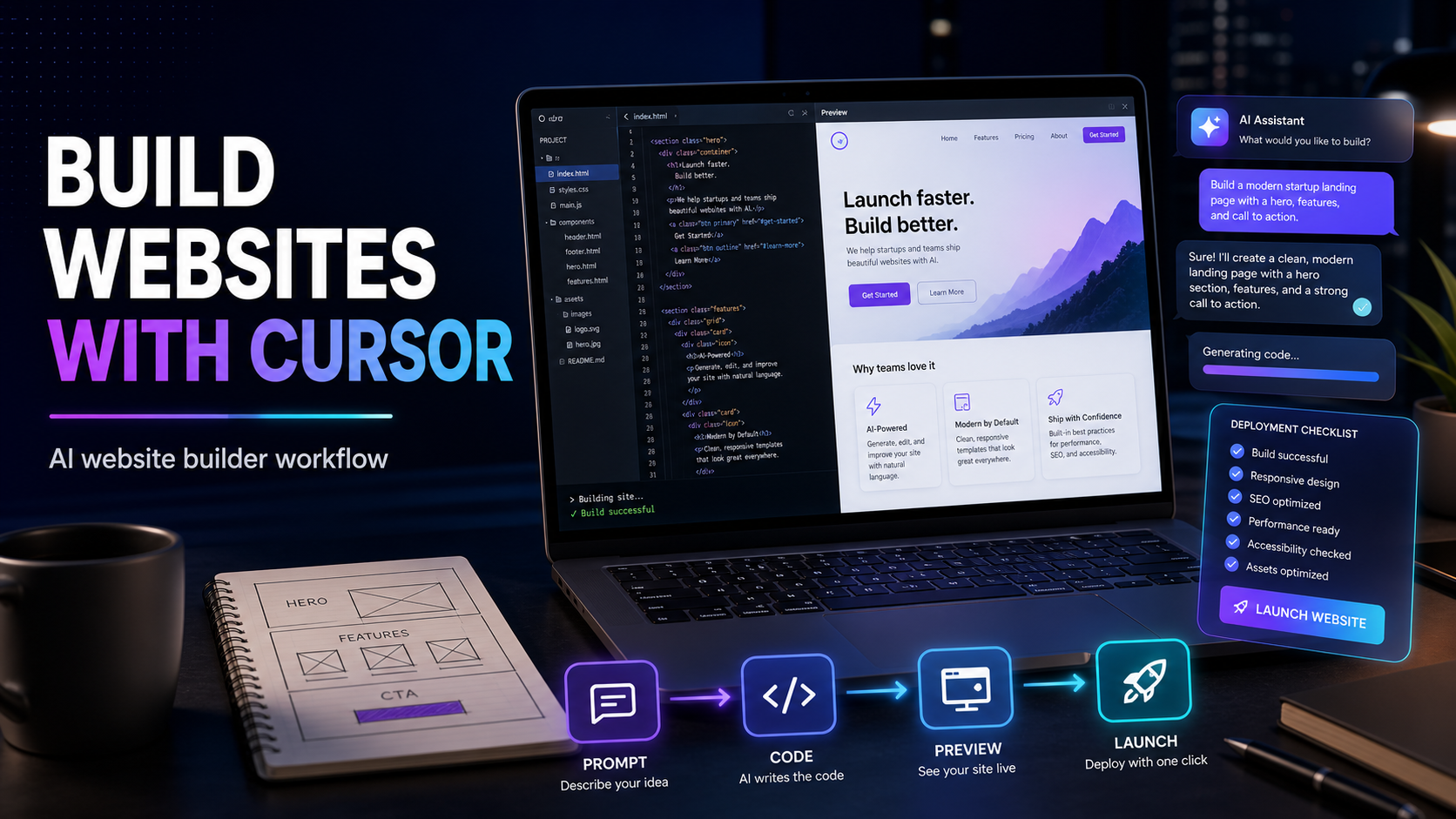
Cursor
The AI-native code editor that helps founders and engineering teams ship software with agents, inline edits, and full-codebase context.

Unbounce
Build, test, and optimize high-converting landing pages with AI-powered traffic optimization, A/B testing, and smart copywriting tools.

Landbot
Build AI-powered chatbots and conversational experiences for lead generation, customer support, and sales automation. Deploy on web, WhatsApp, or integrate via API.

CreativeScore
AI-powered creative testing platform to optimize ad performance and maximize ROI across all marketing channels.

RankPrompt
AI-powered SEO content optimization tool to create search-engine-friendly content that ranks higher in Google.