
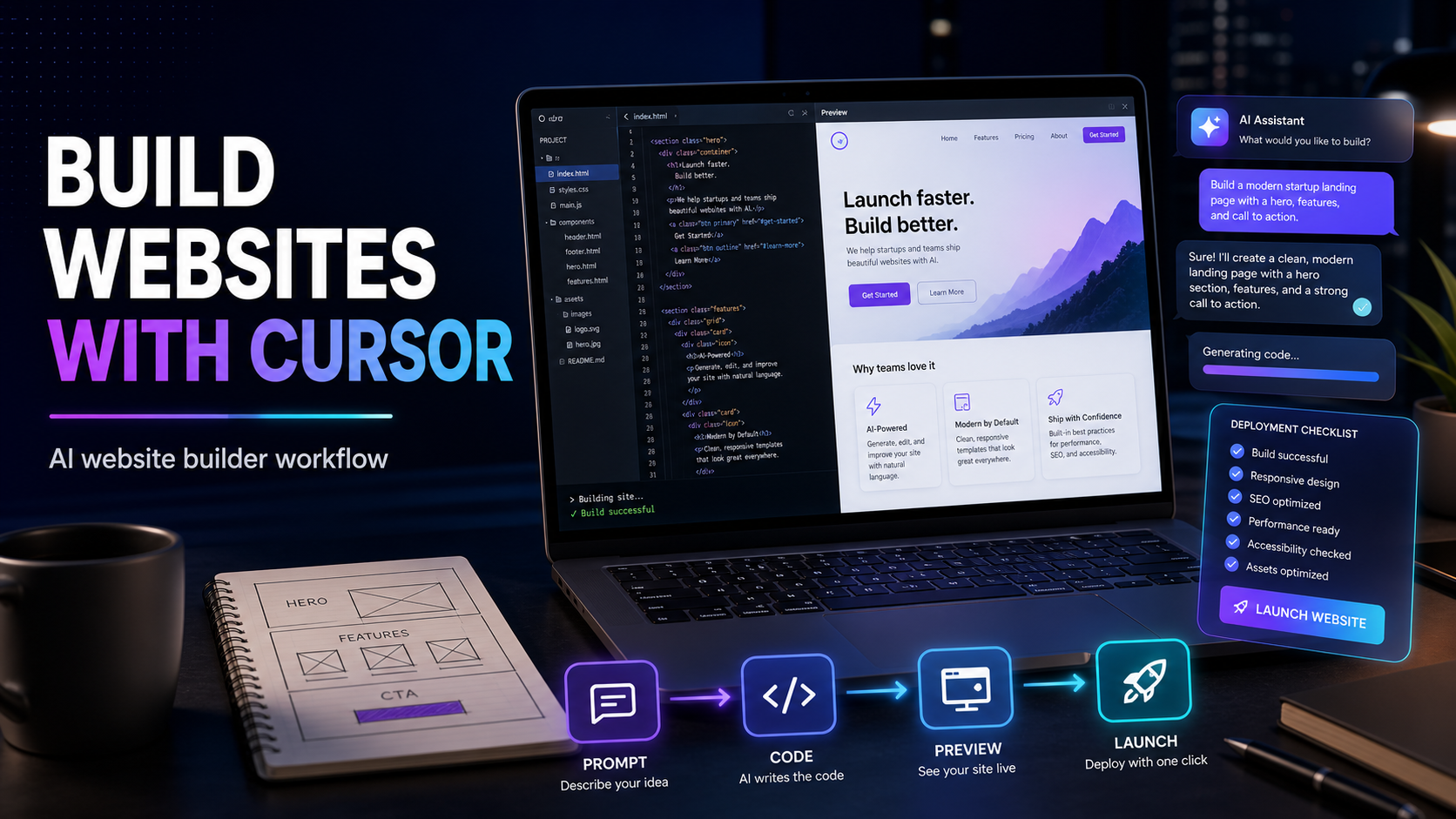
Is Cursor the Best AI Website Builder? How to Build Websites With AI From First Prompt to Launch
People are searching for the fastest way to build websites with AI because the old process feels too slow.
Pick a template. Learn a builder. Fight the mobile layout. Connect forms. Rewrite copy. Ask a developer for small fixes. Wait. Repeat.
AI website builders promise to make that easier. Some are great for landing pages and simple sites. Others are better for mockups. Cursor sits in a different category.
Cursor is not really a traditional website builder.
It is an AI-native code editor. That sounds technical, but the practical idea is simple: you describe what you want, Cursor helps write the code, you preview the site, then you keep asking it to improve the parts that need work.
For a serious website, that can be more powerful than a template builder because you are not trapped inside one layout system. You can build a landing page, directory, dashboard, app, calculator, booking flow, or custom front end with real code that can grow later.
That is why many founders and small teams are asking a better question.
Is Cursor the best AI website builder for people who want to build a real site fast?
The answer depends on what you are building.
If you want a one-page site today and never plan to customize much, a no-code builder may be easier.
If you want a website that can become a product, tool, app, directory, portal, or conversion system, Cursor is one of the strongest places to start.
What Cursor Actually Does
Cursor gives you a code editor with AI built directly into the workflow.
Instead of opening a blank file and trying to remember every command, you can ask Cursor to create pages, update components, fix layout problems, explain errors, improve copy, and make changes across multiple files.
The important part is context.
Cursor can look at the project you are working on. That means it can understand your file structure, your components, your styles, and the code that already exists. For website work, that matters because one small visual change often touches more than one file.
A normal chatbot might give you a code snippet.
Cursor can help place that code inside the actual project.
That is the difference between advice and building.
Is Cursor Good for Beginners?
Cursor is beginner-friendly if you approach it the right way.
It is not beginner-friendly if you expect it to behave like a drag-and-drop editor.
The best beginner mindset is this: Cursor is your AI build partner. You still guide the project, approve changes, preview the site, and make final decisions. Cursor helps you move faster through the parts that used to require a developer or a long tutorial.
Beginners should start with a simple stack.
- A small website project
- One clear goal
- A local preview
- A basic deploy target
- Short prompts
- One change at a time
Do not start by asking for an entire marketplace, CRM, login system, dashboard, and payment flow in one prompt.
Start with the first useful version.
What Kind of Websites Can You Build With Cursor?
Cursor is useful when the site needs more than a static brochure.
It can help with:
- Landing pages for a service, product, or app
- Affiliate websites and tool directories
- Local business websites
- SaaS marketing pages
- Blog and content hubs
- Lead capture pages
- Calculators and interactive tools
- Dashboards and internal portals
- Documentation sites
- Custom forms and onboarding flows
The biggest advantage is flexibility.
If your page needs a custom comparison table, trial tracker, pricing calculator, searchable directory, quiz, or AI-assisted workflow, Cursor gives you a path that normal website builders may not handle cleanly.
How to Build a Website With Cursor
The fastest way to build with Cursor is to treat the website like a sequence, not one giant prompt.
Step 1. Decide What the Website Must Do
Before opening Cursor, write one plain-English goal.
Good examples:
- Build a landing page that gets people to book a demo.
- Build a local service site that collects estimate requests.
- Build a simple directory of AI tools with filters.
- Build a lead magnet page with an email form.
- Build a portfolio that explains services and shows proof.
Bad examples:
- Build me a great website.
- Make something modern.
- Create the best site ever.
Cursor performs better when the job is clear.
Step 2. Start With a Simple Prompt
Open your project in Cursor and describe the first version.
A good beginner prompt looks like this:
"Create a clean responsive landing page for a small business AI consulting service. Include a hero section, problem section, service cards, proof section, FAQ, and a strong call to action. Use modern spacing, readable copy, and mobile-friendly styling."
That gives Cursor enough direction without asking it to read your mind.
After it creates the first version, preview it before asking for more.
Step 3. Improve One Section at a Time
The best Cursor workflow is not one huge request.
It is a loop.
Ask for a section. Review it. Ask for a better version. Preview it. Fix the details.
For example:
- Make the hero more specific to local service businesses.
- Add stronger call-to-action copy.
- Make the pricing section easier to scan.
- Improve the mobile layout.
- Add schema markup for a service business.
- Make the FAQ answer buyer objections.
- Add a sticky header and clearer navigation.
This is how you get from first draft to usable site without losing control.
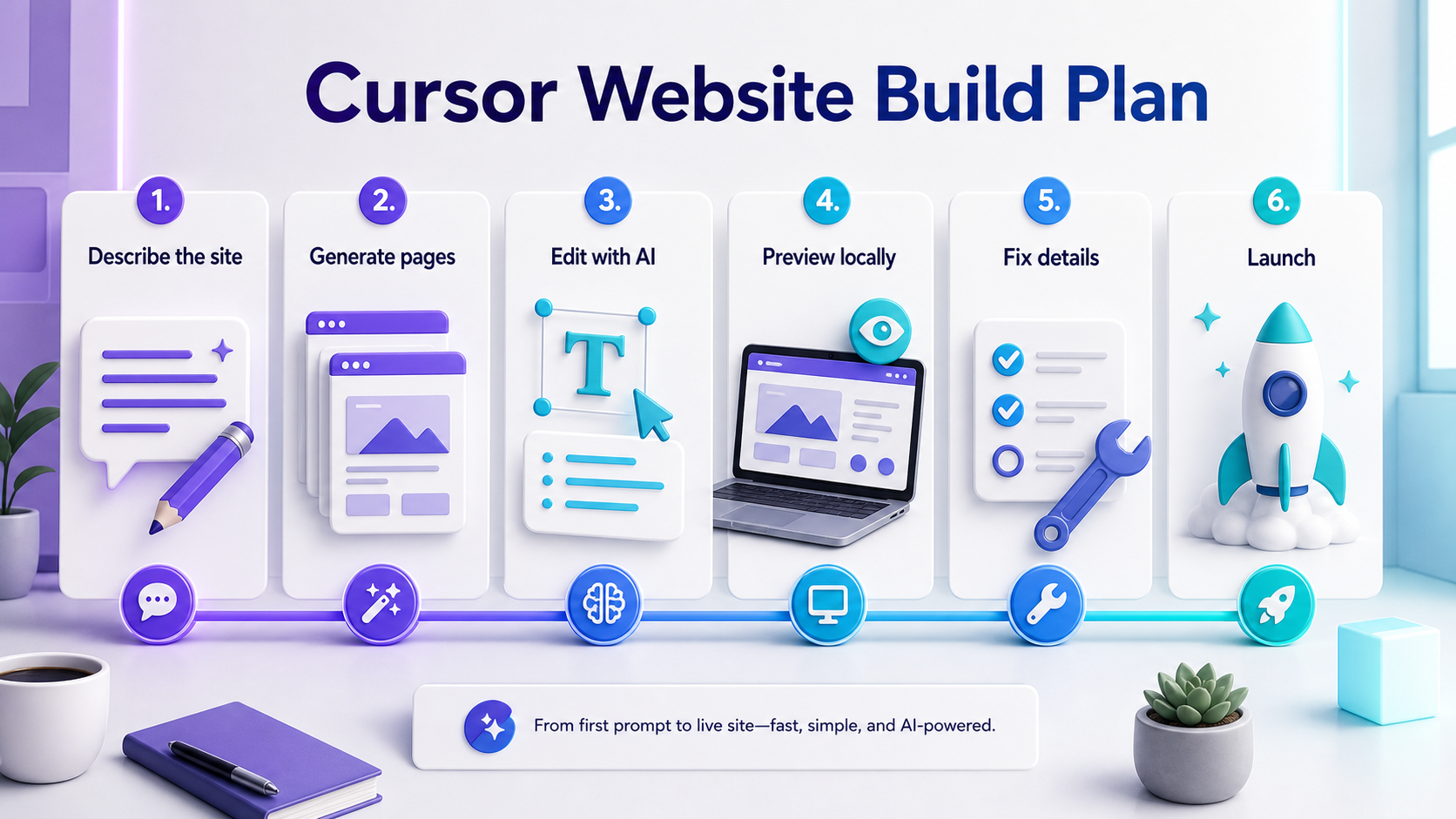
How to Build Websites in Minutes With AI
You can build a first website draft in minutes with Cursor if you keep the first version small.
The speed comes from narrowing the job.
Instead of asking Cursor for a complete brand, strategy, copy system, app, and website, ask for a working first page.
Use this structure:
- Tell Cursor the audience.
- Tell Cursor the goal of the page.
- Tell Cursor the sections you want.
- Tell Cursor the tone.
- Tell Cursor what action the visitor should take.
Here is a practical prompt:
"Build a responsive homepage for a bookkeeping service that helps freelancers avoid tax surprises. The goal is to get visitors to book a consultation. Include a hero, three pain points, service packages, founder note, testimonials, FAQ, and a final booking CTA. Keep the copy clear, trustworthy, and not too salesy."
That can create a solid first draft quickly.
Then use follow-up prompts for polish:
- Tighten the headline so it speaks to freelancers.
- Make the CTA button more action-oriented.
- Add a section explaining who this is not for.
- Improve contrast in day mode and night mode.
- Make the mobile version feel less crowded.
- Add metadata for search.
Minutes get you the draft.
The follow-up loop gets you the site.
Where Cursor Beats No-Code Builders
No-code builders are excellent when the design box already fits the job.
Cursor is better when the site needs custom behavior.
That includes:
- Searchable directories
- Dynamic filters
- Custom dashboards
- Interactive recommendation tools
- Affiliate redirect logic
- Programmatic pages
- SEO templates
- Structured data
- Custom calculators
- Reusable components
If you are building a site that needs to evolve into a real product, Cursor gives you more ownership.
You are not only designing pages. You are building the system behind the pages.
Where Cursor May Not Be the Best Fit
Cursor is powerful, but it is not the answer for every user.
It may be too much if:
- You never want to look at code
- You only need a one-page brochure site
- You do not want to preview, test, or approve changes
- You need a hosted builder with built-in templates and billing today
- You prefer editing everything visually
That does not make Cursor bad.
It means Cursor is best for people who want speed plus control.
A Simple Cursor Website Workflow
Use this workflow if you are new.
Plan the page
Write the audience, offer, sections, and call to action in plain English.
Generate the first version
Ask Cursor to create the page structure, copy, and styling.
Preview locally
Run the site and inspect the page on desktop and mobile.
Fix the obvious issues
Ask Cursor to improve spacing, contrast, responsiveness, forms, images, and CTA clarity.
Add trust
Ask for FAQ content, proof sections, comparison tables, testimonials, policies, and schema markup where appropriate.
Deploy
Use a hosting workflow that can take the project from code to a live site. For many teams, that means connecting the project to a host that supports preview and production deploys.
Keep improving
Once visitors arrive, keep improving the page based on what people click, where they drop off, and what questions they ask.
Prompts to Use Inside Cursor
Here are useful prompts for website building.
For a first page
"Create a responsive landing page for [business] that helps [audience] achieve [outcome]. Include [sections]. Make the copy clear, useful, and conversion-focused."
For a better hero
"Rewrite this hero section so the headline is more specific, the subheading explains the outcome, and the CTA tells visitors exactly what to do next."
For SEO
"Add SEO-friendly page metadata, improve the H1 and section headings, and suggest FAQ questions buyers may search before choosing this solution."
For mobile
"Review this page for mobile layout issues. Improve spacing, button size, text wrapping, image sizing, and section order."
For trust
"Add a buyer confidence section that explains who this is for, who it is not for, what happens next, and common concerns."
For cleanup
"Review this page like a senior front-end developer. Fix messy spacing, repeated code, weak contrast, and anything that feels unfinished."
How Skowers Readers Should Test Cursor
Do not judge Cursor by asking it one vague prompt.
Run a real website test.
Pick one page you actually need. Give Cursor a clear goal. Let it build the first version. Then spend thirty minutes improving it through follow-up prompts.
At the end, ask yourself:
- Did it help me get a usable page faster?
- Did I understand the changes well enough to approve them?
- Did the site look better after each follow-up?
- Could this become a real project instead of a throwaway mockup?
- Did it reduce the need to wait on someone else?
If the answer is yes, open Cursor through Skowers and test it against a real website idea.
The Bottom Line
Cursor is not the best AI website builder for everyone.
It is one of the best AI website-building tools for people who want a real site they can own, change, extend, and launch.
For simple brochure pages, a no-code builder may be faster.
For custom websites, app-like pages, directories, dashboards, and serious web projects, Cursor gives you a better path from idea to working site.
The real advantage is not only speed.
It is control.
You can describe the outcome, watch the code change, preview the result, improve the details, and keep building after the first version is live.
That is what makes Cursor worth testing if your goal is not just to make a page, but to build something useful.
Related Articles



Continue Your Research