

Cursor
The AI-native code editor that helps founders and engineering teams ship software with agents, inline edits, and full-codebase context.
Use the Skowers link to open Cursor's trial page and test the workflow before committing.
Free Trial Available
Best next step: open the trial page, test one real workflow, and decide if it belongs in your stack.
Skowers brief
Cursor AI Website Builder: Better Than No-Code Builders?
YouTubeSkowers compares Cursor as an AI website builder with no-code tools: when describing a real site in Cursor is a better path than a template, and when a drag-and-drop builder is still faster.
Open the Cursor AI Website Builder: Better Than No-Code Builders? player pageAbout Cursor
Cursor is an AI-native IDE built for people who want to turn product ideas into working software faster. It keeps the familiar depth of a modern editor while making agents, inline edits, multi-file refactors, and codebase-aware chat first-class. Founders use it to prototype and ship MVPs without waiting on a full engineering bench. Product and engineering teams use it to accelerate features, clean up bugs, review diffs, and run parallel agents across local, cloud, and remote environments. With Agent Mode, Background Agents, rules that encode your team standards, and Model Context Protocol connections into real tools, Cursor becomes less like autocomplete and more like a development system you can direct. Start with Tab and Composer for fast edits, then graduate to Agents when the work spans files, terminals, and verification. If your bottleneck is building, iterating, and shipping software with fewer people—and higher ownership of the outcome—Cursor is built for that job.
Discover more developer & data tools and business software on Skowers, the hyper-curated directory for business growth so you can find what is the best AI right now. Find vetted tools with exclusive free trials and business software to scale your operations.
Cursor editorial rating
Reviewed by Skowers Editorial Team · Updated July 13, 2026
4.9/5
Skowers rates Cursor 4.9 out of 5 for teams evaluating developer & data software. This editorial review focuses on practical business fit, setup clarity, core strengths like AI Coding Agents, Codebase-Aware Chat, Inline Edits & Multi-File Refactors, and whether the tool is worth testing for AI IDE, Coding Agents, Software Development. Cursor is strongest as a shortlist candidate when you can test it against one real workflow, compare the time saved or revenue impact, and confirm the integrations match your current stack.
Review focus
Developer & Data fit, setup path, and realistic business use.
Best signals
AI Coding Agents, Codebase-Aware Chat, Inline Edits & Multi-File Refactors
Test before keeping
Use the free trial on one real workflow before committing.
Product videos
Watch Cursor: learn from the team
Start with Cursor 101, then continue with Cursor for Designers—then open the trial and ship something real with Cursor.
The AI IDE built to ship software, not just suggest snippets
Cursor keeps the feel of a serious code editor and layers on agents that can read your repo, edit across files, run terminals, and leave reviewable diffs. That matters when you are a founder shipping an MVP, a designer wiring a real product, or an engineer clearing a backlog without losing ownership of the code.
Start with Tab and inline edits for speed. Graduate to Agent Mode when the work spans features, refactors, or verification. Add rules so the editor learns your stack conventions. Connect MCP tools when agents need real context from docs, issues, or internal systems.
The conversion path is simple: watch the Cursor team videos above, open Cursor through the Skowers link, and run one real feature or bug end-to-end. If it shortens the path from idea to working software, upgrade when the free trial limits start getting in the way.
Founders
Prototype and ship MVPs with agents instead of waiting on a full bench.
Product & design
Turn specs and UI into working UI/code without losing craft.
Engineering teams
Accelerate features, clean refactors, and review diffs with less thrash.
Key Features
Tags
Who should try Cursor?
Cursor is worth evaluating if you need a developer & data tool with a practical path to testing value quickly. It is especially relevant for teams comparing options around AI IDE, Coding Agents, Software Development.
Where Cursor can help
Build, search, automate, or analyze technical workflows with less infrastructure overhead.
Help technical teams prototype and ship AI-enabled products faster.
Support data-heavy use cases where speed, reliability, and integrations matter.
How to judge if Cursor is a good fit
- Confirm the main workflow matches your developer & data goal.
- Check whether setup can be completed without slowing down the team.
- Review integrations with your current software stack.
- Compare the time saved or revenue impact against the ongoing cost.
- Look for documentation, support, and export options before relying on it.
A practical way to test Cursor
- 1Pick one developer & data workflow you already need to improve.
- 2Use Cursor's AI Coding Agents on a real task, not a demo scenario.
- 3Check setup time, integrations, team handoff, and whether the output is better than your current process.
- 4Decide before the trial ends whether the result is worth keeping in your stack.
Common questions about Cursor
What is Cursor best for?
Cursor is best for teams evaluating developer & data software. Its main strengths on Skowers are AI Coding Agents, Codebase-Aware Chat, Inline Edits & Multi-File Refactors.
Does Cursor offer a free trial or free plan?
Cursor is listed on Skowers as a free-trial tool, so the best next step is to open the trial page and test it on one real workflow before committing.
How should I test Cursor before signing up?
Start with one real use case, confirm the setup time, test the most important features, and compare the result against your current workflow before expanding usage.
What should I compare Cursor against?
Related tools to compare include Netlify, Inworld AI, Browse.
Keep Learning
Guides for this workflow
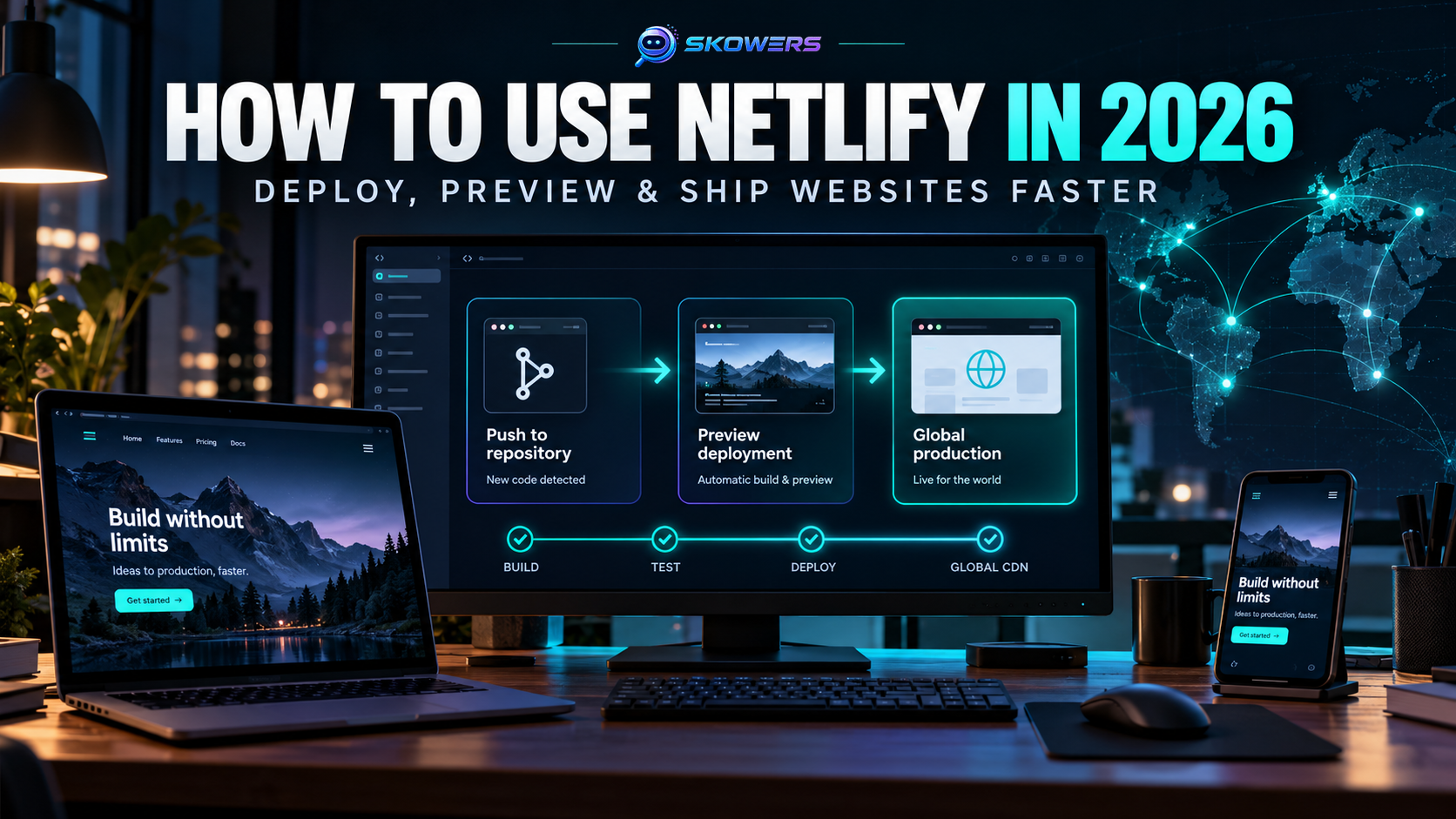
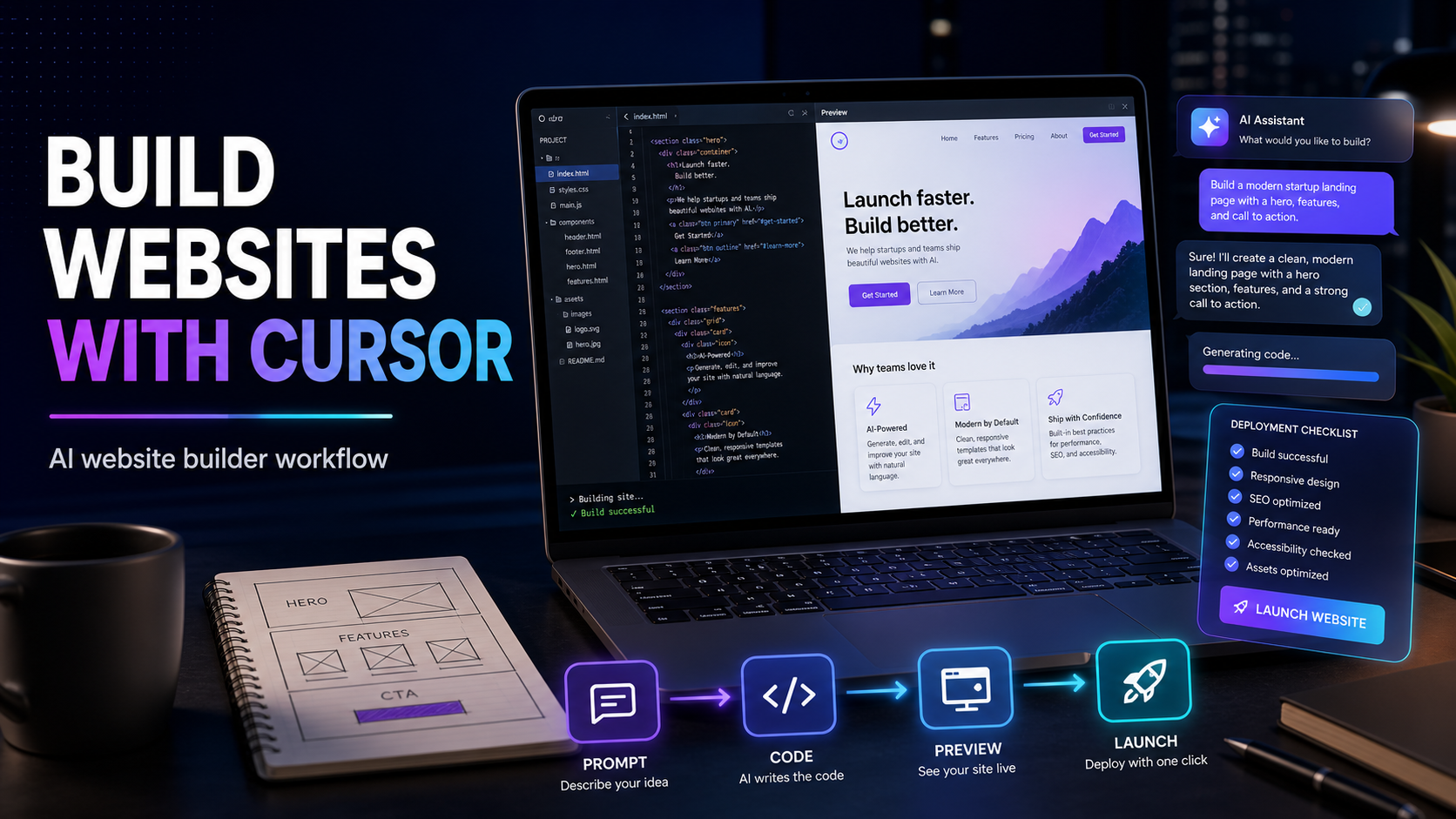
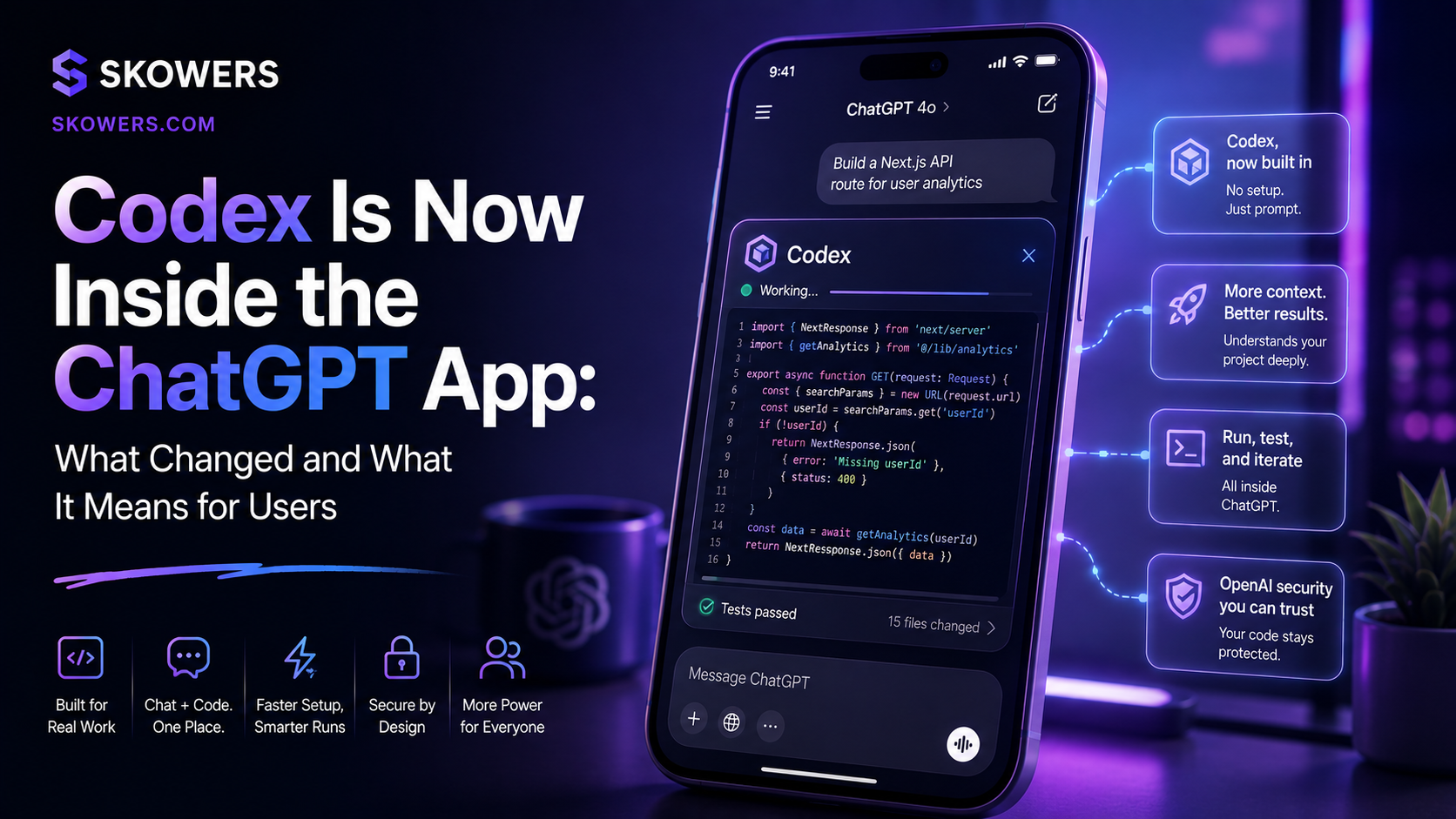
Related Tools
View All
Netlify
Ship websites and web apps from git to global CDN—deploy previews, serverless functions, and production hosting without ops overhead.

Inworld AI
Build realtime voice agents and interactive AI applications with speech models, model inference, and production developer tools.

Browse
Automate your competitive intelligence by training a no-code AI robot in minutes to scrape web data.

BlackBox
AI-powered code generation and assistance tool to write, debug, and optimize code faster.

RunPod
Cloud GPU platform for AI and machine learning workloads with affordable pricing and easy deployment.

NanoZ.fun
AI-powered development tools and graphics utilities to accelerate coding workflows and visual design productivity.