
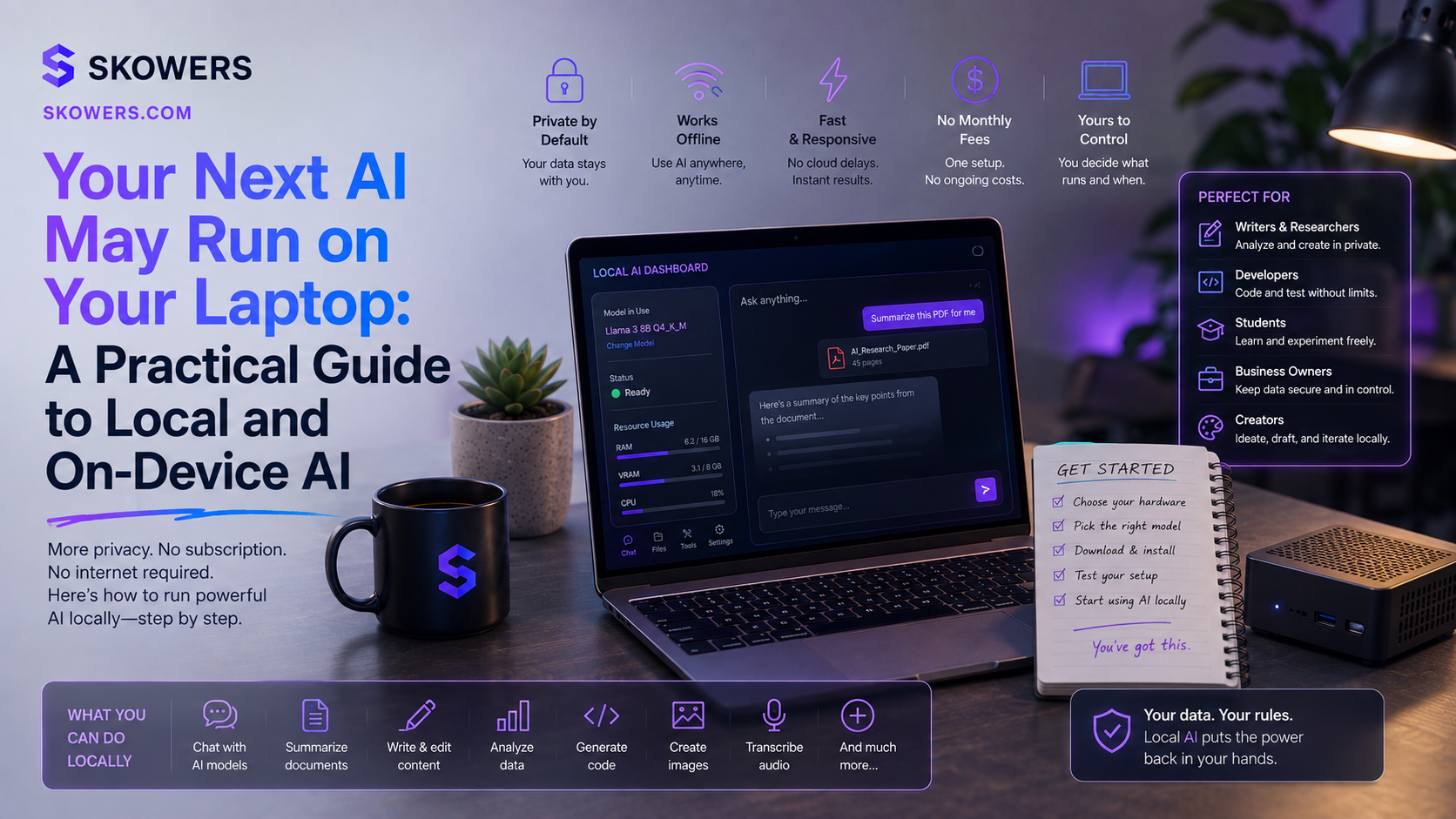
Your Next AI May Run on Your Laptop: A Practical Guide to Local and On-Device AI
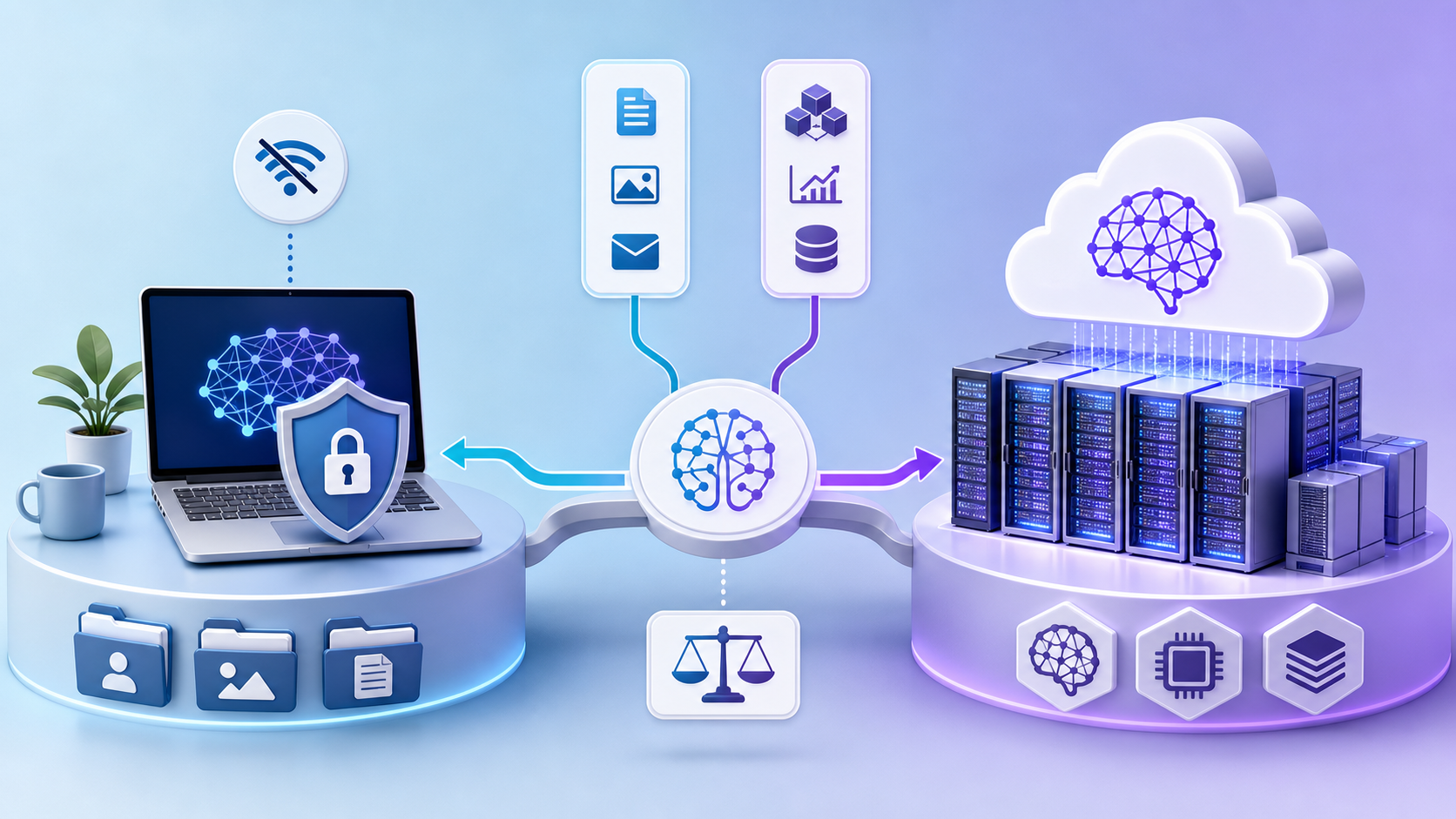
For most people, using AI has meant sending a request to a powerful model running in a distant data center.
That model can write, research, reason, create images, analyze files, and help with complex work. The tradeoff is that every useful request depends on an internet connection, an outside service, and a decision about what information is safe to send.
A second path is becoming practical.
The AI can run on the device in front of you.
Local AI and on-device AI are not replacements for every cloud assistant. They are a new layer in the stack. Small models can now handle focused work such as summarizing a document, classifying messages, extracting details, drafting routine text, searching approved notes, and understanding images without sending every input to a remote model.
This matters because the best AI is not always the biggest model.
Sometimes the best AI is the one that is fast, available, inexpensive, and close to the data it needs.

What Local AI Actually Means
Local AI means the model performs its work on hardware you control. That may be a laptop, desktop, phone, tablet, workstation, or private business server.
On-device AI is a more specific version of the same idea. The model runs directly inside the device or application instead of relying on a remote server for every request.
The distinction matters because an app can look local while still sending some requests to the cloud. A product may use a small model on the device for simple tasks, then route harder work to a larger online model.
That hybrid approach is often the most useful design.
Routine and sensitive tasks stay close to the user. Complex research and advanced reasoning can use a cloud model when the benefit justifies it.
Why On-Device AI Is Becoming More Useful
Three changes are moving local AI beyond hobbyist experiments.
Smaller models are more capable
Small language models are being trained for focused jobs instead of trying to know everything.
Google describes Gemma 3n as a model designed for efficient use on lower-resource devices. It can process text, images, audio, and video inputs. Apple provides developers with access to an on-device foundation model that supports language tasks, structured output, and tool calling. Microsoft has continued developing Phi models that aim to deliver strong capability at a smaller size.
These models still have limits, but their useful range is growing.
Consumer hardware is built for AI work
Modern devices increasingly include dedicated neural processors, capable graphics hardware, and memory systems designed for machine learning workloads.
The result is not unlimited power. It is a practical ability to run smaller models without renting a remote server for every request.
Local AI software is easier to use
Tools such as Ollama make it easier to download and run supported models locally. WebLLM can run compatible language models inside a browser using WebGPU. Operating-system frameworks are giving developers a consistent way to add on-device intelligence to ordinary applications.
The setup is still more involved than opening a cloud chatbot, but the gap is getting smaller.
What Local AI Is Good At
Local AI works best when the task is narrow, repeatable, and supported by information you provide.
Strong early use cases include:
- Summarizing private meeting notes
- Extracting names, dates, products, or action items from documents
- Classifying customer messages before a person reviews them
- Rewriting internal drafts in a consistent tone
- Searching an approved folder of policies or project notes
- Creating first-pass descriptions for local files and images
- Turning voice notes into organized task lists
- Tagging records for later review
- Drafting routine replies that a person approves before sending
- Working offline when a reliable internet connection is unavailable
These jobs do not require the model to know the entire world.
They require it to understand a clear instruction and a limited set of information.
That is where smaller models can create real value.
The Four Practical Advantages
1. More control over sensitive inputs
When the model and the files remain on a device you control, fewer systems need to receive the information.
That can be useful for internal notes, early product ideas, unpublished content, customer drafts, or business documents that should not be pasted casually into an online tool.
Local does not automatically mean secure. The computer may still sync folders to cloud storage, save chat histories, create logs, or expose a local service to the network. Privacy still depends on configuration, access controls, encryption, backups, and user behavior.
The advantage is control, not magic.
2. Predictable usage cost
A local model does not charge by the token every time it summarizes a file or classifies a message.
There are still costs. Hardware uses electricity. Setup takes time. Larger models may require more memory or a stronger computer. Maintenance belongs to you.
For frequent, lightweight tasks, local processing can still make costs easier to predict.
3. Offline availability
An on-device model can keep working when the internet is slow, unavailable, or intentionally disconnected.
Apple notes that its on-device foundation model can support features while data remains on the device and can operate offline. Local model runners offer the same basic advantage when the model files have already been downloaded.
Offline AI can be useful during travel, field work, secure reviews, or any workflow where connectivity should not decide whether work continues.
4. Faster responses for small jobs
Cloud models can be extremely fast, but every request still travels across a network and waits for a service.
A small local model can respond quickly when the task is simple and the necessary data is already available on the device.
Speed depends on the model, hardware, prompt size, and application. Local is not always faster. It can feel more immediate for short, repeated jobs.
Where Cloud AI Is Still Better
Local models should not be treated as smaller copies of the strongest cloud systems.
Cloud models usually remain the better option for:
- Difficult reasoning across many steps
- Broad research that needs current information
- Complex coding across a large project
- High-quality image, video, or audio generation
- Long documents that exceed a local model's context window
- Work that depends on powerful hosted tools or live data
- Tasks where accuracy matters more than privacy, latency, or cost
A small model may produce confident but weak answers when the task asks for knowledge or reasoning it does not have.
That is why the question should not be local or cloud.
The better question is which environment fits this specific job.
Use a Simple Routing Rule
Start with four questions.
Is the information sensitive?
If the prompt contains private business information, first consider whether the job can be completed locally.
Is the task narrow and repeatable?
Classification, extraction, summarization, and formatting are better local candidates than open-ended strategy.
Does the task need current outside information?
If the answer depends on today's prices, news, laws, inventory, or web research, a connected system is usually required.
What happens if the answer is wrong?
Low-risk drafts can be tested with a local model. Legal, medical, financial, employment, security, and customer-facing decisions need qualified human review and may require stronger systems.
The result is a practical hybrid stack.
Keep private routine work local. Use cloud intelligence for jobs that need more capability. Keep a person responsible for consequential decisions.
A Safe First Local AI Pilot
Do not begin by connecting a local model to every file on your computer.
Choose one controlled test.
Step 1. Pick one repeated task
Good examples are summarizing weekly notes, extracting action items, sorting feedback, or rewriting internal drafts.
Step 2. Create an approved test folder
Copy a small set of non-critical files into a separate folder. Do not grant access to an entire drive, inbox, customer database, or shared company workspace.
Step 3. Choose a model that fits the device
Smaller models require fewer resources and often respond faster. Start small before deciding that new hardware is necessary.
Step 4. Use a fixed instruction
Give the model the same task and output format every time.
For example:
"Read this meeting note. Return the decisions, assigned actions, deadlines, and unanswered questions. Do not add information that is not in the note."
Step 5. Require human review
The model should create a draft, not silently update records or contact people.
Step 6. Compare it with the current process
Measure time saved, correction time, missed details, and consistency. A fast draft is not valuable if cleanup takes longer than doing the job manually.
Step 7. Expand only after the result is reliable
Add more documents or another workflow only after the first task works consistently.
How to Prompt a Smaller Model
Smaller models benefit from clearer instructions.
Apple's guidance for on-device prompting recommends concise requests, simple steps, and reducing the amount of reasoning the model must perform. That advice applies broadly.
Use these patterns.
Ask for one job
Weak prompt:
"Analyze this and tell me everything I should do."
Better prompt:
"Extract every customer complaint. Group the complaints into billing, setup, reliability, and support. Return a short list with the original sentence under each category."
Define the source boundary
Tell the model to use only the supplied document and say when the answer is not present.
Define the output
Ask for a checklist, table, summary, tags, or structured fields.
Split complex work
Instead of asking one small model to research, decide, write, verify, and publish, separate the work into stages.
Local Does Not Mean Risk Free
Running a model locally changes the risk. It does not remove it.
Watch for these problems:
- Prompt histories stored in plain files
- Automatic folder syncing to an outside service
- Local model servers exposed beyond the device
- Downloaded models from untrusted sources
- Applications that claim to be local but use cloud features by default
- Broad file permissions that give the application more access than necessary
- Outdated software with known security problems
- Employees assuming a private model is also an accurate model
Use trusted downloads, keep software updated, restrict network access, review storage settings, and give the application only the files required for the task.
For business use, document which model is approved, where it runs, what data it may process, and who reviews the result.
Do You Need a New AI Computer?
Not necessarily.
The right starting point is the device you already own.
Run one small model on one real task. Measure the speed and quality. If it is too slow or the model cannot handle the job, decide whether a stronger local machine, a private server, or a cloud model is the better investment.
Buying hardware before proving the workflow can create a different kind of AI waste.
The business value comes from the task, not the machine.
The Bottom Line
Local AI is becoming a practical companion to cloud AI.
It gives people another way to process sensitive information, work offline, reduce repeated usage costs, and build fast tools around narrow tasks.
It also demands realistic expectations.
Small models are not frontier models. Local software still needs security. Private processing does not guarantee correct answers. Hardware should follow a proven need.
The most useful strategy is selective.
Use local AI for private, routine, well-defined work. Use cloud AI when the task needs stronger reasoning, current information, or heavy creative capability. Keep people responsible for decisions that affect money, rights, safety, customers, or reputation.
The future of AI work may not be one assistant living in one cloud.
It may be a thoughtful mix of small models nearby and powerful models online, each used for the work it handles best.
Sources consulted include Apple Developer documentation for the Foundation Models framework, Google AI documentation for Gemma 3n, Microsoft Research publications on Phi small language models, Ollama documentation, and the MLC WebLLM project.
Related Articles
Continue Your Research