

Sentaro
EU-sovereign AI email security for Microsoft 365 and Google Workspace—stop phishing, BEC, and unsafe OAuth grants before anyone clicks.
Use the Skowers link to open Sentaro's trial page and test the workflow before committing.
Free Trial Available
Best next step: open the trial page, test one real workflow, and decide if it belongs in your stack.
About Sentaro
Sentaro is an EU-sovereign AI security platform that protects Microsoft 365 and Google Workspace by reading incoming mail and connected app grants the way an analyst would, then acting before a person becomes the last line of defense. It connects through admin APIs in about four minutes with no endpoint agents, no DNS or MX changes, and no mail rerouting. Sentaro’s Vord engine scores messages and OAuth grants, then delivers, flags, quarantines, or blocks according to policy—so business email compromise, impersonation, and risky app consent can be stopped before anyone opens the thread. Models are trained and served in Sweden under EU law, which matters for teams answering to GDPR, DORA, and NIS2. Identity and behavioral protection are on the product roadmap for Q4 2026. Growing companies use Sentaro when native spam filters still miss CFO impersonation, invoice fraud, and unverified “document viewer” apps that request mailbox access.
Discover more productivity tools and business software on Skowers, the hyper-curated directory for business growth so you can find what is the best AI right now. Find vetted tools with exclusive free trials and business software to scale your operations.
Sentaro editorial rating
Reviewed by Skowers Editorial Team · Updated July 13, 2026
4.7/5
Skowers rates Sentaro 4.7 out of 5 for teams evaluating productivity software. This editorial review focuses on practical business fit, setup clarity, core strengths like Microsoft 365 & Google Workspace, No MX or DNS Changes, AI Message Analysis, and whether the tool is worth testing for Cybersecurity, Email Security, Phishing. Sentaro is strongest as a shortlist candidate when you can test it against one real workflow, compare the time saved or revenue impact, and confirm the integrations match your current stack.
Review focus
Productivity fit, setup path, and realistic business use.
Best signals
Microsoft 365 & Google Workspace, No MX or DNS Changes, AI Message Analysis
Test before keeping
Use the free trial on one real workflow before committing.
Key Features
Tags
Who should try Sentaro?
Sentaro is worth evaluating if you need a productivity tool with a practical path to testing value quickly. It is especially relevant for teams comparing options around Cybersecurity, Email Security, Phishing.
Where Sentaro can help
Save time on scheduling, planning, writing, research, or operational follow-through.
Reduce context switching by giving repetitive work a clearer system.
Help founders and operators protect focus time while staying organized.
How to judge if Sentaro is a good fit
- Confirm the main workflow matches your productivity goal.
- Check whether setup can be completed without slowing down the team.
- Review integrations with your current software stack.
- Compare the time saved or revenue impact against the ongoing cost.
- Look for documentation, support, and export options before relying on it.
A practical way to test Sentaro
- 1Pick one productivity workflow you already need to improve.
- 2Use Sentaro's Microsoft 365 & Google Workspace on a real task, not a demo scenario.
- 3Check setup time, integrations, team handoff, and whether the output is better than your current process.
- 4Decide before the trial ends whether the result is worth keeping in your stack.
Common questions about Sentaro
What is Sentaro best for?
Sentaro is best for teams evaluating productivity software. Its main strengths on Skowers are Microsoft 365 & Google Workspace, No MX or DNS Changes, AI Message Analysis.
Does Sentaro offer a free trial or free plan?
Sentaro is listed on Skowers as a free-trial tool, so the best next step is to open the trial page and test it on one real workflow before committing.
How should I test Sentaro before signing up?
Start with one real use case, confirm the setup time, test the most important features, and compare the result against your current workflow before expanding usage.
What should I compare Sentaro against?
Related tools to compare include Bitdefender, Evolve AI, ElevateForward AI.
Keep Learning
Guides for this workflow

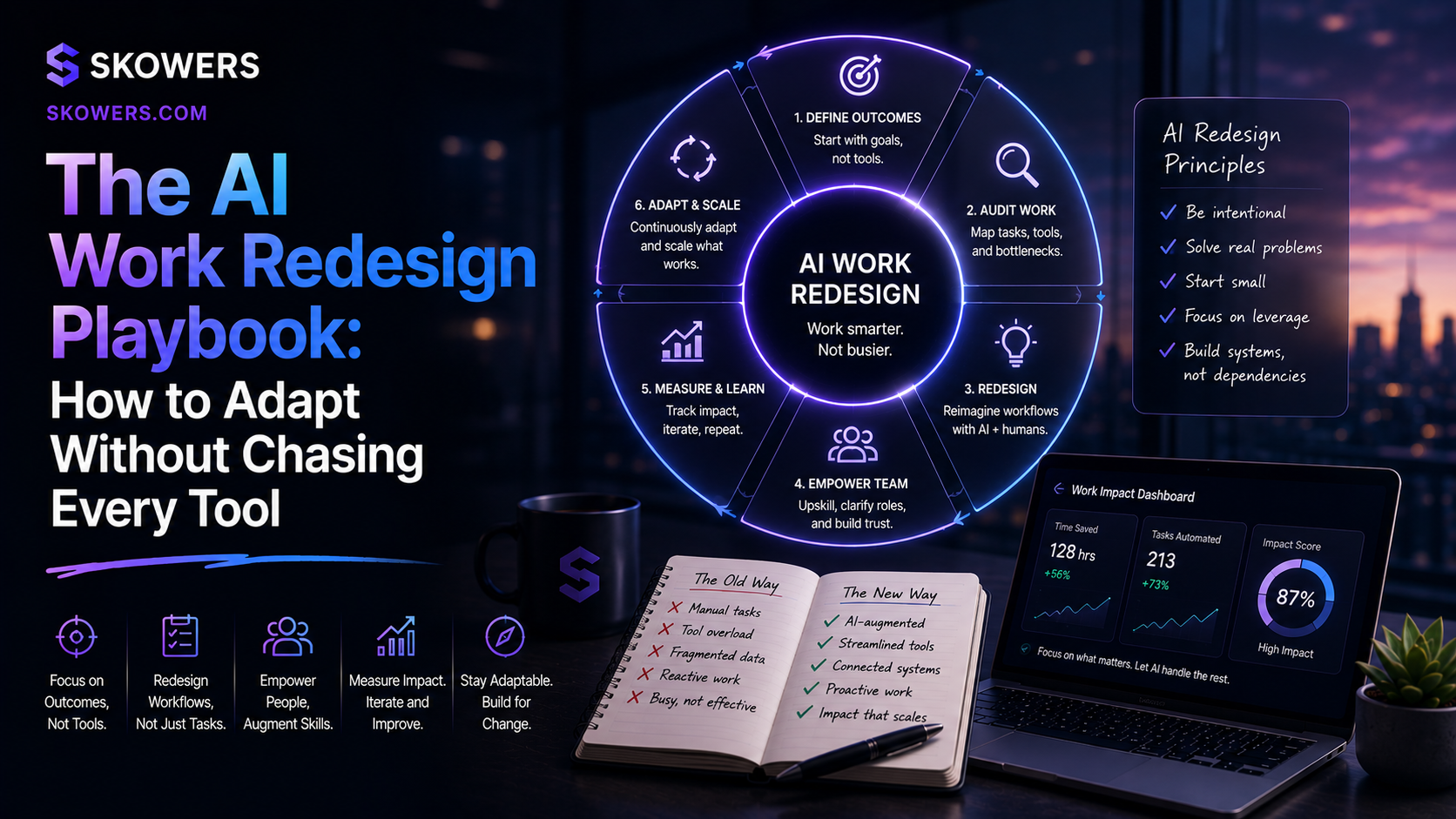

Related Tools
View All
Bitdefender
Enterprise-grade GravityZone security for growing teams—AI-powered protection against ransomware, phishing, and fileless attacks.

Evolve AI
AI-native training and enablement platform for building courses, simulations, and performance insights at enterprise scale.

ElevateForward AI
AI strategy and execution platform that connects diagnostics, planning, and operational follow-through in one workspace.

Lindy
Deploy your own personal AI assistant to manage your calendar, emails, and daily tasks.

Reclaim
AI-powered calendar and time management platform that automatically schedules meetings, blocks focus time, and optimizes your calendar for maximum productivity.

TheTop
AI chief of staff that connects email and calendar, then delivers a prioritized daily brief so founders know what needs attention first.