
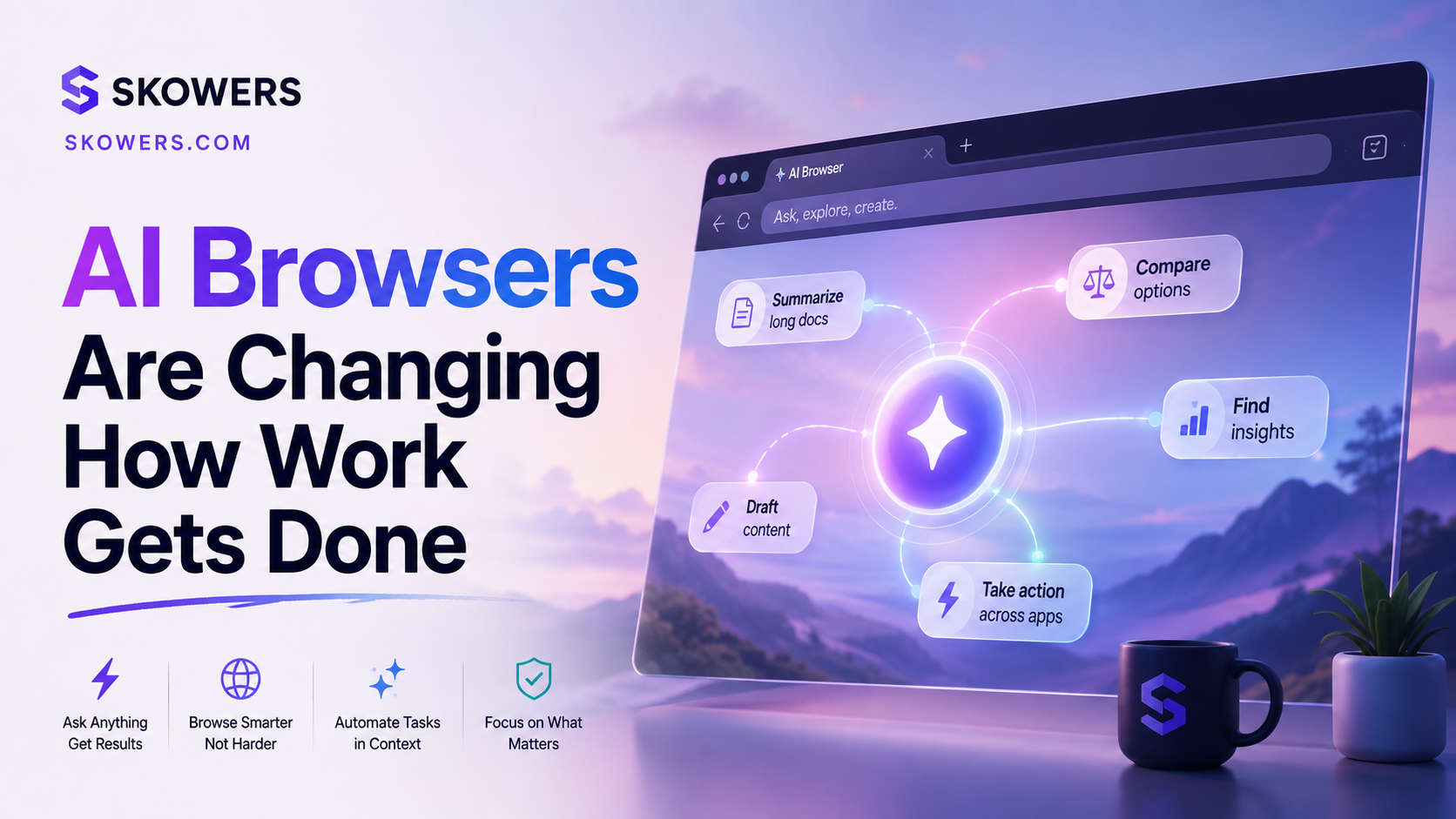
AI Browsers Are Changing How Work Gets Done
Listen: AI Browsers Are Changing How Work Gets Done

The browser used to be a window.
You searched, clicked, opened tabs, copied details, compared prices, filled forms, and tried to remember where you saw the useful thing three hours ago.
That old browser is starting to change.
AI browsers and browser agents are turning the web into a workbench. They can read pages, summarize open tabs, search across your activity, draft reports, compare tools, prepare meetings, and in some cases take actions through a virtual browser. OpenAI's ChatGPT agent, Perplexity's Comet, and Dia from The Browser Company all point toward the same shift. The browser is becoming less like a folder of tabs and more like an assistant that can see the work in front of you.
That does not mean everyone should hand an AI browser every login tomorrow.
It means the next software skill is knowing which browser tasks are safe to delegate, which ones need human approval, and which ones should stay manual until the tools mature.
This guide is for founders, operators, creators, sales teams, and anyone who already spends half the day inside tabs.
What an AI Browser Actually Changes
Most AI tools sit beside your work. You paste text into them. You ask for a draft. You copy the output back into another app.
An AI browser sits closer to the work itself.
It can understand the page you are viewing, the tabs you have open, the apps connected to your account, and the task you are trying to finish. That makes it useful for messy work that does not fit inside one clean prompt.
Examples include:
- Summarizing five vendor pages before you pick a trial
- Finding the pricing page you saw earlier
- Turning scattered tabs into a short buying brief
- Preparing for a meeting using calendar context and recent docs
- Comparing customer support tools across reviews and feature pages
- Drafting a report from pages, files, and connected work apps
- Watching a workflow and explaining where the slow step is
The key difference is context.
A chatbot answers what you paste. An AI browser can work with what you are already doing.
Why This Is Becoming Relevant Now
This is not just a design trend.
OpenAI introduced ChatGPT agent as a system that can combine research, browser interaction, connectors, analysis, and document creation. OpenAI also says users remain in control and can interrupt or take over when needed.
Perplexity describes Comet as an AI-powered browser with a personal assistant that can help navigate software, summarize pages, manage email and calendar work, and find answers from your own activity.
Dia is built around the idea that the browser should understand tabs, meetings, docs, calendar context, and work profiles.
The shared signal is clear. AI is moving from a box you ask questions in to a layer that sits inside the place where work already happens.
The Real Use Case Is Not Replacing You
The mistake is thinking an AI browser is valuable because it can click buttons.
Clicking is the least interesting part.
The real value is reducing the time between intent and completion.
You do not want to spend 40 minutes comparing four tools, copying features into a note, opening pricing pages, checking whether each has a trial, then forgetting which tab had the useful setup guide.
You want to say what you are trying to decide and get a usable first pass.
For example:
- Find three realistic options for email enrichment
- Compare them for a small outbound team
- Note which ones have free credits or trials
- Tell me what to test first
- Keep anything risky out of the final recommendation
That is not magic. It is research plus organization plus a human decision.
The browser becomes useful when it helps you move through the web with a cleaner path.
Where AI Browsers Can Save Real Time
Buying software
Software research is a perfect early use case.
Most buying journeys already happen across tabs. Product pages, pricing pages, help docs, reviews, videos, and affiliate offers all sit in separate places.
An AI browser can help you turn that mess into a short comparison.
Use it to collect:
- Pricing model
- Trial details
- Setup time
- Main use cases
- Integration requirements
- Risks or missing features
- Best first workflow to test
Then make the final decision yourself.
This pairs well with a directory workflow. Use Skowers to find candidates, then use an AI browser to compare official pages, docs, and guides before you start a trial.
Meeting preparation
Meeting prep is another high-value use case because the context is scattered.
A useful AI browser can help gather calendar details, recent emails, docs, account pages, and notes from prior calls. The output should not be a giant dossier. It should be a five-minute briefing that tells you what matters.
The best version looks like this:
- Who is joining
- What they likely care about
- What changed since the last call
- What decisions need to happen
- What questions you should ask
That saves time without pretending the AI knows the relationship better than you do.
Research that needs judgment
AI search gives answers. AI browsers can help with open-ended research.
That matters when you are not just asking for a fact. You are trying to compare pages, understand contradictions, or make a decision.
Good examples:
- Which CRM is best for a founder-led sales motion
- Which AI video tool fits ads versus tutorials
- Which automation platform is safest for client work
- Which customer support bot gives human handoff control
The browser can gather and summarize. You still decide what matters.
Repetitive admin
Some browser agents can help with repeated online tasks. The useful version is not full autonomy. It is guided execution with checkpoints.
Good starter tasks:
- Fill a draft form but pause before submission
- Pull invoice details into a spreadsheet
- Prepare a vendor comparison table
- Draft a support response from docs
- Collect product links for a buyer guide
Avoid starting with tasks that move money, change account settings, message customers, or commit to contracts.
The Permission Problem
AI browsers become more useful when they see more context.
That is also the danger.
Email, calendar, docs, Slack, CRM, browsing history, passwords, customer data, and payment pages are not casual permissions. They reveal how your business works.
Before connecting everything, ask four questions.
What does this assistant need to see
Do not connect tools because the setup screen offers them.
Connect only what helps the workflow. A meeting prep browser may need calendar and docs. It does not need payment tools. A vendor research workflow may need tabs and public websites. It does not need your inbox.
What can it do without asking
Reading is one level. Drafting is another. Sending, buying, deleting, publishing, and changing settings are higher-risk actions.
Start with read-only and draft-only workflows when possible.
Where is the human checkpoint
The checkpoint should be obvious.
Approve before:
- Sending messages
- Submitting forms
- Making purchases
- Changing settings
- Uploading private files
- Inviting users
- Updating customer records
If a workflow has no approval point, it is not ready for sensitive work.
What happens if it is wrong
This question cuts through hype.
If a mistake costs five minutes, test it. If a mistake sends a bad email to a customer, adds the wrong CRM note, or buys the wrong plan, slow down.
A Simple Adoption Plan
Do not move your whole browser life into an AI browser in one day.
Run a 7-day pilot.
Day 1
Use it only for public research. Compare product pages, summarize articles, and organize tabs.
Success means the output saves time and links back to sources you can inspect.
Day 2
Use it for internal reading with low-risk docs.
Ask for summaries, meeting prep, or draft notes. Do not let it send anything.
Day 3
Use it to prepare a real buying decision.
For example, compare three sales tools or three enrichment tools. Ask it to produce a short recommendation with reasons and risks.
Day 4
Use it for a repeat task.
Have it create a checklist, draft a table, or pull together research from tabs.
Day 5
Test an approval workflow.
Let it draft something, then force a human review before any action.
Day 6
Review privacy and permission settings.
Remove anything you connected out of curiosity. Keep only the permissions that supported a real workflow.
Day 7
Decide whether it earned a permanent place.
Keep it if it saved time on a weekly job. Cut it if it was mostly novelty.
The Browser Stack for Normal People
Most people do not need five AI browsers.
They need one default browsing environment, one AI assistant pattern, and one clear rule for sensitive actions.
A practical stack looks like this.
Research browser
Use an AI browser or agent for public research, comparison, summaries, and tab organization.
Work browser profile
Keep work accounts separate from personal accounts. Use profiles, separate logins, and clear browser boundaries.
Password manager
Do not rely on an AI browser as your access control plan. Keep password management separate and controlled.
Approval habit
Anything that sends, spends, deletes, publishes, or changes customer data needs human approval.
Trial tracker
If the browser helps you compare software, track the trials after you start them. Discovery without follow-up becomes subscription clutter.
Where This Fits With AI Tools You Already Use
AI browsers do not replace every app.
They sit above the apps.
A CRM still owns customer records. A helpdesk still owns tickets. An automation platform still owns workflows. A tool directory still helps you find candidates. A browser assistant helps you move across those surfaces faster.
Think of it as a coordinator, not the system of record.
For example:
- Use Skowers to find tools worth testing
- Use the AI browser to compare pages and docs
- Use the trial tracker to watch cost and status
- Use the actual tool to run the workflow
- Use your CRM, helpdesk, or project tool as the source of truth
That prevents the browser from becoming another messy inbox.
Red Flags to Watch
AI browsers are powerful, but the weak spots are predictable.
Watch for:
- Confident summaries without links
- Permissions that are broader than the task
- Drafts that sound polished but miss business context
- Actions that happen before approval
- Work history leaking across personal and business profiles
- Recommendations that ignore pricing or setup effort
- A browser that becomes another place to lose information
The best AI browser experience should make work easier to inspect, not harder.
What Businesses Should Do Next
If you run a team, the browser is about to become a more serious security surface.
That means you need rules before everyone connects everything.
Start with:
- Approved AI browser list
- Work and personal profile separation
- Rules for email, calendar, docs, CRM, and Slack access
- Approval rules for sending and spending
- A review process for browser extensions
- A policy for customer data and private files
- Training on what the assistant can and cannot do
Enterprise teams will care about managed browser policies, auditability, extension controls, and data boundaries. Small teams need the same thinking, just lighter.
The Bottom Line
AI browsers are not just a better search box.
They are the start of a new work surface where research, tabs, apps, and action sit closer together.
That can save hours. It can also create risk if you connect too much too quickly.
The winning habit is simple.
Let the browser help with finding, reading, comparing, drafting, and organizing.
Keep humans in charge of sending, spending, publishing, deleting, and changing anything important.
If you treat the AI browser like a junior operator with good research skills and limited permissions, it can become useful fast. If you treat it like a fully trusted employee on day one, you are asking for cleanup.
The future of browsing is not fewer tabs.
It is fewer wasted steps between a real question and a finished piece of work.
Related Articles
Continue Your Research