
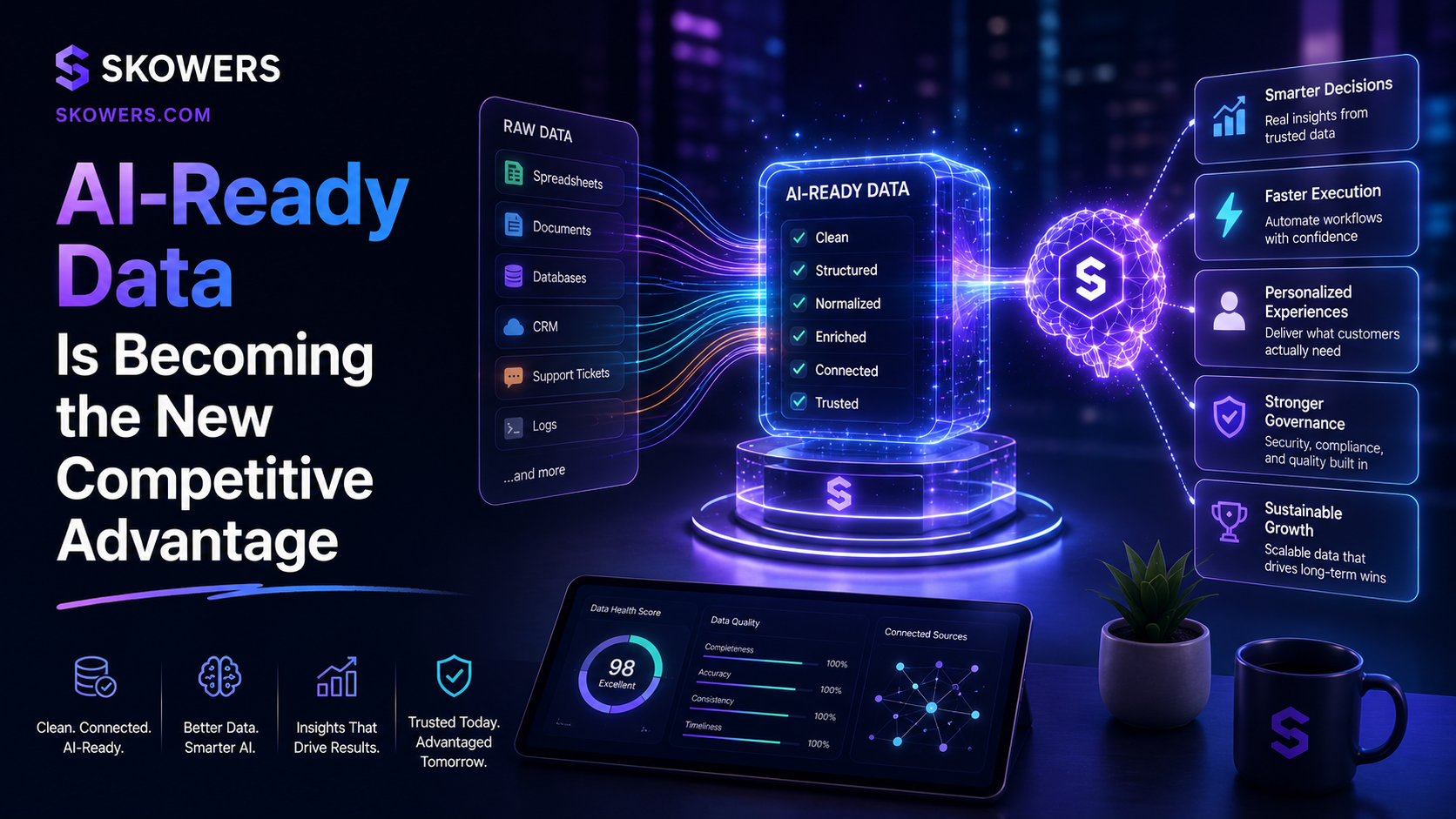
AI-Ready Data Is Becoming the New Competitive Advantage
Listen: AI-Ready Data Is Becoming the New Competitive Advantage
AI tools are getting easier to use.
That does not mean they are automatically useful inside a real business.
The difference usually comes down to data quality.
A chatbot can answer simple questions with public information. A workflow agent can follow instructions. A search assistant can summarize a page. But when the work depends on your prices, customers, policies, product details, service area, sales process, onboarding notes, contracts, support history, or internal rules, the AI needs better context.
This is where many teams get stuck.
They buy a promising AI tool, connect a few documents, ask hard questions, and feel disappointed when the answers are vague. The problem is not always the model. The problem is often the material the model is being asked to use.
AI-ready data is the next practical skill for founders, operators, agencies, sales teams, support teams, and local businesses.
It is not about becoming a data scientist.
It is about making your business easier for AI to understand.
What AI-Ready Data Means
AI-ready data is information that is clear, current, organized, permissioned, and useful for a real workflow.
For most small teams, this does not mean training a model from scratch.
It usually means preparing a clean knowledge base that an AI assistant, chatbot, search tool, CRM, support platform, or automation workflow can reference.
That might include:
- Product pages
- Pricing notes
- FAQs
- Sales objections
- Customer intake questions
- Onboarding steps
- Support macros
- Policy documents
- Case studies
- Service area details
- Approved brand language
- Common follow-up messages
The goal is simple.
When someone asks the AI a business question, the answer should come from the best available source instead of a random guess.
Why This Matters Now
AI tools are moving from blank chat boxes into connected work systems.
Sales tools can draft outreach from CRM context. Support tools can answer visitors from help docs. AI search tools can summarize your pages. Browser agents can compare vendors. Workflow platforms can move information between apps.
That makes business data more valuable.
If your information is scattered, outdated, duplicated, or unclear, AI will reflect that mess back to you. If your information is structured and reviewed, AI can become much more useful.
The best teams will not only ask better prompts.
They will maintain better source material.
The Mistake Most Teams Make
Most teams treat AI setup like a software install.
They connect an account, upload a document folder, and expect the system to understand the business.
That is rarely enough.
Your internal files were probably written for humans who already know the context. They may use shorthand, old pricing, missing dates, duplicate rules, unclear file names, and customer-specific exceptions that nobody explained.
AI does not know which document is the latest version.
It does not know that a sales deck is aspirational while the help center is official.
It does not know that an old proposal should not be used for current pricing.
It needs clean signals.
A Better Starting Point
Start with one workflow.
Do not organize the whole company first.
Choose a workflow where better AI answers would save time or improve conversions.
Strong starting points include:
- Website visitor questions
- Sales follow-up
- Lead qualification
- Customer onboarding
- Support triage
- Proposal drafting
- Internal tool search
- Trial setup guidance
Then collect only the information needed for that job.
If the workflow is sales follow-up, the AI needs buyer pains, product fit, objections, proof points, pricing notes, and approved follow-up language.
If the workflow is support triage, it needs current policies, troubleshooting steps, escalation rules, and examples of solved cases.
If the workflow is customer onboarding, it needs setup steps, common delays, owner responsibilities, and a clear path for handoff.
One clean workflow beats a giant messy knowledge dump.
What To Put In The Knowledge Base
A useful AI knowledge base should answer five practical questions.
Who is this for?
What problem does it solve?
What should happen next?
What should the AI avoid saying or doing?
Where is the source of truth?
That last question matters most.
If a pricing page, internal note, and old PDF disagree, the AI needs to know which one wins.
Create a short source hierarchy.
For example:
- Official product page
- Current pricing page
- Current help center
- Approved sales notes
- Recent customer examples
- Archived docs for background only
This makes the AI safer because it has a way to prefer current material.
The Clean Data Checklist
Before connecting documents to an AI tool, review them with a simple checklist.
- Remove outdated files
- Rename vague documents
- Add dates to policy notes
- Separate official rules from brainstorms
- Mark archived material clearly
- Delete duplicate versions when possible
- Add examples of good answers
- Add examples of bad answers
- List topics the AI should escalate
- Keep private customer data out unless the workflow truly needs it
This is not busywork.
It is the setup that makes AI outputs feel specific, useful, and trustworthy.
Examples Are More Valuable Than Instructions
Many teams write long instructions for AI and forget to include examples.
Examples are often more useful.
If you want an AI sales assistant to write better follow-up, show it real examples of good follow-up.
If you want a support bot to answer with the right tone, show it approved support replies.
If you want an onboarding assistant to guide new customers, show it the actual setup path and common mistakes.
A good example teaches tone, structure, detail, and judgment at the same time.
For every important workflow, save:
- Three strong examples
- Three weak examples
- The reason each one is strong or weak
- The rule the AI should learn from them
This gives the system something more concrete than general advice.
The Privacy Layer
AI-ready data also means permission-aware data.
Not every file belongs inside every AI tool.
Before connecting a folder, ask what the tool actually needs to see.
Public product information is usually low risk. Customer contracts, private emails, health information, payment records, legal notes, and employee data need much stronger controls.
Use read-only access where possible.
Keep sensitive data out of broad assistants unless there is a clear business reason.
Limit access by workflow.
Review what the tool stores, what it learns from, what it can export, and who on the team can query it.
The goal is not fear.
The goal is clean boundaries.
How This Helps Buyers Choose AI Tools
When comparing AI tools, do not only ask what the tool can generate.
Ask how it handles your data.
Useful buying questions include:
- Can it cite the source it used?
- Can it separate public docs from private docs?
- Can we control which files each assistant can access?
- Can we update or remove source material easily?
- Can it show when an answer is uncertain?
- Can it escalate instead of guessing?
- Can it work with our CRM, helpdesk, docs, or website?
- Can we review logs and improve the knowledge base over time?
These questions help you avoid tools that look impressive in a demo but become hard to trust in daily work.
A One Week Setup Plan
You can make progress in one week.
Start by choosing one workflow where better AI answers would save time or reduce mistakes.
Collect the best current source material for that workflow. Keep the scope narrow enough that a real person can review it.
Clean the material before connecting it to a tool. Remove outdated files, duplicate notes, unclear drafts, and anything that does not belong in the workflow.
Add examples that show what good answers look like. Include a few weak examples too, with notes about what makes them unhelpful.
Define escalation rules for sensitive, private, expensive, or uncertain questions.
Connect the cleaned material to one AI tool or test workspace.
Then ask real questions, review the answers, and improve the source material based on what the AI missed.
This process is small enough to finish.
It also creates a habit that can spread across the company.
What Good Looks Like
A good AI-ready knowledge base feels boring in the best way.
People know where the source of truth lives.
The AI gives answers that sound like the company.
Sales reps stop rewriting the same objection responses.
Support teams spend less time hunting for policy details.
New employees find answers faster.
Website visitors get clearer guidance.
Leaders can see which questions keep coming up.
The system improves because the source material improves.
That is the real advantage.
The Bottom Line
AI is not only a model problem.
It is an information quality problem.
The companies that win with AI will not be the ones that connect the most tools first. They will be the ones that give those tools clean context, current facts, clear examples, and sensible boundaries.
Before buying another AI app, look at the information it will use.
If the data is messy, the output will be messy.
If the knowledge base is clear, AI becomes easier to trust.
That is why AI-ready data is becoming a competitive advantage.

Related Articles

Continue Your Research